

Amazon Echo Review: The Verdict
The Amazon Echo can do a lot - more than any other smart speaker - but it's not all useful. While Amazon's openness to developers give the Echo and Alexa a clear advantage over competitors, it's still early days for smart speakers. The Echo can do a couple of tasks really well, but there's also a lot of undercooked "skills" around. We're hoping that these will continue to mature, but for the time being, Echo is perhaps best seen as a potential look at the future of computing.
What we love
- Wide range of third party skills
- Responsive, accurate microphones with a good range
- Affordable starting price
What could be improved
- Sound quality isn't amazing, especially on cheaper models
- Plenty of skills feel undercooked
- Australian models are missing a couple of features
The essentials
- Sound: Ranges from not to great to adequate to good, depending on how much you spend.
- Smarts: Best in class. Extensive third party support means there's a wide range of skills you can kit your Echo out with. These can be hit and miss, but there's a lot to explore.
- Ease of use: Easy to setup, and easy to use. You don't have to raise your voice to talk to Alexa, and the speaker is reliable when it comes to interpreting commands, at least after you've got the phrasing down. You will however need to put in a little bit of effort before talking to your Echo becomes second nature.
80/100
From $79
The Amazon Echo is arguably the smartest smart speaker. At the very least, it can do the most.
To start, you've got all of your standard smart speaker fare on board. You can ask Amazon's onboard AI - Alexa - for the news, the weather, sports scores, to play music, control compatible smart home appliances, or check your calendar appointments.
On top of this, there's a wealth of third party skills. You've got integrations from the likes of Uber, Spotify, Fitbit, amaysim, Qantas, Dominos, Deliveroo, and more. It's like the app rush all over again; everyone wants to have an Alexa skill, regardless of whether it makes sense, makes our lives easier, or does anything useful.
The Amazon Echo has the knowledge to tell your Fitbit progress for the day, but it doesn't have the wisdom to tell you that it would have been quicker to look at your wrist.
This isn't Amazon's fault, per se, but it's endemic to the Echo family, and the wider smart speaker market. Yes, it's kinda cool being able to ask a computer to do things for you, but the overarching question becomes about long term utility. As the novelty of owning an Echo has faded, I've got from wanting to try out every skill under the roof to using two or three boring commands on a regular basis.
But let's start with the basics.

So what's an Alexa?
Alexa is Amazon's virtual assistant, and powers the Echo range of speakers.
Hollering out "Alexa" will bring the speaker to life, ready to respond to any query you might have. Importantly, the microphones are quite responsive; in most cases I didn't need to raise my voice, even if I had the TV or music going in the background. Talking to Alexa works well for the most part.
Once you've got Alexa's attention, you've got a myriad of options. You can:
- Ask for a news briefing
- Ask for a weather update
- Ask for sport scores
- Play music through Amazon Music, Spotify, iHeartRadio, or TuneIn
- Set alarms and timers
- Control smart home appliances (such as smart bulbs)
- Check your calendar
- Check traffic
And these are just some of the features you get out of the box, without installing any additional skills.
It's worth noting that there's a couple of Alexa features that aren't available yet in Australia. You can't:
- Use Alexa to place orders through Amazon
- Train Alexa to recognise different voices
The latter means queries such as "Alexa, what I am doing today?" will only provide an answer for your Echo's primary user. Multi-user support is available internationally, so hopefully this comes to Australia sooner than later.
You're also able to chain together multiple skills by creating a routine; ostensibly a custom command. For example, you might use "Alexa, what's up my dude?" to tell you the traffic, the weather, and give you a news briefing. "Alexa, goodnight" could be used to turn off your smart bulbs, and put on some ambient noise (if that's your thing). Oddly, you're not able to include setting alarms as a part of a routine.
There are some limitations with voice as your primary method of interacting with the Echo. Sometimes it mishears you, sometimes it doesn't wake, sometime phrasing for commands is overly prescriptive. If you, like me, have a name that sounds a bit like Alexa (especially when said in full), there's a chance the Echo will wake erroneously. Thankfully, you can change the phrase that triggers your Echo (other options include Amazon, Echo, or Computer). These quirks don't get in the way most of the time, but they serve as a reminder that we're still living in 2018, not 2028.
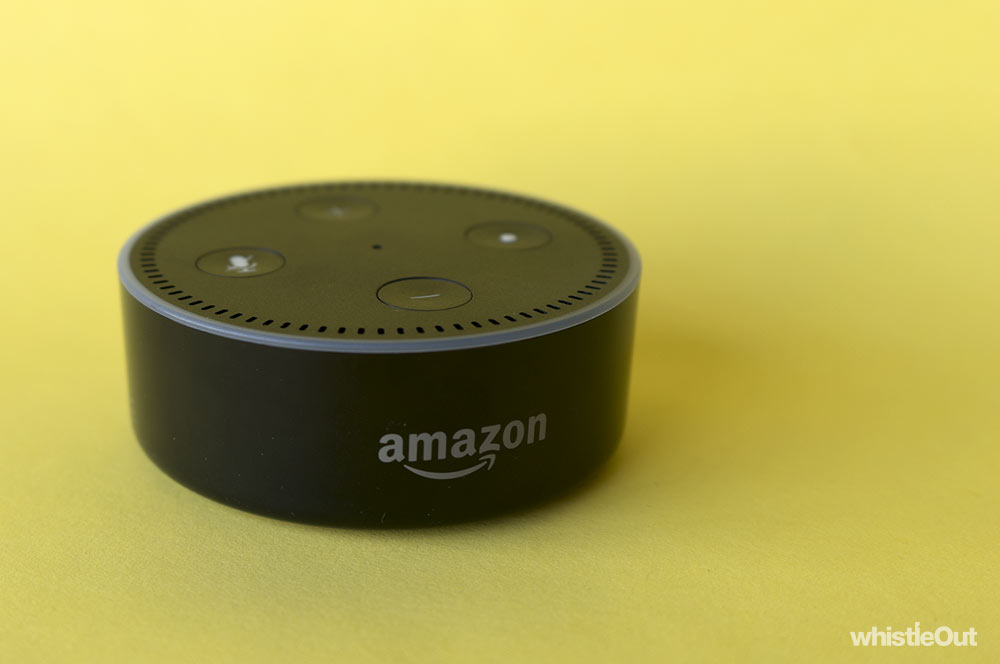
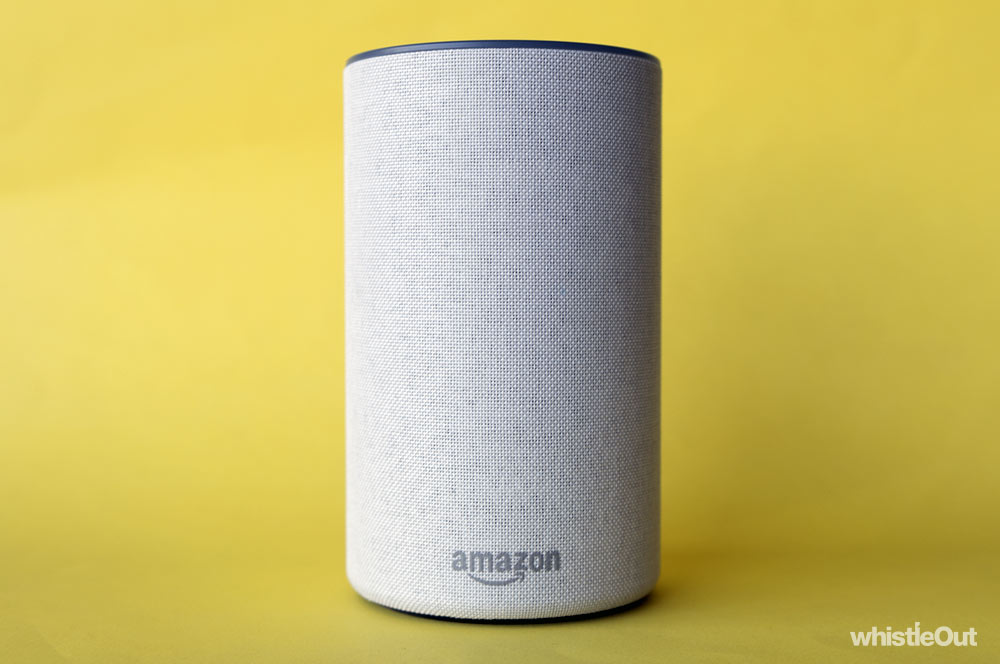
There are three speakers in the Echo family: the Echo Dot, the standard Echo, and the Echo Plus. The main differences between the three core Echo devices price and sound quality: the more you spend, the better it will sound. The Echo Plus can however directly interface with smart home devices via the Zigbee standard, which can replace the need for a dedicated hub for certain accessories.
While Alexa is made by Amazon, it's not exclusive to the Echo range. Third parties are able to use Alexa in their speakers, and we've recently seen Sonos and Ultimate Ears launch Alexa-powered devices locally.
Mad skills
Alexa's biggest point of difference in the smart speaker market is the wide range of third party skills available, but as always, quantity has nothing to do with quality. There's a lot of chaff: quizzes, oddly specific fact apps, math games, ambient sound generators, and no less than 25 different options for fart noises. It's not like there's anything wrong with these, but they’re not reasons to buy an Echo.
It's not all bad though; Alexa also has skills you might find genuinely useful. The Qantas integration lets you check if your flight is on time, Petrol Check tells you if now's a good time to fuel up, you can ask Tomato Score for the Rotten Tomato score of a film, and you can make a restaurant reservation with Dimmi. Once you've gotten the hang of the lingo, these can be genuine timesavers.
On the other hand, many skills just scratch the surface. Hoyts lets you check movie times for your cinema, but doesn't let you follow through and book. Westpac gives you your credit card balance with no way to pay it off. Uber will get a car to your house but you'll still need to use the app to add a destination. Foodora will let you check when an order is arriving, but doesn't let you place one. Dominos only lets you reorder your "usual" (although that's a step above not being able to order at all). The ideas are promising, but they don’t feel finished. They prevent Alexa from being your one-stop shop for those tasks, which can make you wonder why you'd even bother. It's a half-baked future.
This has led me to predominantly using my Echo for three things: to control my smart bulbs, as an alarm clock, and as a timer. Like I said, boring.
Sure, I have other skills available to me, but they're too limited in scope or I forget they're there because I haven't used them enough. When I'm booking an Uber to pick me up from home, it feels more familiar to pull out my phone and open the app; I've already formed that habit. It might be easier to form a new habit if I needed to book rides more often, but I only do so once a month or so, so Alexa's Uber skill falls by the wayside.
This ends up being the problem with more specific skills: unless you're using them regularly or they're much more efficient, you don't use your Echo. It was easy to get the hang of asking Alexa to turn on my lights and set alarms, but that's something I do every day.
Echo's also a speaker, right?
We've spent a lot of time talking about Echo's smarts, but what about the speaker part of the equation? This will vary wildly depending on what speaker you buy.
The entry level Echo Dot is pretty terrible as a speaker; music fluctuates between tinny and harsh. The standard Echo is a step up, and we'd compare it to a decent entry-level Bluetooth speaker like the UE Wonderboom. It's a perfectly acceptable speaker, but it won't wow you. We haven't spent much time with the Echo Plus, but once again, the higher price tag gets you a better speaker.
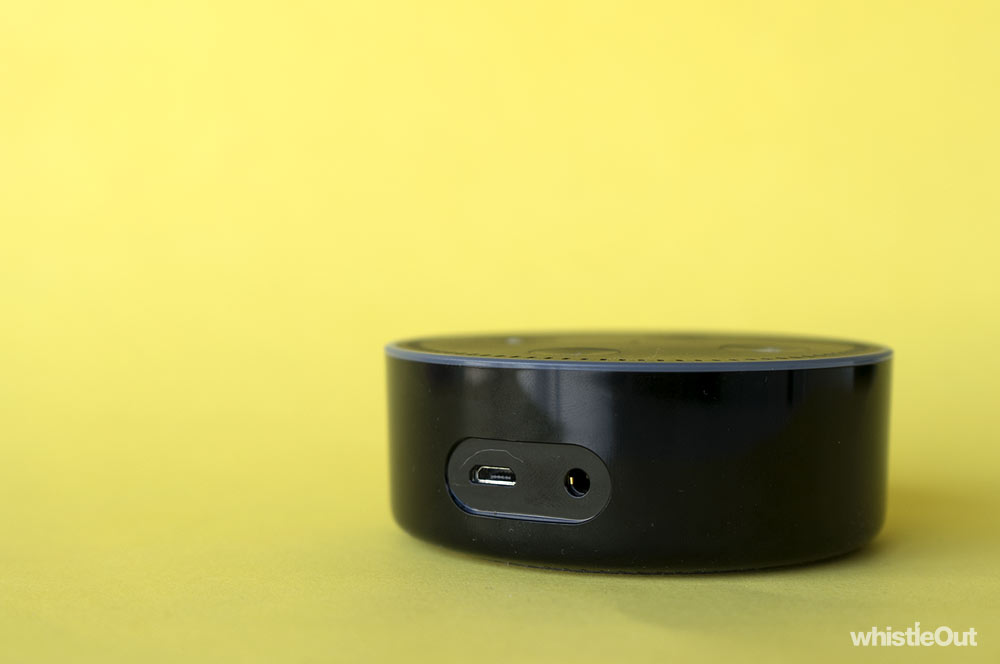
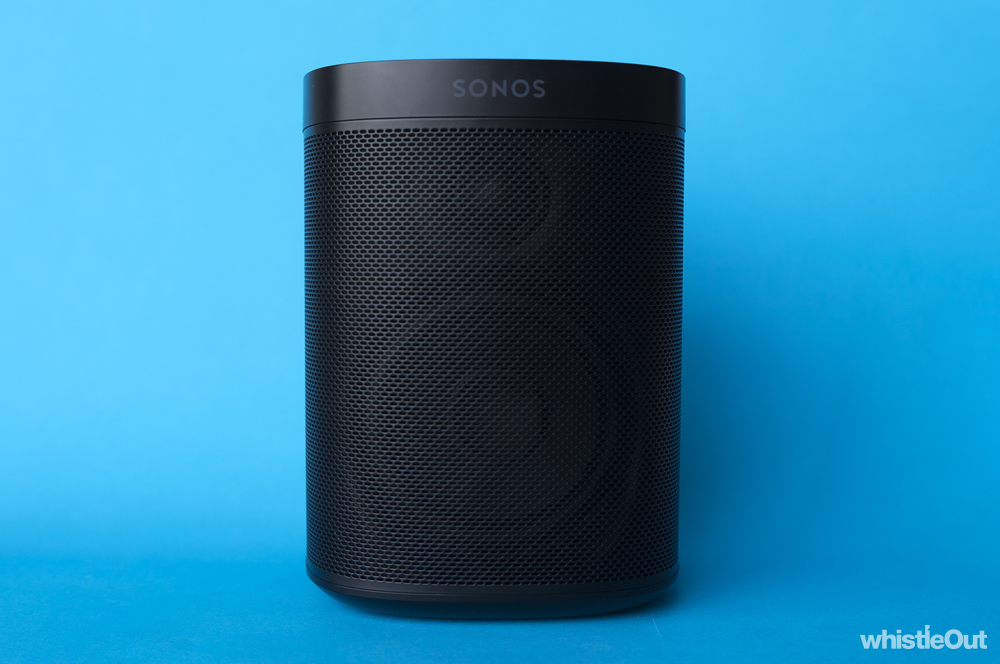
If you've already got a speaker you love, the trio of Echoes can be connect to it using a 3.5mm cable or Bluetooth. It's easy way to make a dumb speaker smart, but if you really want an Alexa-powered speaker that genuinely sounds good, the Sonos One is an excellent choice if you can stomach the $299 price-tag.
Who is the Amazon Echo for?
Look, I'm a nerd, and I'm still a little confused about smart speakers like the Amazon Echo. The potential is undeniable, but we're only scraping the surface right now. There's a couple of things the Echo and Alexa do incredibly well, but then there's also a lot of ideas that feel half-baked, unnecessary, or incomplete. We're in the "throw shit at the wall and see what sticks" part of the smart speaker journey.
I would love to use my Echo more, but I'm not going to talk to Alexa for the sake of talking to Alexa. It has to be easier than doing it the "old fashioned" way.
None of this is to say that Amazon Echo is a bad product; it's genuinely a taste of the future. Well, at the least, of a potential future. But taste is the key word. It's not a full meal; Echo and Alexa will whet your appetite, but you might find yourself wanting just a little bit more than what's on offer.
This is partly because Amazon has made it so easy for developers to build skills for Alexa. There's so much you can try, but I can't shake the feeling that developers are making Alexa skills for the sake of making them. I guess I'm not the only one confused.
If you still want to test the waters, you should probably start with the Echo Dot unless you think music will be a key use for you. As the cheapest speaker in the Echo family, it's a nice way to see what the fuss is about without making too large a commitment.
Just remember that getting the most from a smart speaker requires some dedication, experimentation, and a willingness to learn. If you don't put in a little bit of effort, your taste of the future will simply become a paperweight gathering dust.
I don't want an Amazon Echo, what else can I buy?
Sonos One
If your primary concern with a smart speaker is sound quality, the Sonos One is an excellent choice; it runs Alexa and it's a step above the Echo family in terms of sound quality. Notably, the Sonos One will support Google Assistant in the future, so you're not just locked into Alexa as your one smart assistant.
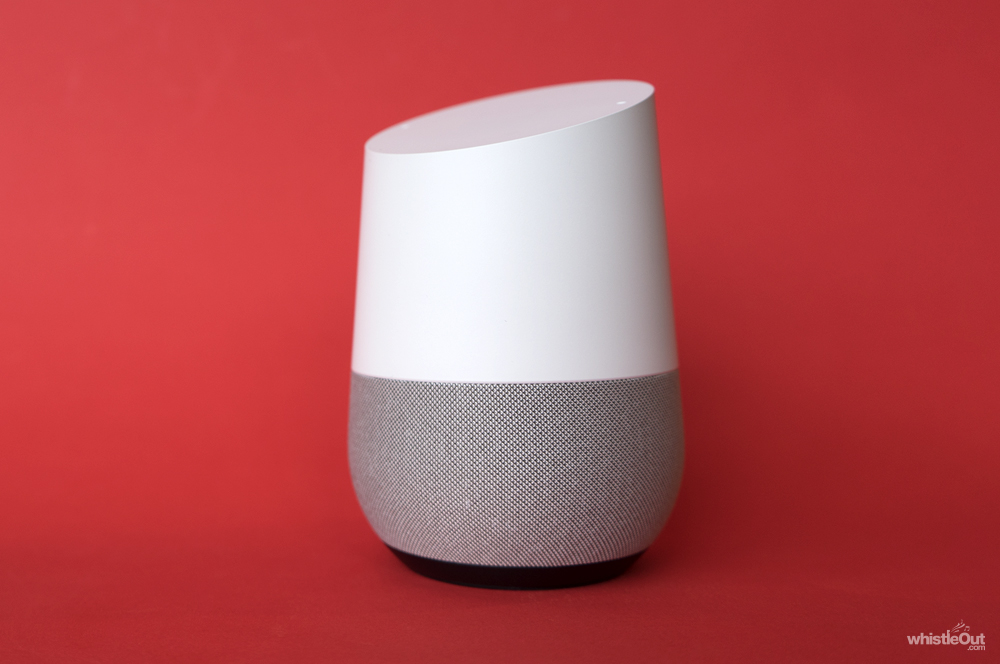
Google Home
If you want to check out the whole smart speaker thing and are already in the Google world in terms of services or other hardware (Chromecast, for example), it's worth considering a Google Home over an Echo. While you don't get the same amount of third party skills as you do on an Echo, the tighter integration with other Google products could make trade-off worth it.

Apple HomePod
If you're in the Apple world and you have money to burn, you've also got the HomePod to consider. The HomePod is the most expensive smart speaker on the market at the moment, but it also sounds the best out of the lot. It is however locked deep in the Apple world, and its array of smart skills are narrower than those on offer by the Echo and Google Home.
Alex Choros

Find a better internet plan
Thousands of internet plans unpacked. All the facts. No surprises.

Related Articles


Internet Plans by State
- Internet Plans in ACT
- Internet Plans in NSW
- Internet Plans in NT
- Internet Plans in QLD
- Internet Plans in SA
- Internet Plans in TAS
- Internet Plans in VIC
- Internet Plans in WA


![[Hand-Picked] Best internet providers in Australia](https://r3.whistleout.com.au/public/images/articles/2026/07/man-and-woman-with-laptop-on-green-couch.jpg?w=280&h=280&usm=20&usmrad=0.8&fit=crop "[Hand-Picked] Best internet providers in Australia")

