
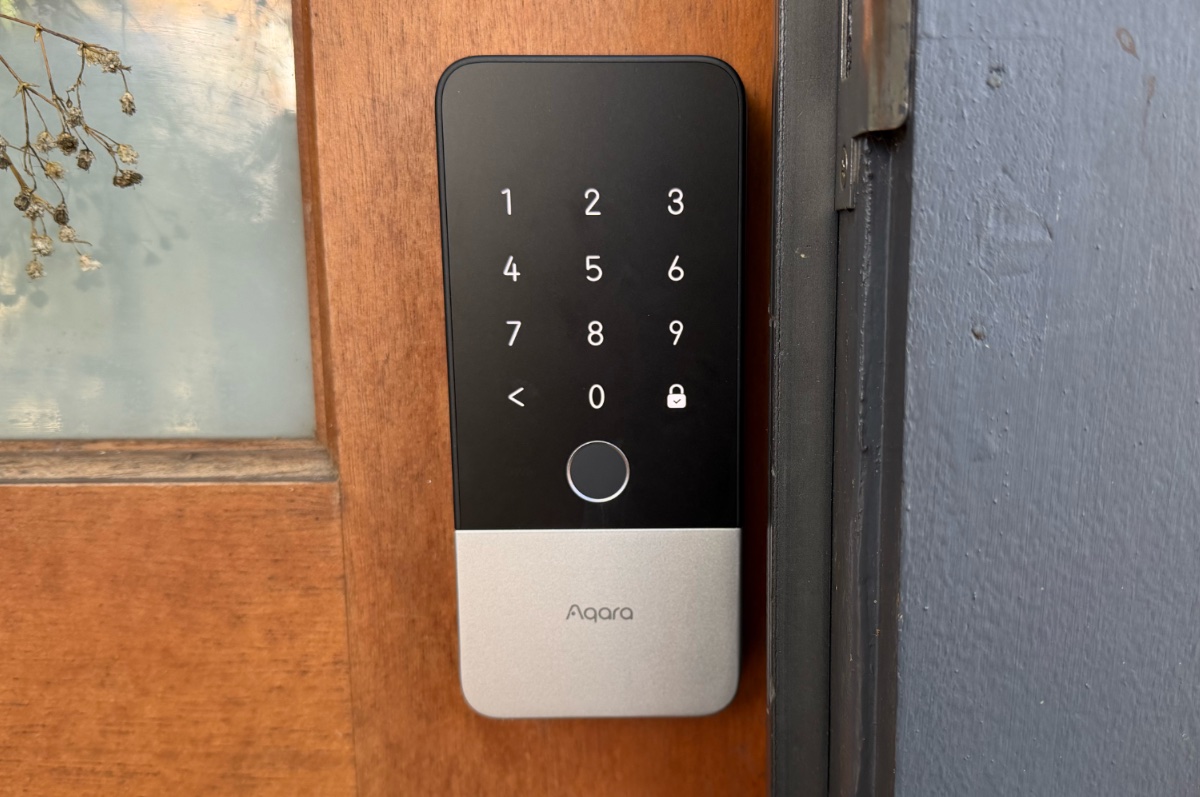
- Hands-free unlocking rules
- Lots of other unlocking options
- Physical installation is easy
- Expensive
- Battery is slow to charge
- Issues during initial setup
The Aqara U400 is a rare gadget that has noticeably made my life just that little bit easier. It is the first smart lock to use Apple’s hands-free unlocking tech, and it’s really nice to not have to think about finding keys or tapping my Apple Watch on the lock when I’ve got hands full with groceries or I’m returning home from a walk with my dog.
It’s not like using a key or your phone or wearable to unlock a door (if you have a smart lock) is particularly onerous or annoying, but being able to stop thinking about it entirely kinda rules.
A taste of the future, today
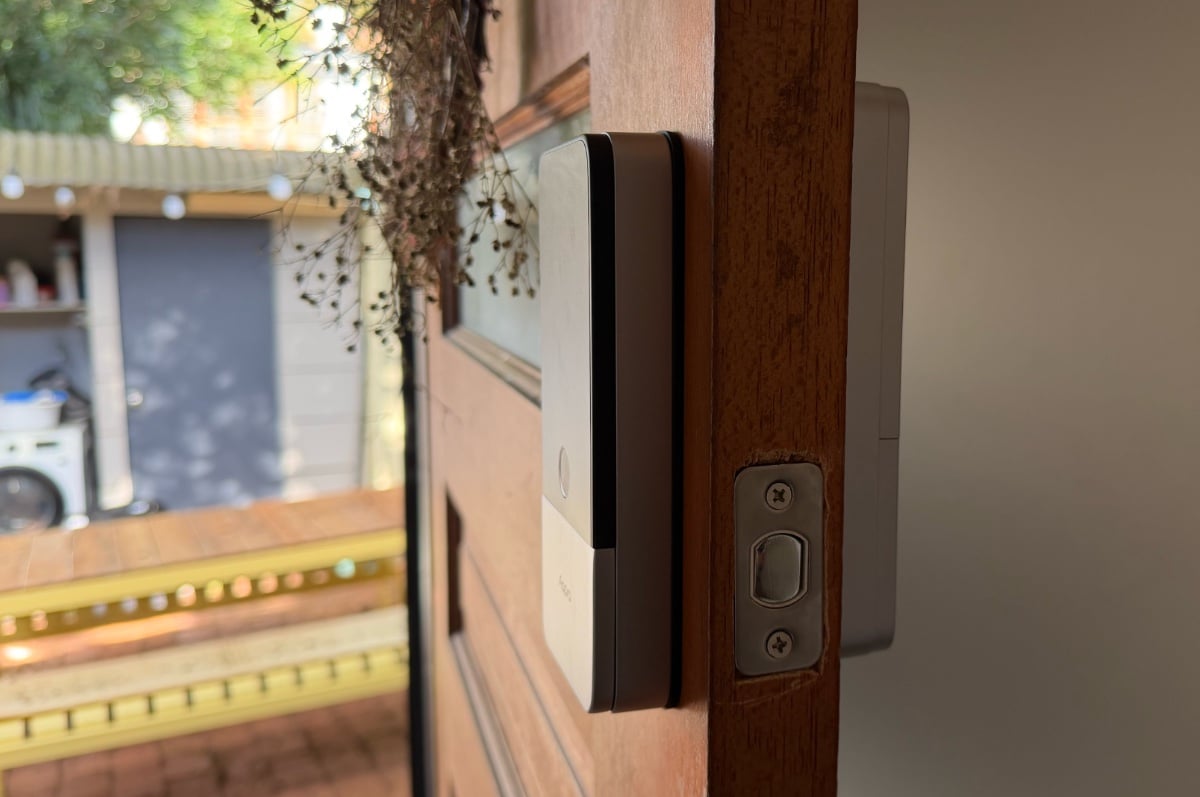
Aqara’s hands-free unlocking is currently an Apple-centric proposition. It relies on having an iPhone or Apple Watch with ultra wideband support, and an Apple TV or HomePod as a hub. If you meet those criteria, the U400 will automatically unlock as you approach it. It’s that simple.
I’ve been testing my U400 since January, and the door has consistently unlocked as I’ve approached it, as promised. There's not much more to say! More importantly, the U400 is smart enough to not unlock if you walk past it on the inside. There was an issue with my initial review unit that meant this didn’t work as intended, but I’ve not had any problems since swapping to a replacement.
Ultra wideband is supported on all mainline iPhones from iPhone 11 and up, on the Apple Watch Series 6 and up, and all Apple Watch Ultra models. iPhone SE models, the iPhone 16e, iPhone 17e, and all Apple Watch SE models don’t have ultra wideband support, however, and as such, don’t work with hands-free unlocking.
iPhones and Apple Watches that don't support ultra wideband can still unlock the U400 with Home Key, which requires a tap of the device on the lock instead. While that might be handy in a household where some of your devices support ultra wideband and some don’t, the U400’s asking price means you’re better off getting a cheaper lock like the U100 if you can’t take advantage of hands-free unlocking.
In addition to robust Apple ecosystem support, the U400 also works with Google Home, Alexa, and SmartThings. While hands-free unlocking is currently exclusive to Apple devices, the U400 has been certified for the Aliro. Aliro is a universal smart lock standard that is set to bring UWB and NFC unlocking to Samsung Galaxy and Google Pixel devices, but this isn’t live yet, and as such, I haven’t been able to test it. You should never buy a device based on future promises, but it is great to see Aqara commit to broader support.
On top of various smart functionality, both present and “coming soon”, the U400 also supports unlocking via PIN, fingerprint, NFC tag, and with a physical key. There's no shortage of ways to unlock it.
The matter with Matter
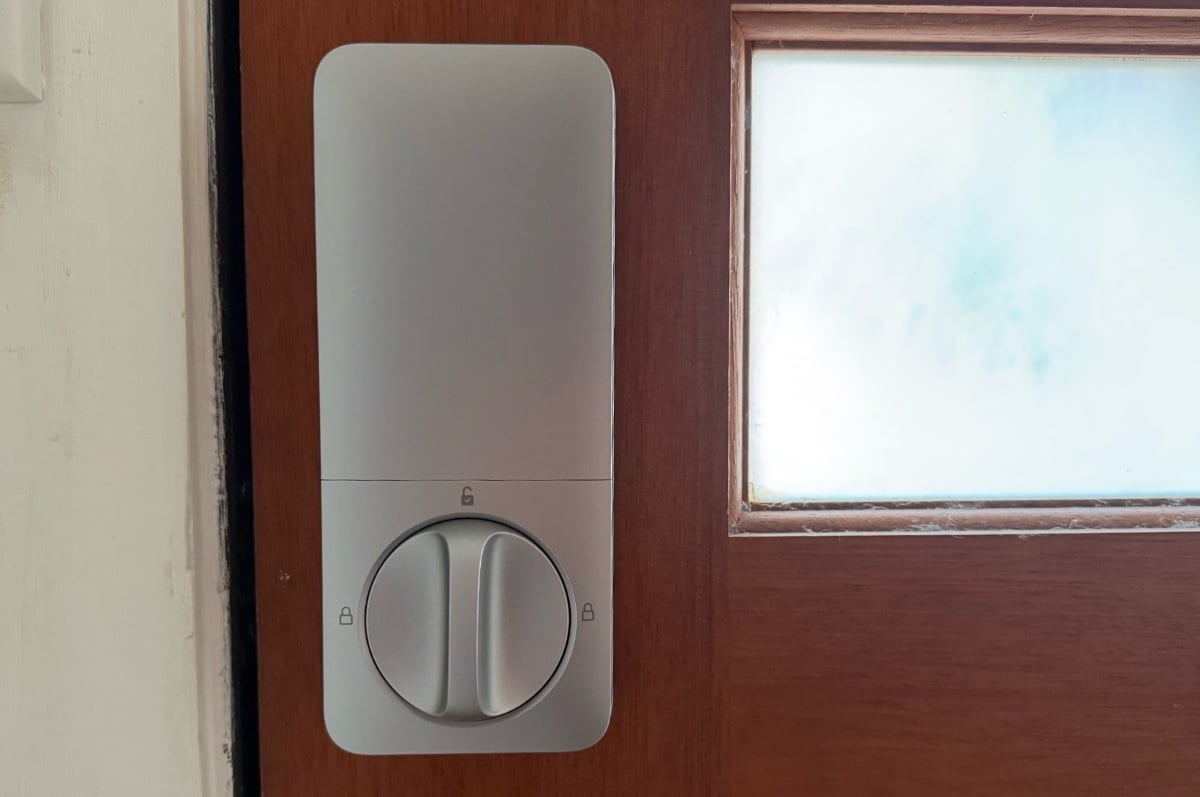
While the Aqara U400 very much “just works” day-to-day, the initial setup process was a little rough. Physical installation was pretty easy, especially since I already had a smart lock. The only tricky thing was wrangling the power cable. It joins the two halves of the lock, and at least for my door, is longer than it needs to be. There isn’t anywhere obvious to tuck it away when screwing everything on, so you kinda just have to do your best.
The real issues came on the software side. On paper, adding the Aqara U400 to a smart home - in my case, to Apple Home - should be easy. Scan the code, and follow the prompts. That’s been the process with every other Aqara product I’ve tested, and most other HomeKit-compatible devices I’ve tested.
Instead, the U400 refused to pair. After hours of troubleshooting, I was able to get it added to my network by hardwiring my Apple TV to my network switch. My understanding is that this isn’t an issue with the U400, but with the Matter protocol that it uses. While previous Aqara devices have had a “HomeKit” pairing code, the U400 uses Matter instead.
A network engineer I spoke to told me it was related to how Matter traffic appears on networks. Many routers filter it out as junk, which is why the U400 wasn’t able to pair initially. This should improve as more Matter devices hit the market, and as such, routers start to support them properly, but it could end up being a headache in the short term.
I replicated the issue with another Matter device - an Ikea dimmer. As with the U400, it wasn’t able to pair until I wired my Apple TV into my network switch.
Depending on how you’ve got your smart home set up, this is worth considering. You might not have the same issues I experienced, but if you’re using a HomePod as your hub and, as such, can’t physically wire it to your network, you might not be able to add the U400 to your home. If you’ve not added a Matter device to your smart home before, I’d recommend trying with something cheap like one of Ikea’s dimmers or buttons - they start at $9.99 - before picking up the U400.
Taking the time
Set up aside, there’s not much to complain about with the U400. The only thing I’d call out is how slowly the removable battery charges - it takes about seven hours to go from flat to full, and there’s no fast charging. The USB-C port on the battery is exposed without needing to remove it, so you could always bring a power bank to your door, or there’s a bundle on the Apple Store that comes with two batteries (at a $40 premium). There’s no other way to buy a spare battery, however. At the very least, the U400 lasts a solid amount of time. Aqara rates it for six months, but I only lost about 30% charge in a four-or-so-month period.
Aqara U400 - Final Thoughts
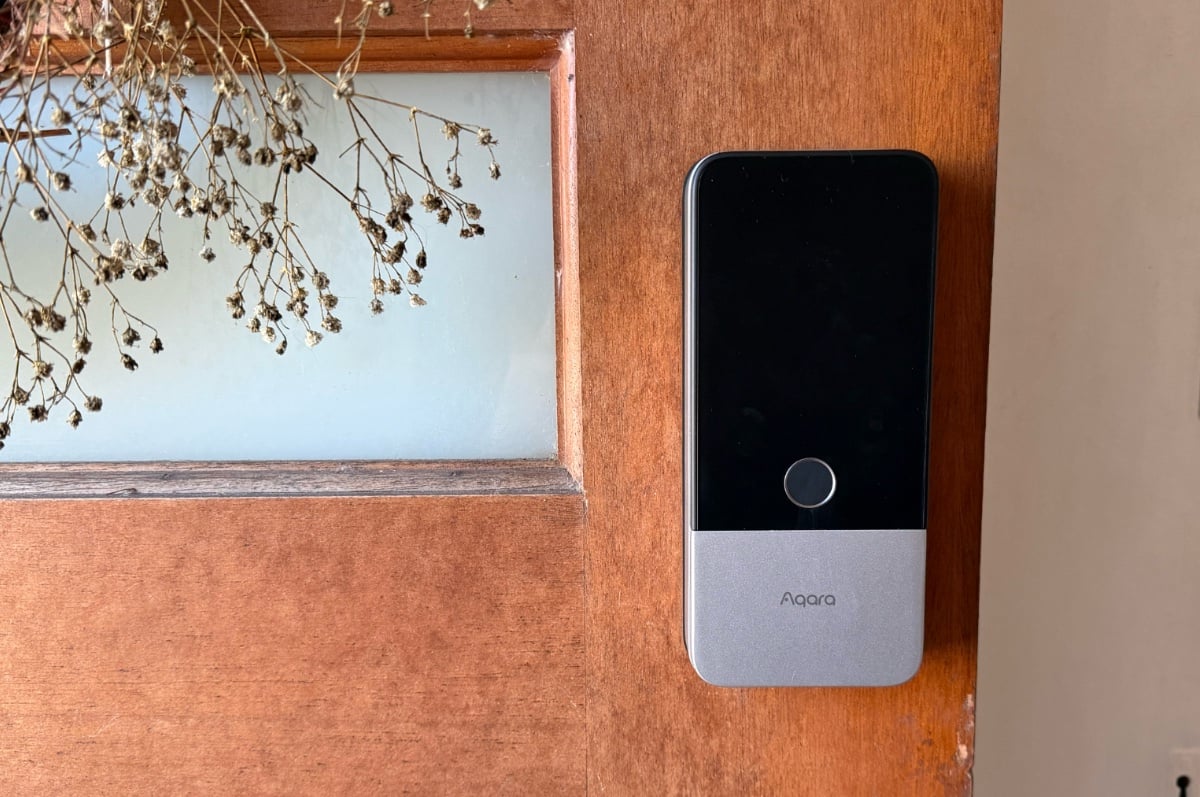
Priced at $549, the U400 carries a hefty premium over Aqara’s other HomeKit-ready smart locks. Its previous flagship - the U100 - is available for under $400 these days, while its entry-level U50 retails for $249. While there are other differences, the key feature that sets the U400 apart is hands-free unlocking.
Whether or not the U400 is right for you really comes down to whether you want hands-free unlocking, and if your devices support it. While tapping your iPhone or Apple Watch against U400, or even using a fingerprint, isn’t that much more time-consuming, there is a quiet luxury to your door unlocking itself as you approach.
Then there’s the matter with Matter. You want to be very confident the U400 will pair with your smart home setup before you drop the cash. As aforementioned, if you haven’t added a Matter device to your smart home yet, I’d start with something from Ikea’s Bilresa range. If that works, you shouldn’t have any issues with the U400.
After testing the U400 for several months now, I can’t imagine moving away from hands-free unlock. I’m sold. It’s just a shame setup issues mean getting the U400 up and running may not be as easy as it makes unlocking your door.
Did you like this article? Good! Why not make us a preferred source in Google? Click below, tick the box, and WhistleOut stories will show up more often when you search for related content.
Alex Choros

Find a better internet plan
Thousands of internet plans unpacked. All the facts. No surprises.

Related Articles


Internet Plans by State
- Internet Plans in ACT
- Internet Plans in NSW
- Internet Plans in NT
- Internet Plans in QLD
- Internet Plans in SA
- Internet Plans in TAS
- Internet Plans in VIC
- Internet Plans in WA


![[Hand-Picked] Best internet providers in Australia](https://r3.whistleout.com.au/public/images/articles/2026/07/man-and-woman-with-laptop-on-green-couch.jpg?w=280&h=280&usm=20&usmrad=0.8&fit=crop "[Hand-Picked] Best internet providers in Australia")

