
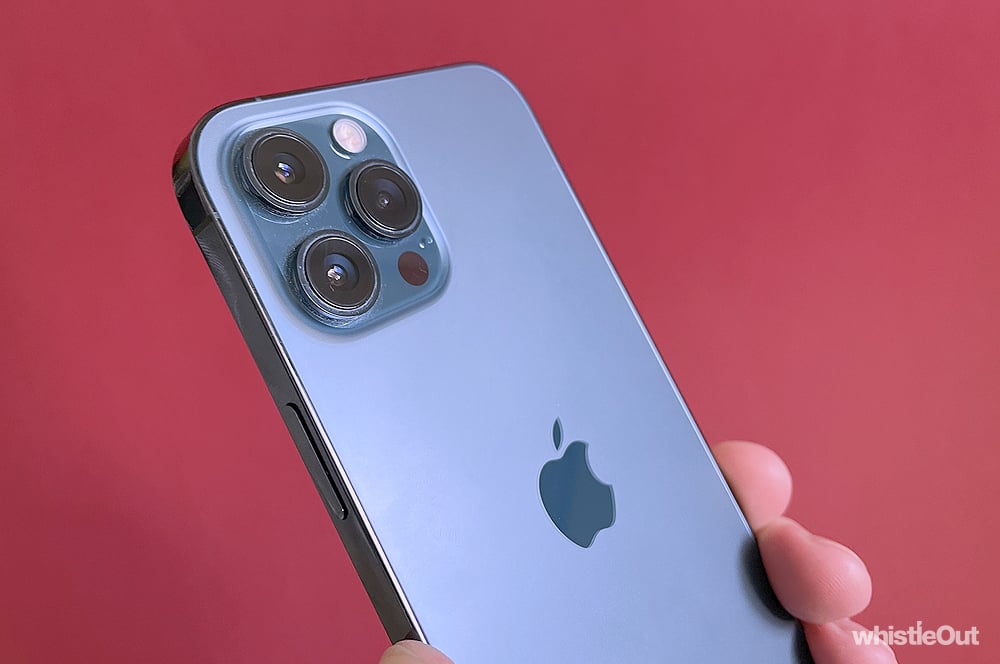
Apple today dropped the latest version of its iPhone operating system, iOS 14.3 While far from a major release, the update is notable because it adds ProRAW photography support to the iPhone 12 Pro and iPhone 12 Pro Max, and allows anyone with an Apple Watch Series 3 or better to access Fitness+.
If you've got an iPhone 12 Pro or iPhone 12 Pro Max, you'll now be able to shoot using Apple's ProRAW file format. While iPhones have been able to capture RAW photos - images that contain as much information as the camera sensor is able to capture - in third party apps for some time, they've meant giving up the computational photography benefits the device is capable of. ProRAW is a happy medium between the two, where you'll have more detail - and as such, more editing potential - while still taking advantage of your iPhone's computational photography prowess.
To switch on ProRAW, you'll need to follow these steps:
- Open the Settings app on your iPhone
- Scroll down to and tap on Camera
- Tap Formats
- Toggle on Apple ProRAW
The next time you open the camera app, you'll see a RAW icon in the top right hand corner, which you can toggle on and off. ProRAW photos will require about 25MB per shot. ProRAW will provide the most benefit in lowlight and high contrast situations.
iOS 14.3 also gives you access to Fitness+, the Apple Watch centric virtual workout service. You'll find it in the Fitness app. Australia is one of the few markets where Fitness+ is launching this year. You'll pay $14.99 per month, or $119.99 per year. You'll get a three-month free trial with the purchase of an Apple Watch. Otherwise, anyone will be able to try Fitness+ for free for a single month.
iOS 14.3 should also fix a bug that prevented some iPhone owners from getting notified about new messages.
To update to iOS 14.3, follow these steps:
- Open the Settings app on your iPhone
- Tap General
- Tap Software Update
If you're already on iOS 14, the download should only be about 500MB.
Alex Choros

Related Articles


