

Motorola Edge 20 review: The Verdict
The middle child in the Motorola Edge 20 series; squishing between the Edge 20 Fusion and the Edge 20 Pro, the Edge 20 is very good value for its affordable $699 price tag.
What we love
- Good battery
- Impressive camera
- Premium look and feel
What could be improved
- Sensitive keyboard
- Does feel a bit fragile
- Not water resistant
The essentials
- Performance: Mostly fine, apps are zippy to open
- Battery: Pretty good. Charges quickly and easily lasts the day with medium use
- Screen: Vibrant, no complaints
- Camera: Landscape photos in particular look great, lots of fun features
80/100
$699
Out of the box, the Motorola Edge 20 feels like a premium phone. I've pinpointed this down to how thin the device is; it's 6.99mm wide and weighs just 163g. It's a fairly large screen at 75.99mm x 163.2mm, but fits comfortably in my small-for-my-six-foot-stature hands. Yet there's a fragility about it, too - as though I'm holding a piece of glass that is daring me to drop it at any moment. Yep, the Moto Edge 20 manages to feel both fragile and luxurious - and honestly, don't we all feel that way from time to time?
As aforementioned, the Edge 20 is the middle child of the Motorola Edge series; nestled in between the Edge 20 Fusion and the Edge 20 Pro. If you're tossing up between the three, you might do a Goldilocks and snag the middle phone, but it'll depend what your primary need is for a phone. Budget constraints? Go the Fusion. More storage and a faster processor? You'll want the Pro. Something in the middle that'll get you by without an expensive price tag? Now we're talking. If you want to do a quick comparison:
Edge 20 Fusion
- 6.7-inch 1080p+ display
- Dimensity 800U 5G processor
- 128GB of storage
- 6GB of RAM
- 5,000mAh battery.
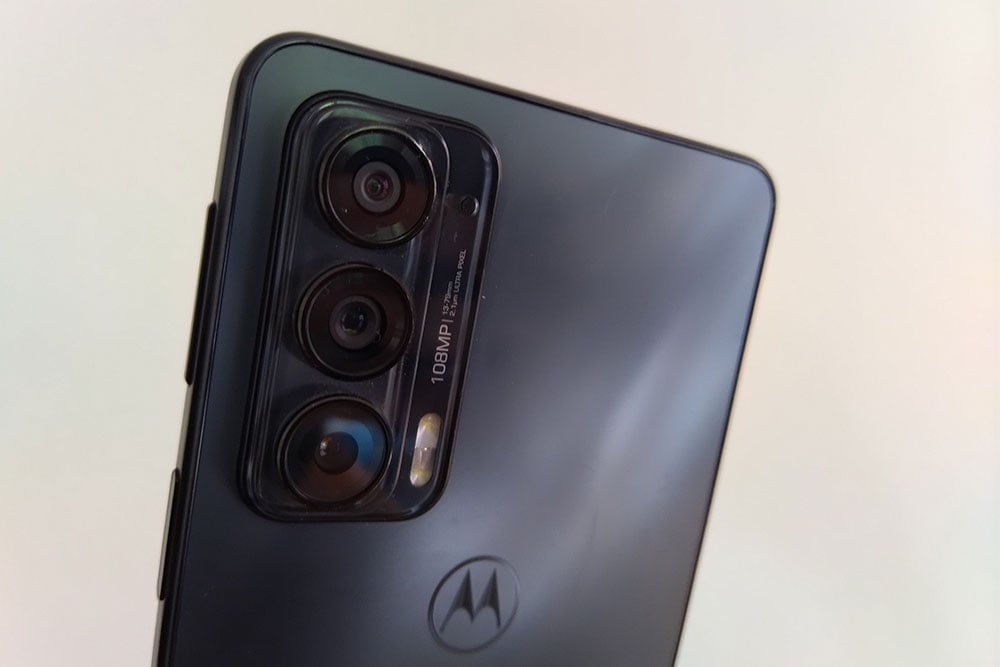
The 108MP primary lens is joined by an 8MP ultra-wide lens and a 2MP depth lens.
Edge 20
- 6.7-inch 1080p+ display
- Snapdragon 778G 5G processor
- 128GB of storage
- 8GB of RAM
- 4,000mAh battery
The rear-facing camera setup includes a 108MP primary lens, 16MP ultra-wide lens, and 8MP 3x zoom lens.
Edge 20 Pro
- 6.7-inch 1080p+ display
- Snapdragon 870 5G processor
- 256GB of storage
- 12GB of RAM
- 4,500mAh battery
The 108MP primary lens and 8MP 5x optical zoom lens are joined by a 16MP ultra-wide lens.
A sensitive keyboard
The Edge 20 is enjoyable phone to use, for the most part. Apps are quick to open, it runs on the Android 11 operating system and it charges to 100% in an hour. The screen is vibrant and the camera is good (I'll get to that in a second).
The keyboard however feels ultra sensitive, and I spent most of my time backspacing on texts that had words I hadn't typed at all, rather than writing the texts themselves. I felt as though I was smashing the keys like a toddler would a piano, resulting in a horrendous, chord-crashing groan (instead the groan came from me as I tried to work out how 'Hi Mum, how are you' turned into 'Hi iceberg Mum, how ow are you outer'.) I found it practically impossible to type with two hands as the tiniest movement took me out of the screen I was using.
But when I was using social media apps like Instagram, it seemed to have the opposite problem. It couldn't quite work out what I was clicking on. Instead of taking me to the profile I tapped, for instance, the phone opened up basically every other possible link around it instead. I found that it often took a few goes to get the phone to recognise what I was actually trying to click on. Do I have sausage-sized fingers? (I do not). Maybe the problem lies with my digits, but I've not had this problem (at least not to this level) on other devices.
If you're prone to frustration, then this is worth being aware of. Even shifting the settings away from the automatic refresh rate to the less smooth 60Hz didn't seem to make much of an impact.
The Great Landscape
I was rather impressed with the Motorola Edge 20 camera. With a 108MP primary lens and 8MP zoom lens, shots came out clear, crisp, and colourful. It does however struggle with moving objects. I tried taking some photos of a Jacaranda tree (in all its purple glory) swaying slightly in the wind, and the camera wasn't quite fast enough to capture the purple blooms without looking a bit blurry. 'Active' settings help the camera take a faster shot, but I found it still leaves you with slightly blurry photos.
The 16MP macro lens was a nice surprise, given that macro shots don't always live up to expectations. Photos were crisp and clear and the function easily identified the item you were closing in on. Just look at my thriving tomatoes!

Landscapes photos in the great outdoors however were the biggest drawcard with the Edge 20; often landscapes can look washed out and not as good as 'in real life' but the Edge 20 managed to capture the spectacular beauty of Horseshoe Falls, with accurate colours.

The camera itself protrudes distinctly from the back left-hand corner, made more obvious no doubt thanks to how thin the Edge 20 is. It means your phone will never lie flat. There's also a 3x optical zoom and a 30x digital zoom - although once you get past 10x zoom things start getting pretty blurry. Still, getting decent shots at 10x zoom is certainly nothing to sneeze at.

The Edge 20 also holds its own when it comes to low light settings. Using night-vision mode helped crisp up images and keep them true-to-colour when taken in a low light setting.


My favourite camera feature on the Motorola Edge 20 though is 'cut-out' - where the camera will take a photo of a person and remove the background. You can then add your own background and honestly I spent far too much time playing with this feature. The only caveat is you can't use it with the forward-facing camera, so selfies are a bit hit and miss.

Design and features
The fingerprint ID sits on the upper left-hand side of the Edge 20, which pushes the volume buttons to dizzying, hard-to-get-used-to heights above it. Because screenshots are traditionally taken by pressing the power-on button (which is also the fingerprint ID button on the Edge 20) and the lower volume button at the same time, having them on top of each other means it's harder to screenshot. I turned on the 'three finger screenshot' option in the display settings, which made it so much easier to take a screenshot, and I recommend doing the same.
The 'frosted onyx' colour that the Edge 20 is nice to look at, too. There's no tacky plastic 'shininess', it's a muted matte colour that doesn't attract fingerprints.
Motorola Edge 20 - Final thoughts
For the most part, I found the Edge 20 enjoyable to use, and for $699, it's hard not to recommend as a great mid-tier phone that punches above its price point. It's one of the better cameras I've found at this price, and apart from a screen that seems to hate my fingers, it's a nifty device with an impressive camera offering fun features and vibrant images.
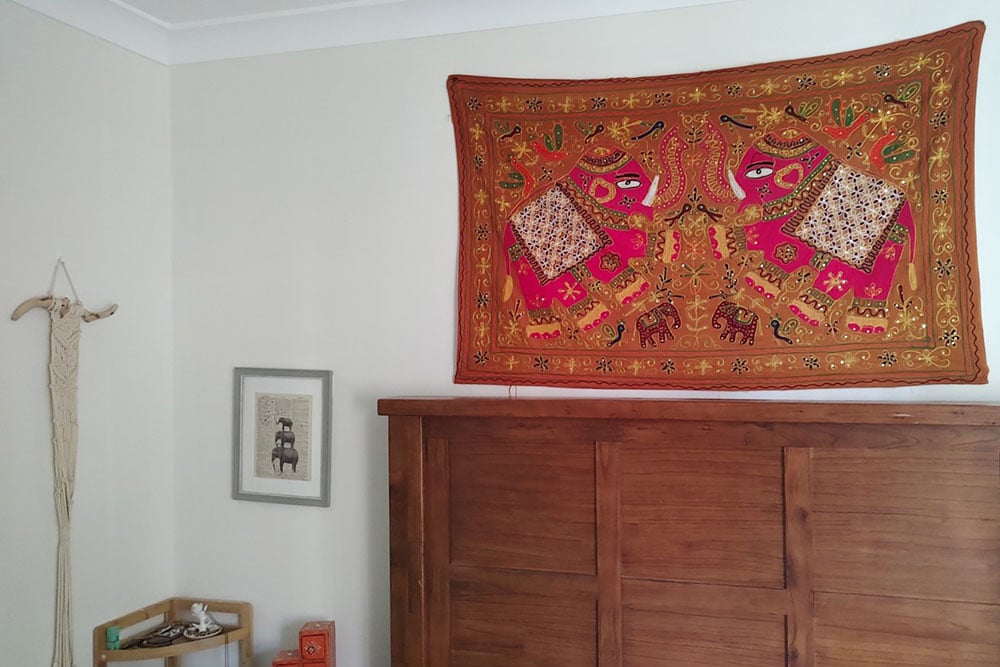
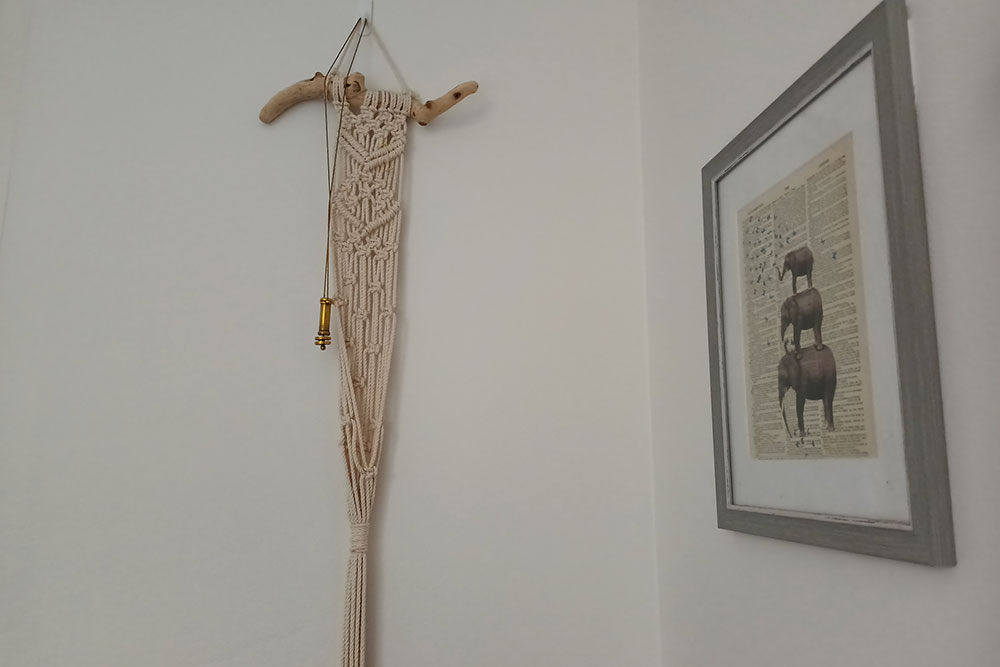
Motorola Edge 20 camera samples









Kate Reynolds
Digital Content Editor

Related Articles


