

For some years now, smartphone cameras have occupied an uncanny limbo, trying to transcend their limitations as cameras-stuck-on-phones to become something more. Nowhere is this more evident than with Apple’s intense focus on the iPhone camera in their keynotes. Image quality is clearly a huge selling point.
However smartphone cameras have become so good, so quickly, that what we expect of them becomes tricky to articulate and justify – do we want a faster lens, more megapixels, better portraits? And if we get those things, how much of a difference are we going to notice with each new model year on year?
The new iPhone 11’s camera is no different, and this serves to highlight the importance of expectations when it comes to each new release. Whether the iPhone 11 does a good job – whether it’s worth your hard-earned cash – ultimately boils down to what you expect from it and why.
So what are my expectations and where am I coming from? I have experience with shooting digital cameras (Fuji’s mirrorless range) and mobile photography (previously an iPhone 6S and an iPhone 4). I also shoot film. With the iPhone 11, I’m making a big leap from my 6S, and at the same time, thinking about it in relation to my other cameras. Where does it sit for me?
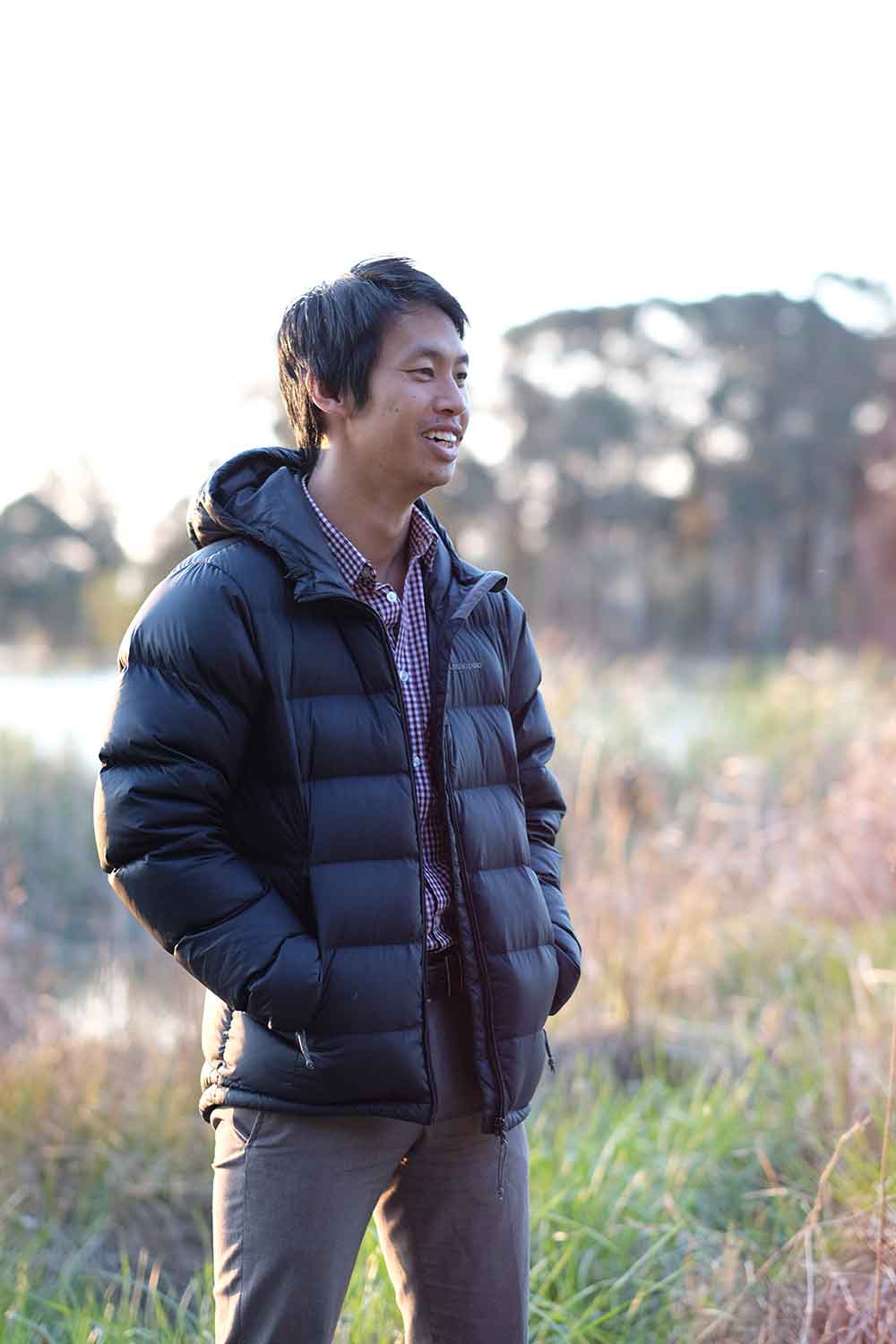
WhistleOut Dream Job: To celebrate the launch of the iPhone 11, we went on the hunt for a capable photographer to test out the device's camera. Jeremy Stevens from Canberra was the standout candidate, so we sent him a new iPhone 11 to keep and $1,000 of prize money. This is his take. This content was produced independent of the WhistleOut editorial team.
New features
Let’s quickly run through some of the more technical changes the iPhone 11 brings.
The most obvious is the dual lens: the iPhone 11 has a regular wide lens and an ultra-wide lens. The ultra-wide lens opens your field of view to 120 degrees, and in a significant way gives you much more room to play with when composing your shots.
If you are using the wide lens, your phone will now gather information from outside of the frame with the ultra-wide lens to show you what’s not in your shot – like a rangefinder camera would do. Additionally, if you’re shooting with the wide lens, your iPhone can automatically (and temporarily) save information from the ultra-wide lens in the photo, which you can then draw on later when cropping or straightening your shot to get more wiggle room (although you have to enable this setting, first).
The shutter button on your phone is now slightly re-worked too: tap to take a photo, tap and hold the shutter button to start recording a video (slide it to the right of the screen to lock in video mode), or tap and hold the shutter button and slide it to the left of screen to engage burst mode.
These are all neat and functional improvements. Once you get used to them, they feel intuitive, and the extra information from the ultra-wide lens could prove very useful if the shot you were aiming for was slightly off.
What to expect
The first thing I noticed picking up the iPhone 11 was its size. Although it’s 50g heavier than my 6S, it’s not so much the weight that bothers me as much as the screen size. There’s an extra 3.5cm of diagonal screen real estate – which doesn’t sound huge, but when you’re holding the thing, it’s a significant difference.
Why’s this important for the camera? Form factor is a big deal in my books – how any camera feels to hold, to pick up, to engage with, inevitably shapes the shooting experience. Thankfully, once the camera is open, the iPhone 11’s size isn’t a big deal, especially when shooting landscape – it actually feels easier to hold steady here. But just sometimes, it feels like it’s a tad too large for my liking.
Wide and ultra-wide lenses
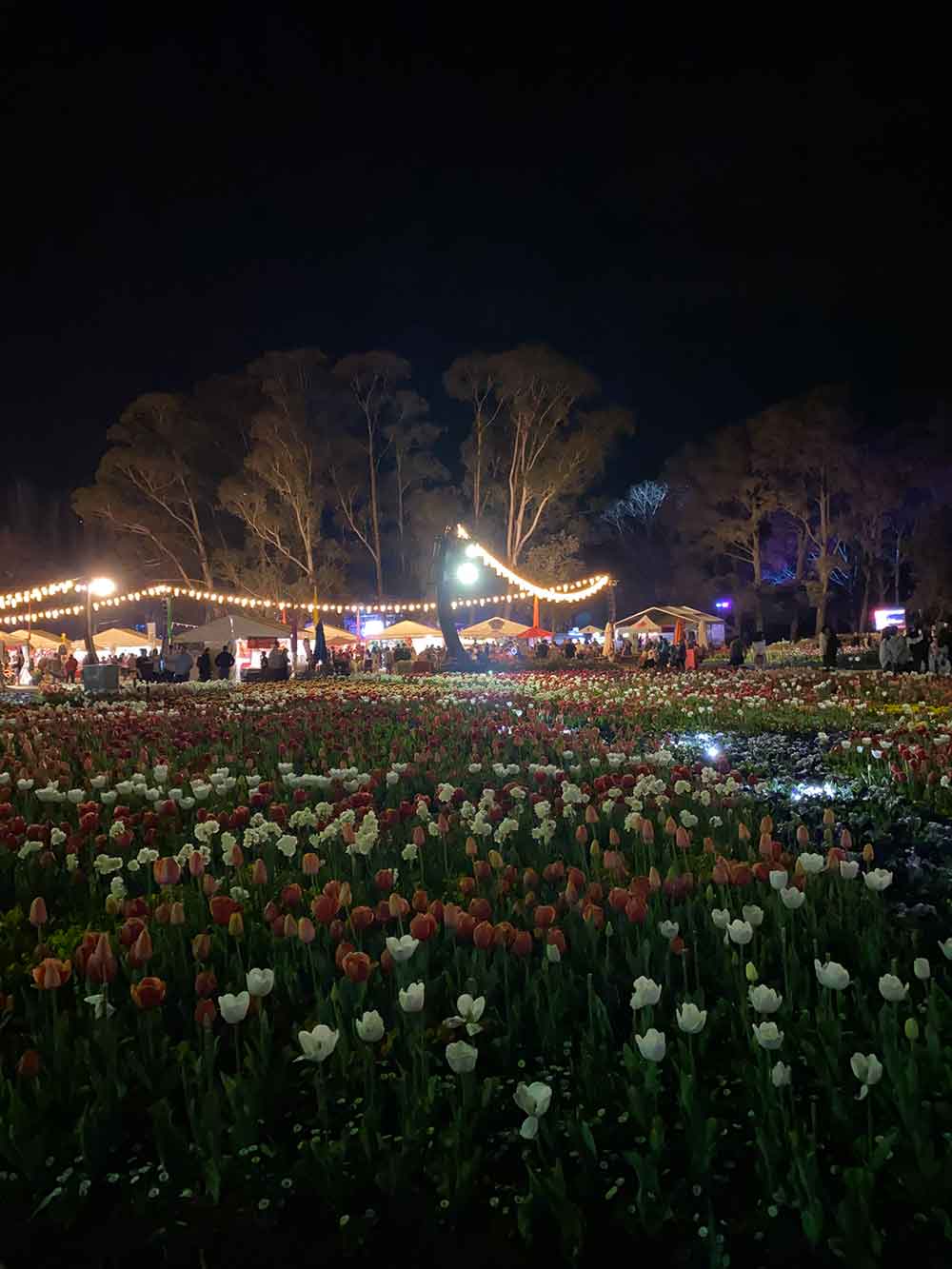
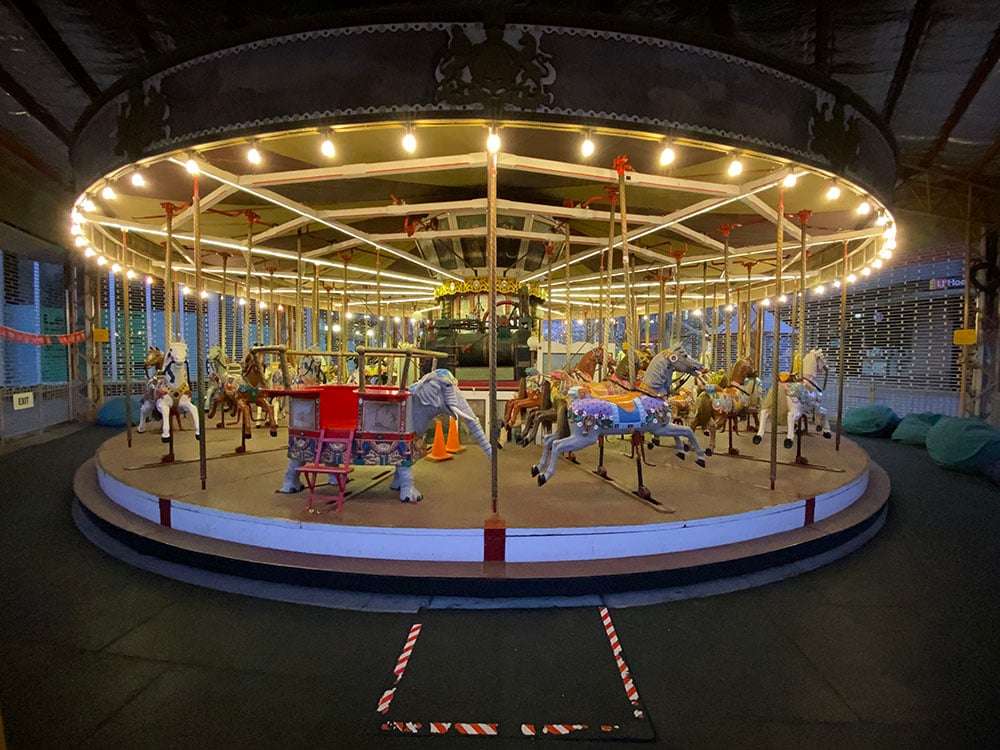
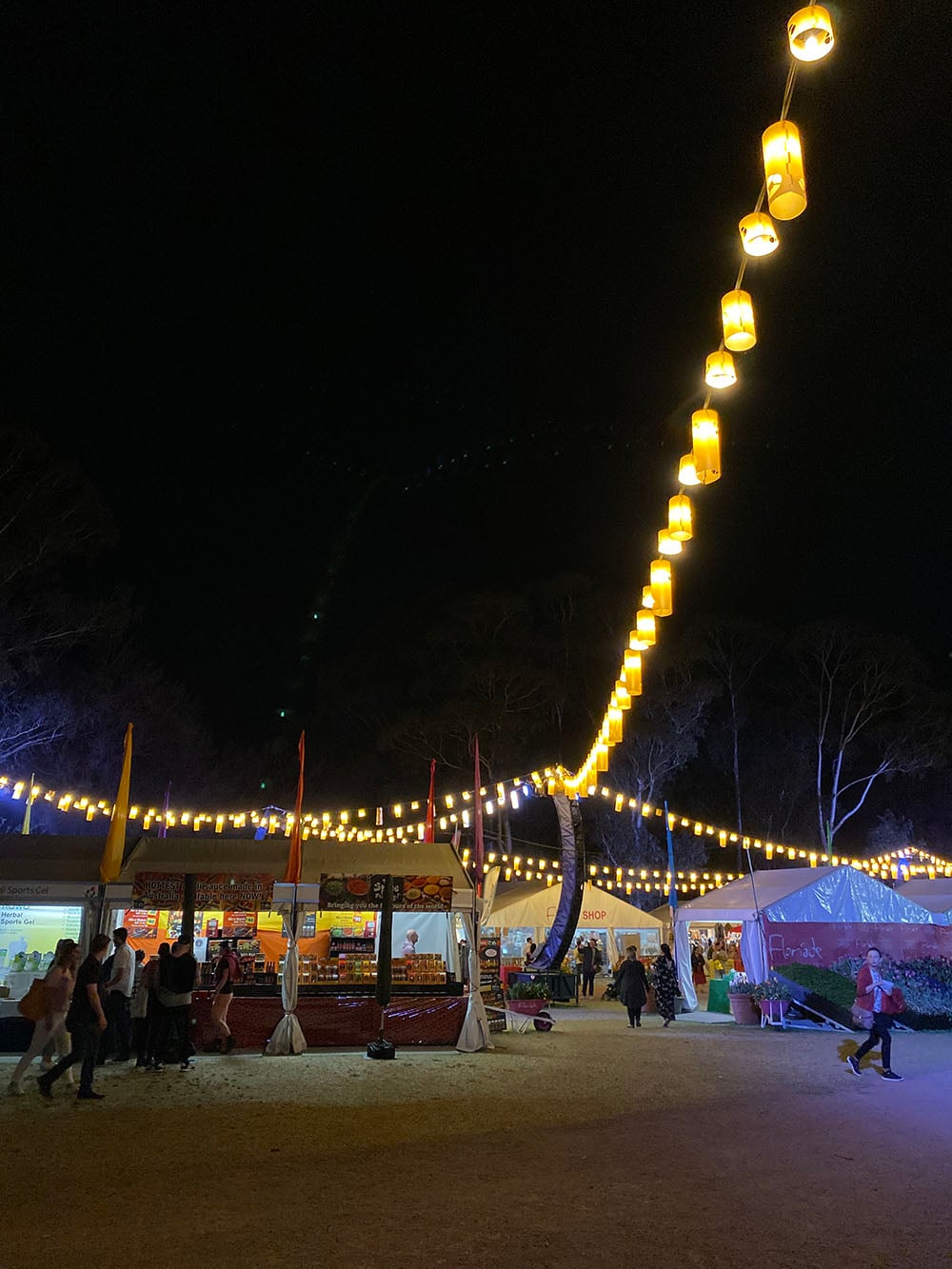
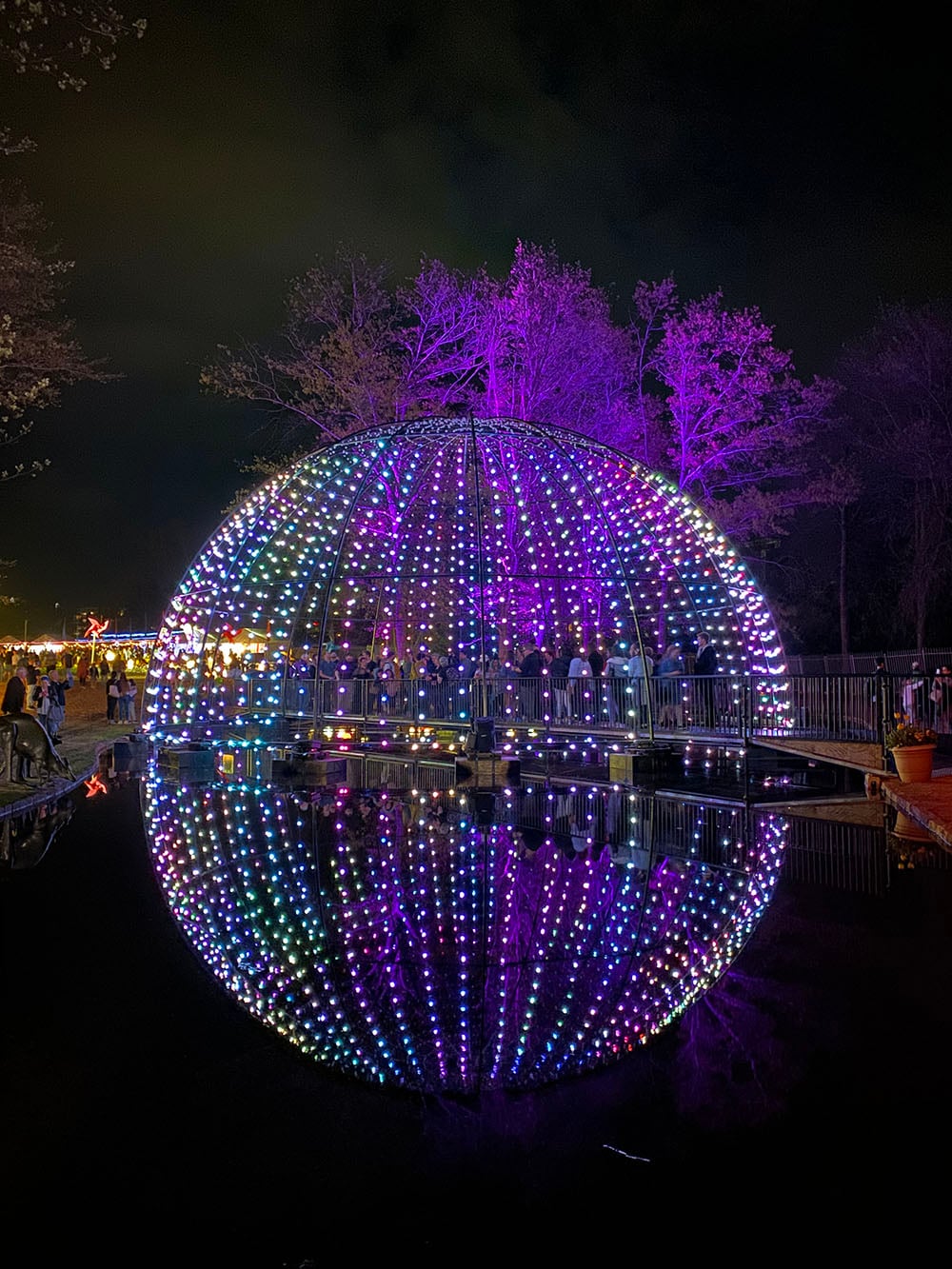
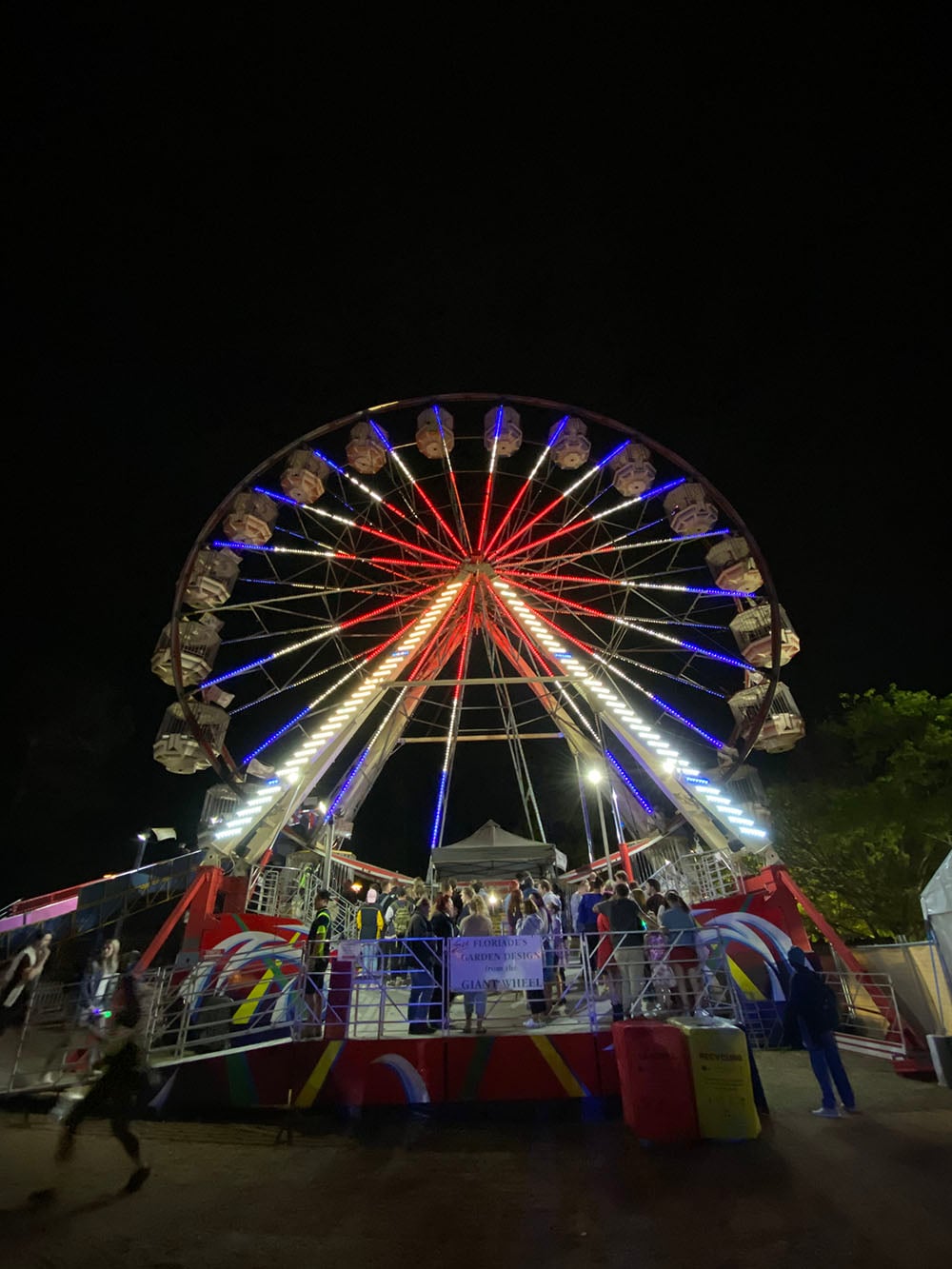
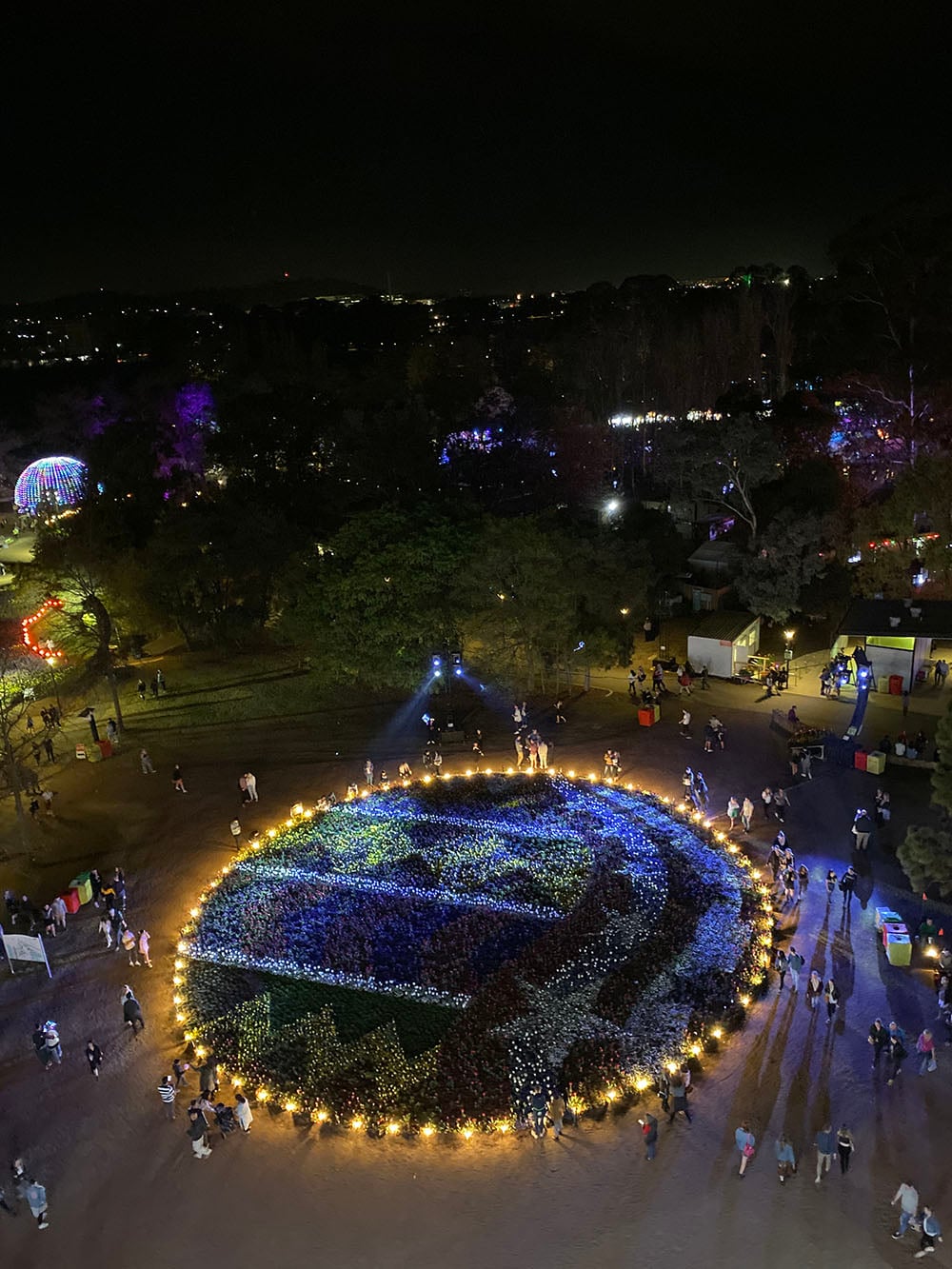
I decided to visit Floriade in Canberra to test the iPhone 11 out, as I wanted to see how the camera coped with rendering the flowers and colours. It was also an opportunity to test out low-light conditions later in the evening. Unless otherwise mentioned, all photos and video below have been left as is, straight-out-of-camera: no filters, no colour adjustments, and no edits (although they have been resized to a web friendlier size).
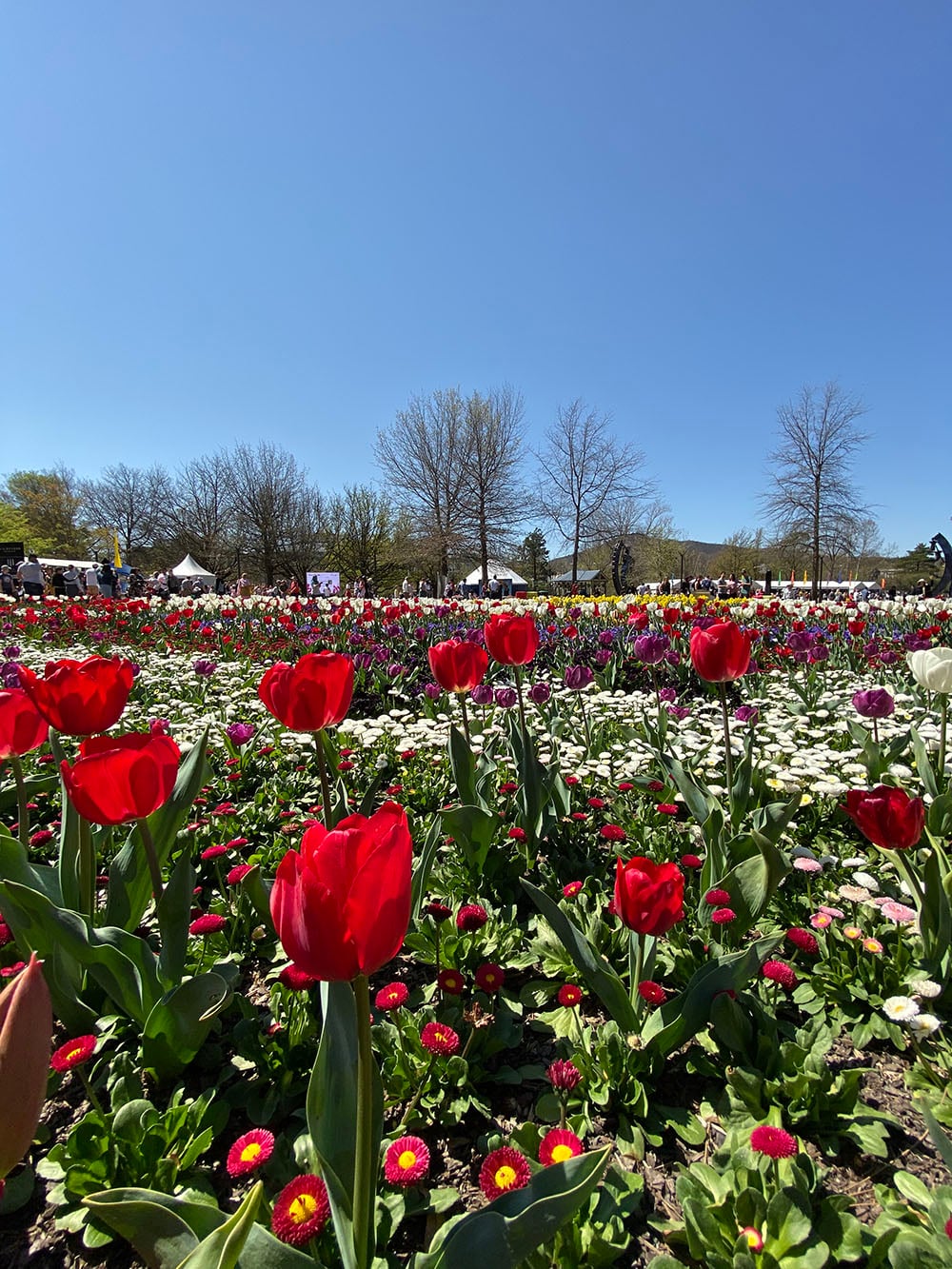


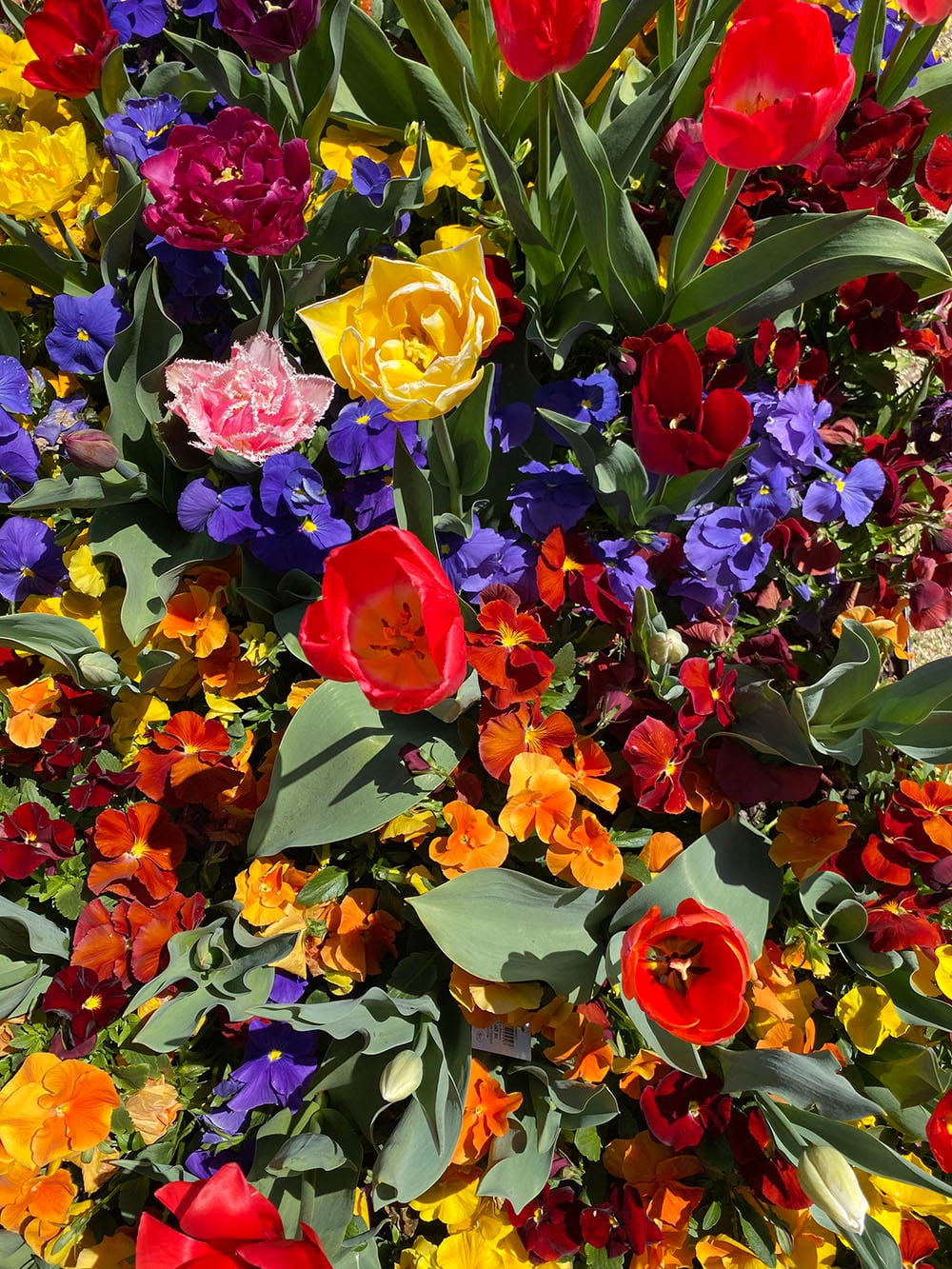

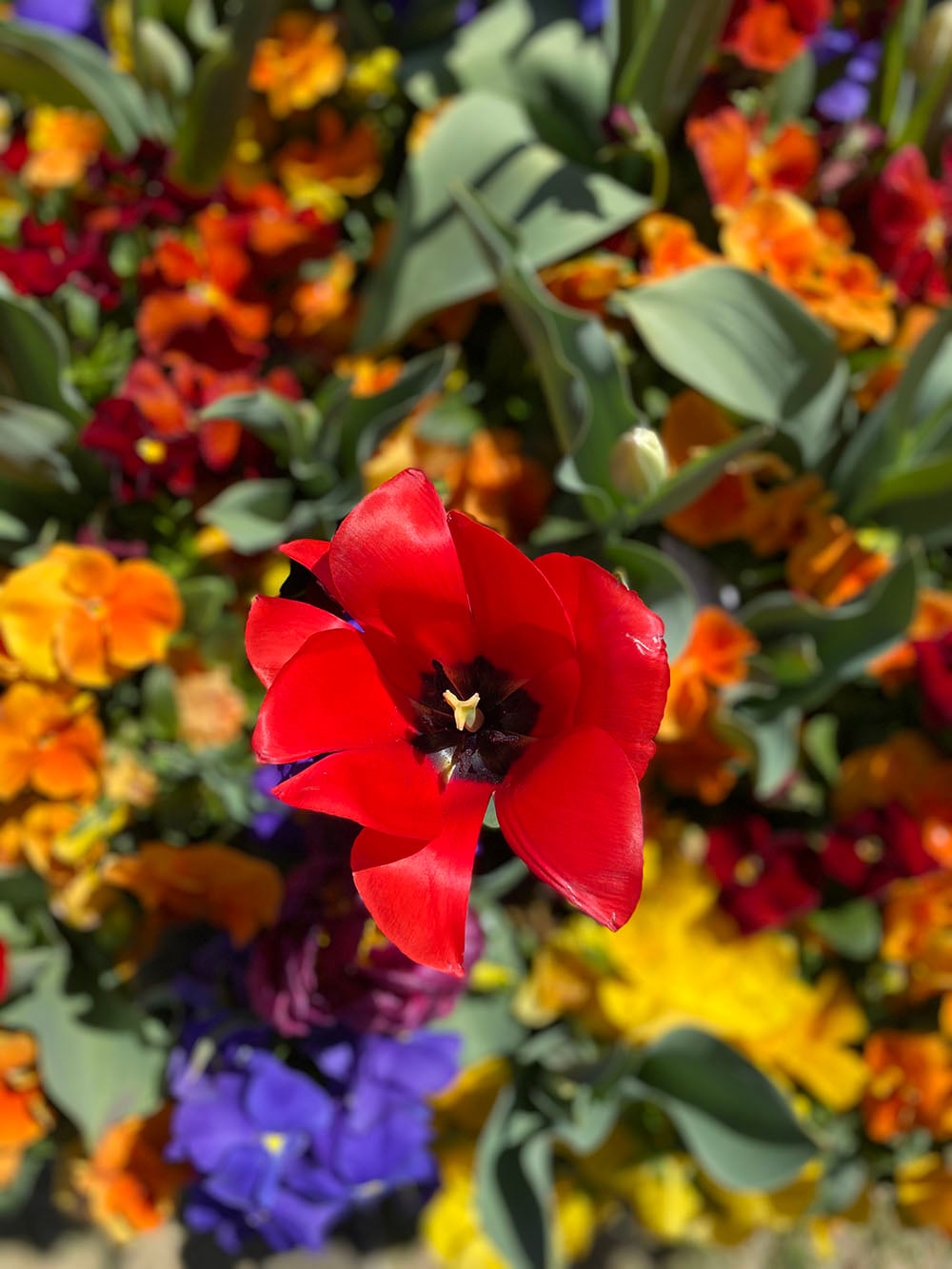

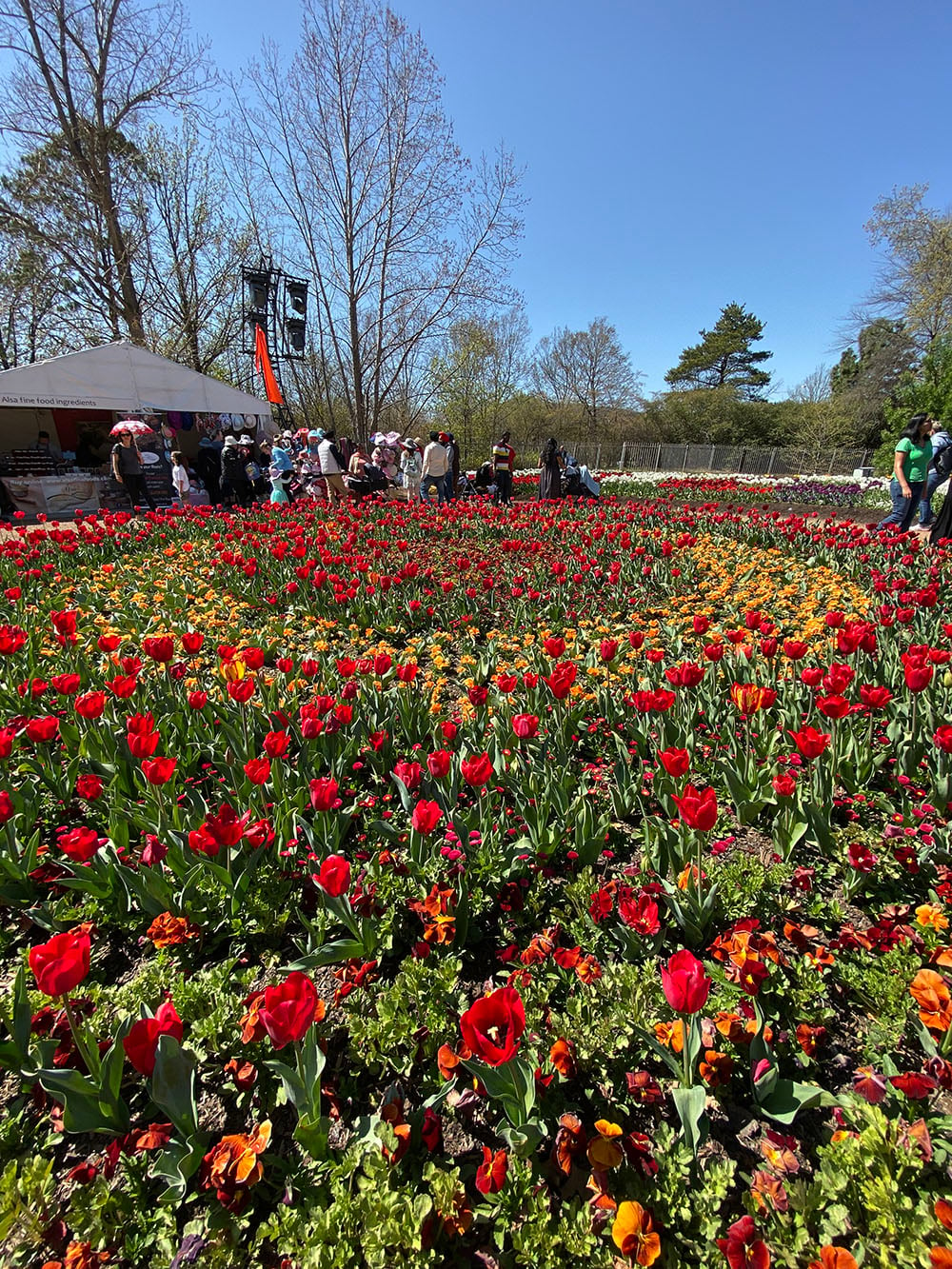

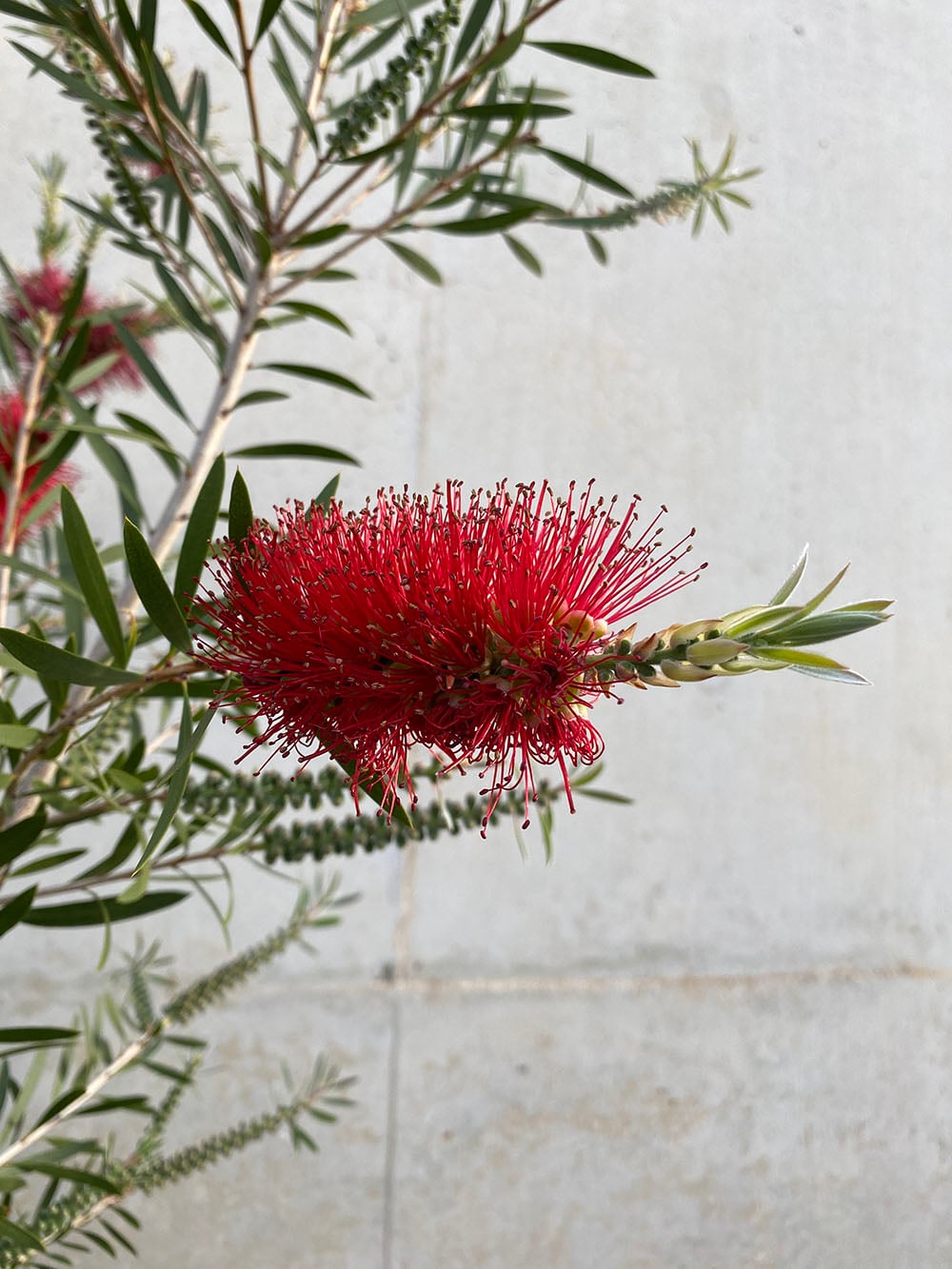
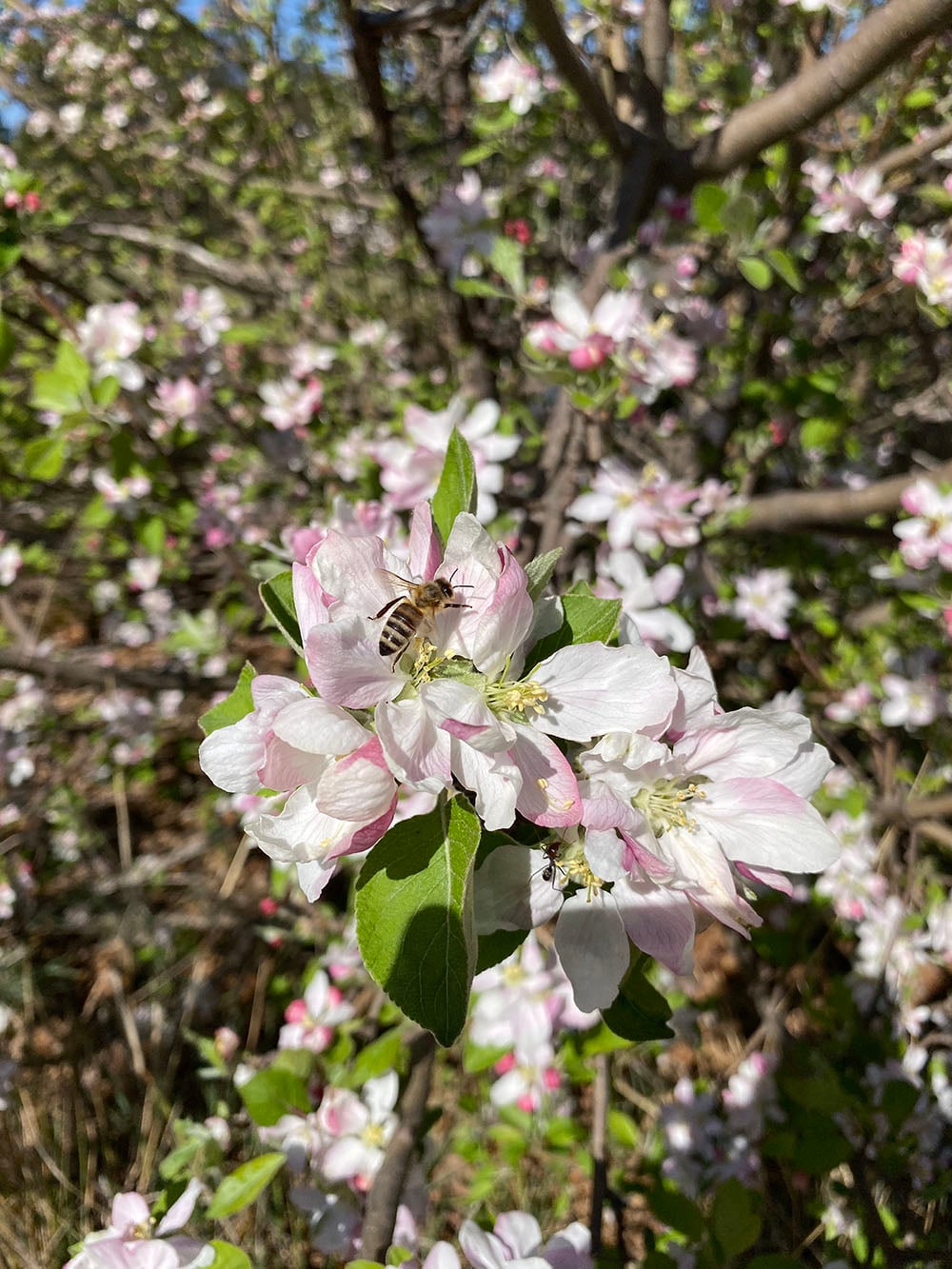
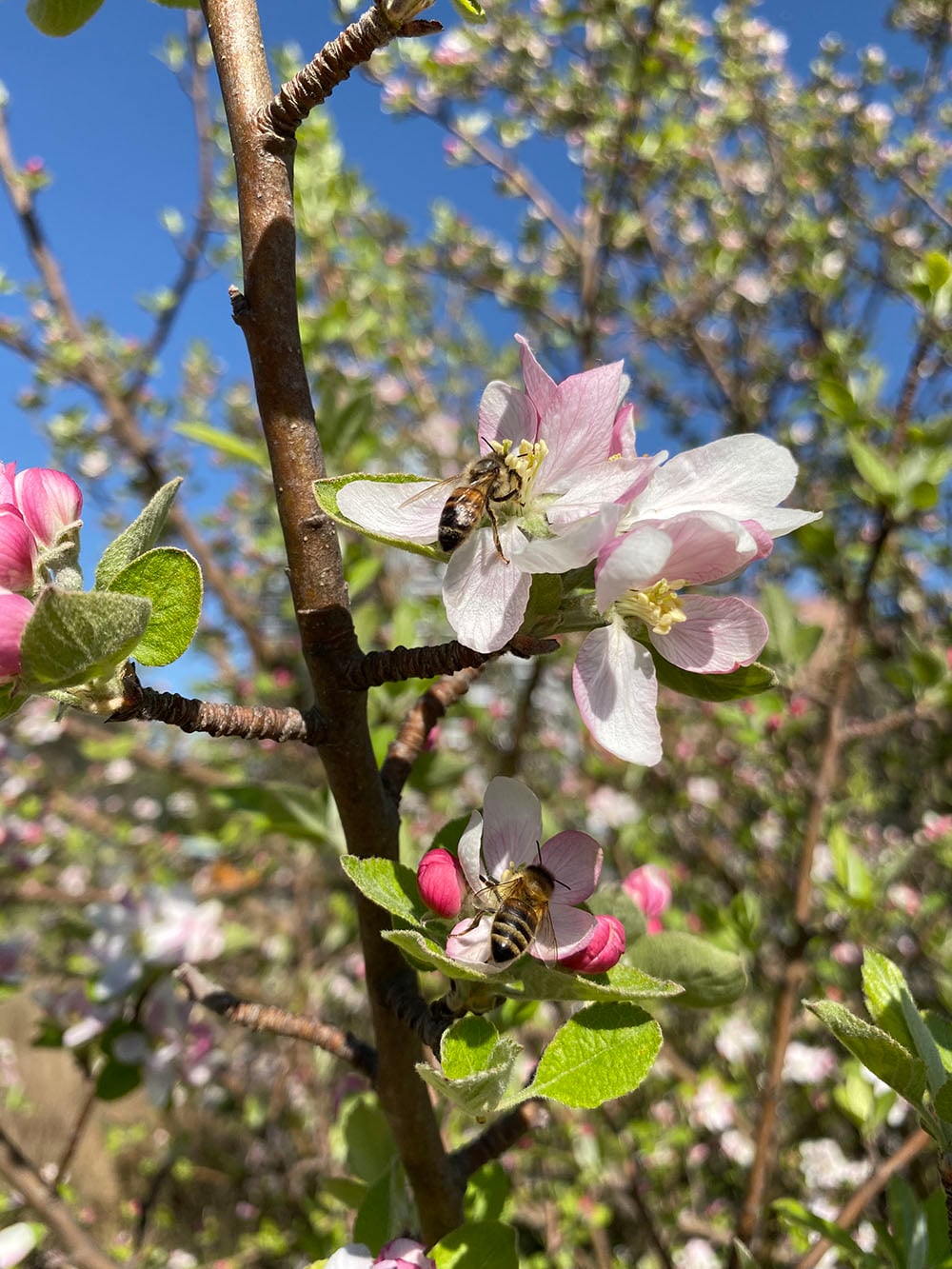
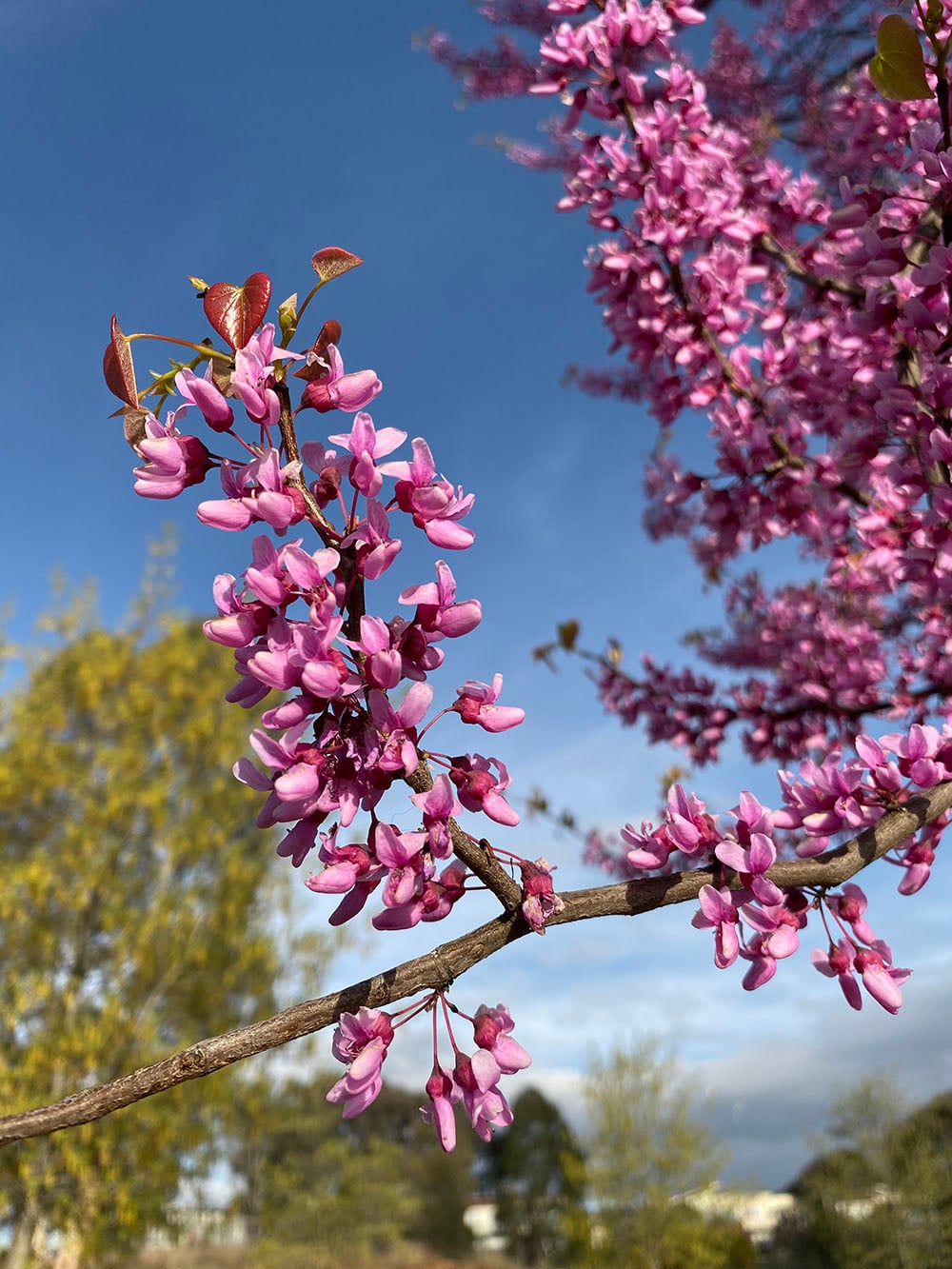
The colours from the camera – from both lenses – are quite vibrant, but also feel true to life. Especially when it has ample daylight to work with, the camera does a great job of capturing details, and it quickly hit focus when I needed it to.
Because the ultra-wide lens does distort the image to a certain degree, it comes in use most often when you have something that can have its perspective shifted for effect. For example, this ferris wheel shot with both the wide and ultra-wide lenses gives a good sense of that distortion.


Similarly, this street art beneath an overpass, the Nishi building, and the bridge work because the shift in perspective gives the images a sense of scale:

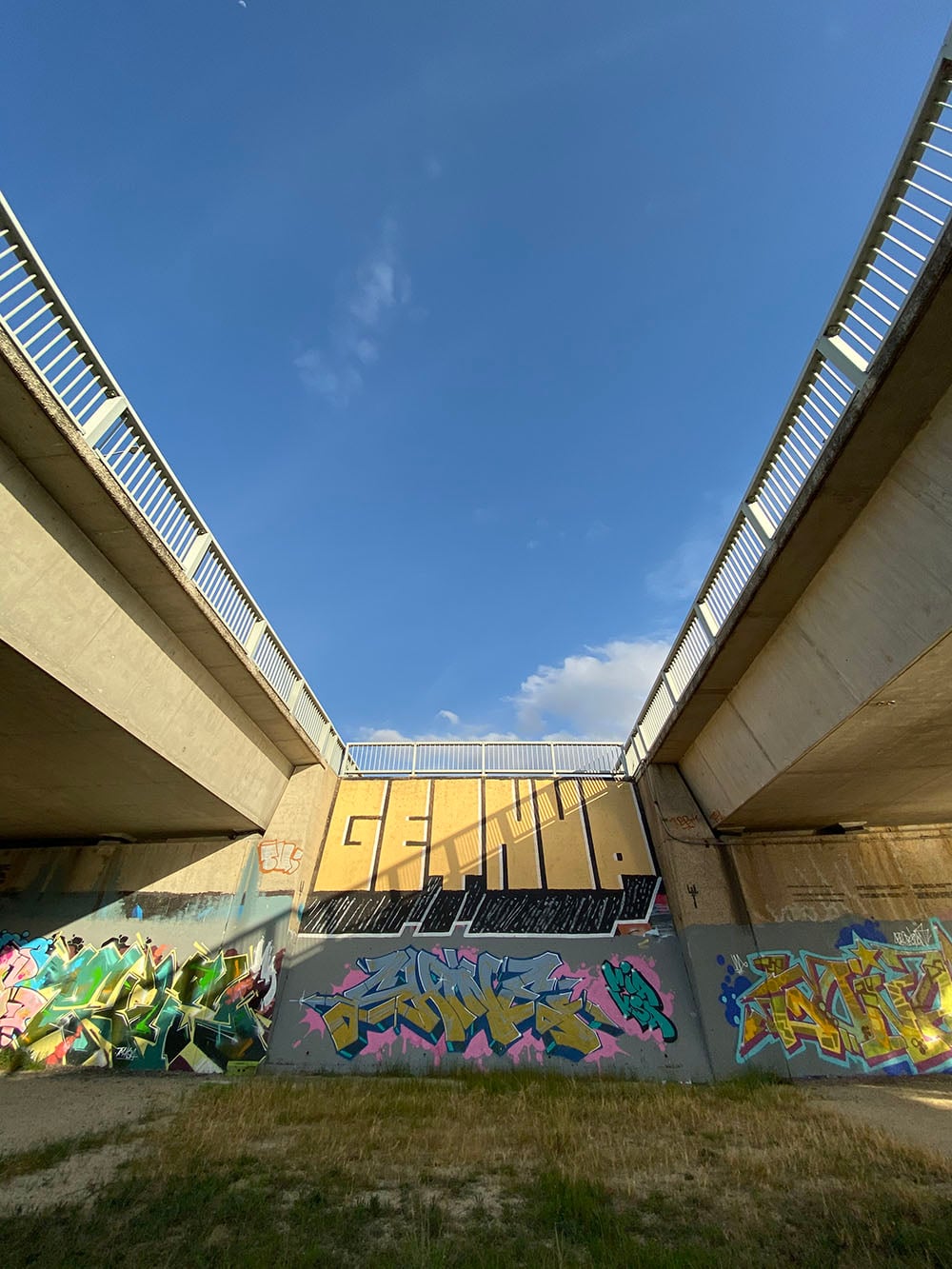
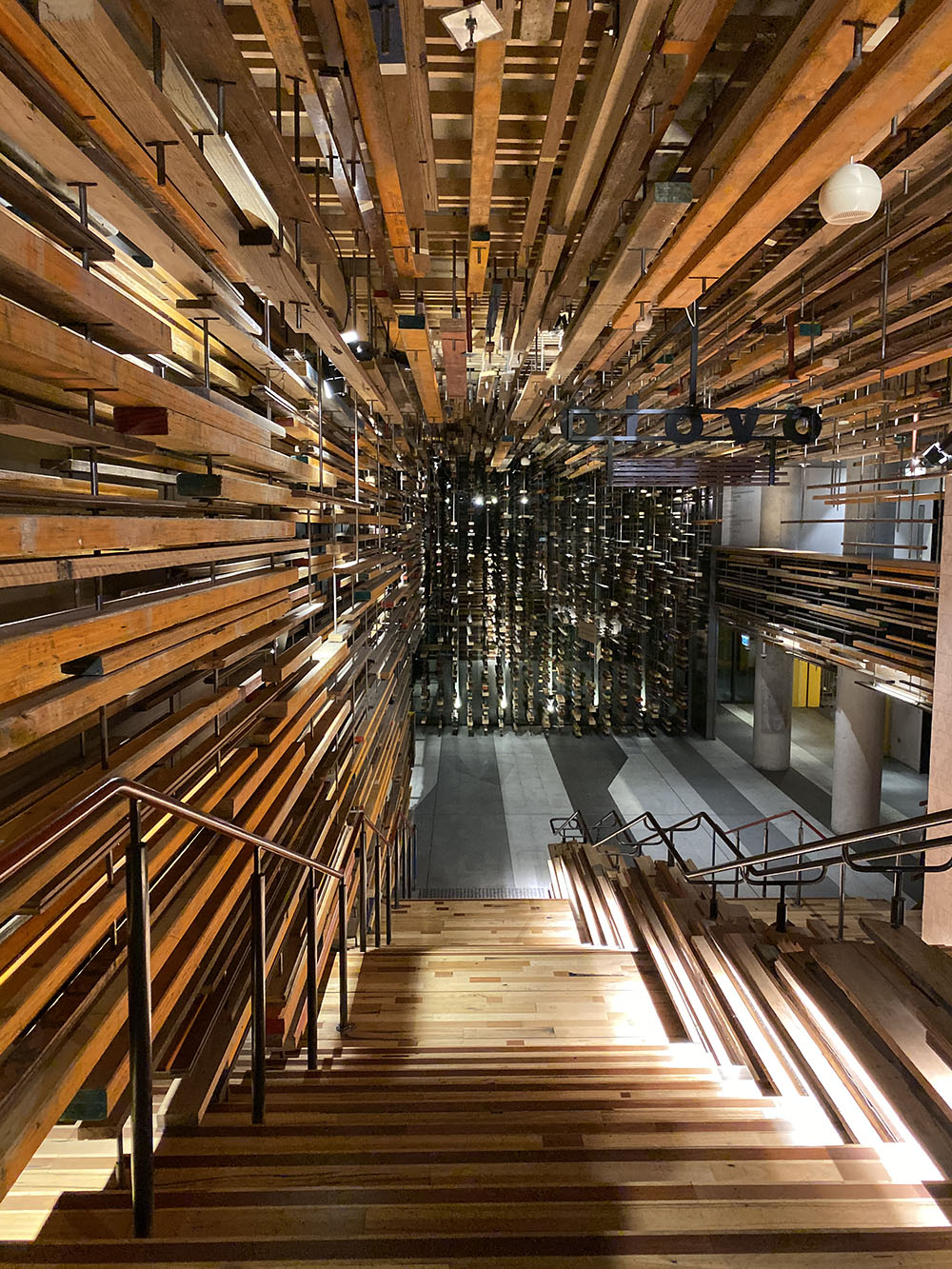
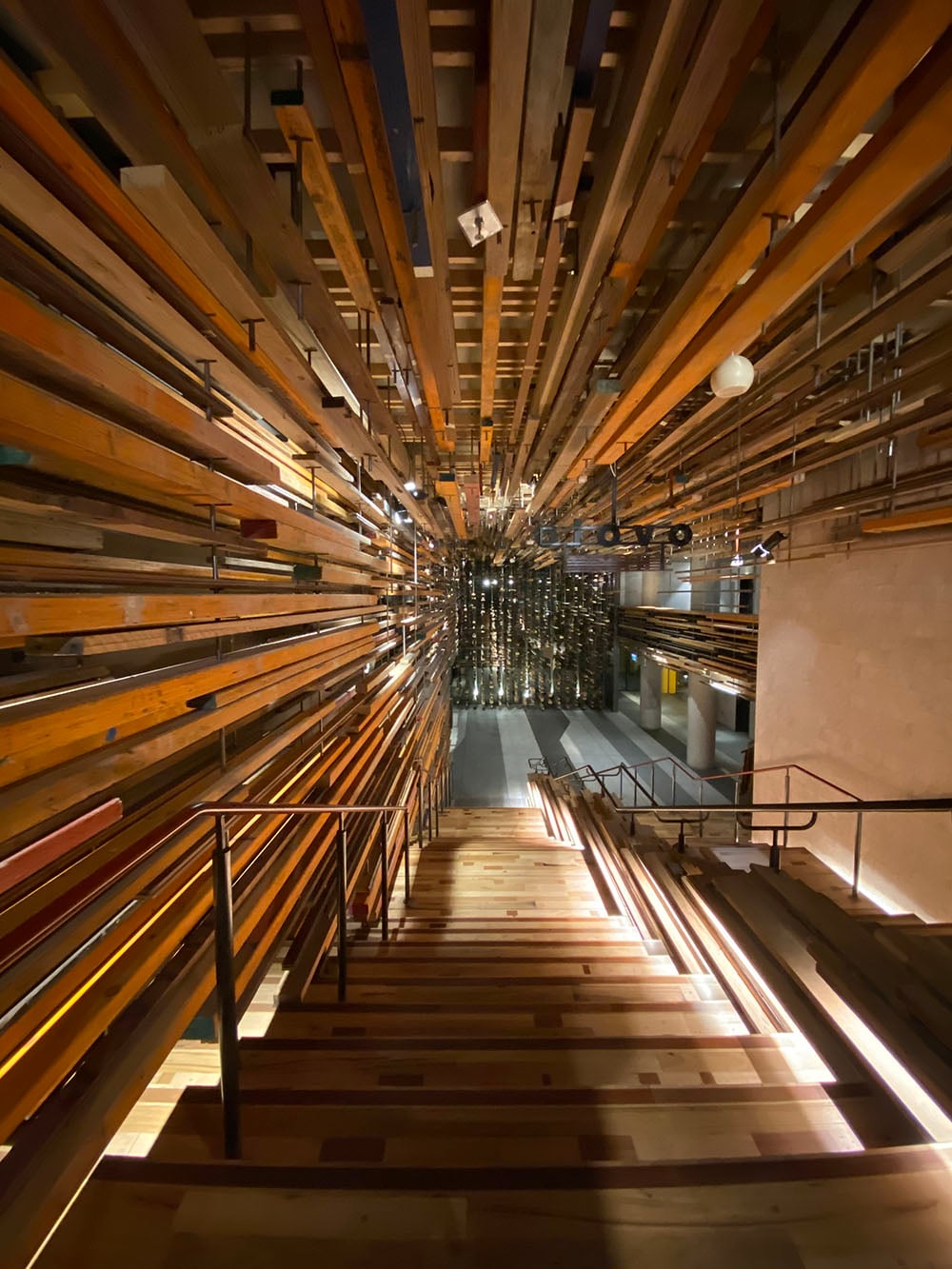

The ultra-wide lens doesn’t always suit every image, particularly those of people, where it can throw out their proportions. It’s also a little softer around the edges of the frame than the regular wide lens (which is very sharp), but this is a minor drawback on what is otherwise a fun new feature to have.
So how does the regular wide lens compare to my old 6S? Or to my Fuji X-Pro2?

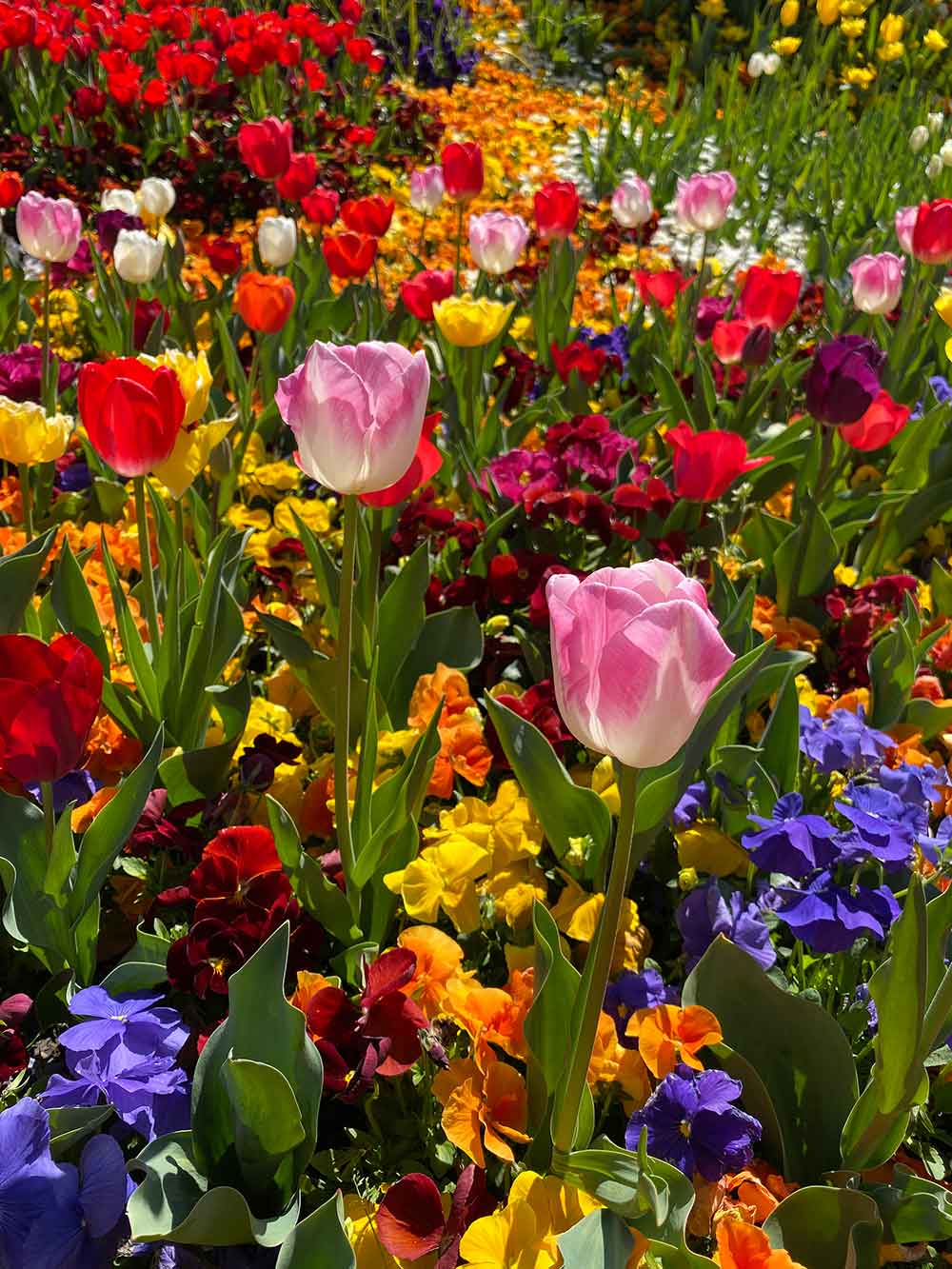
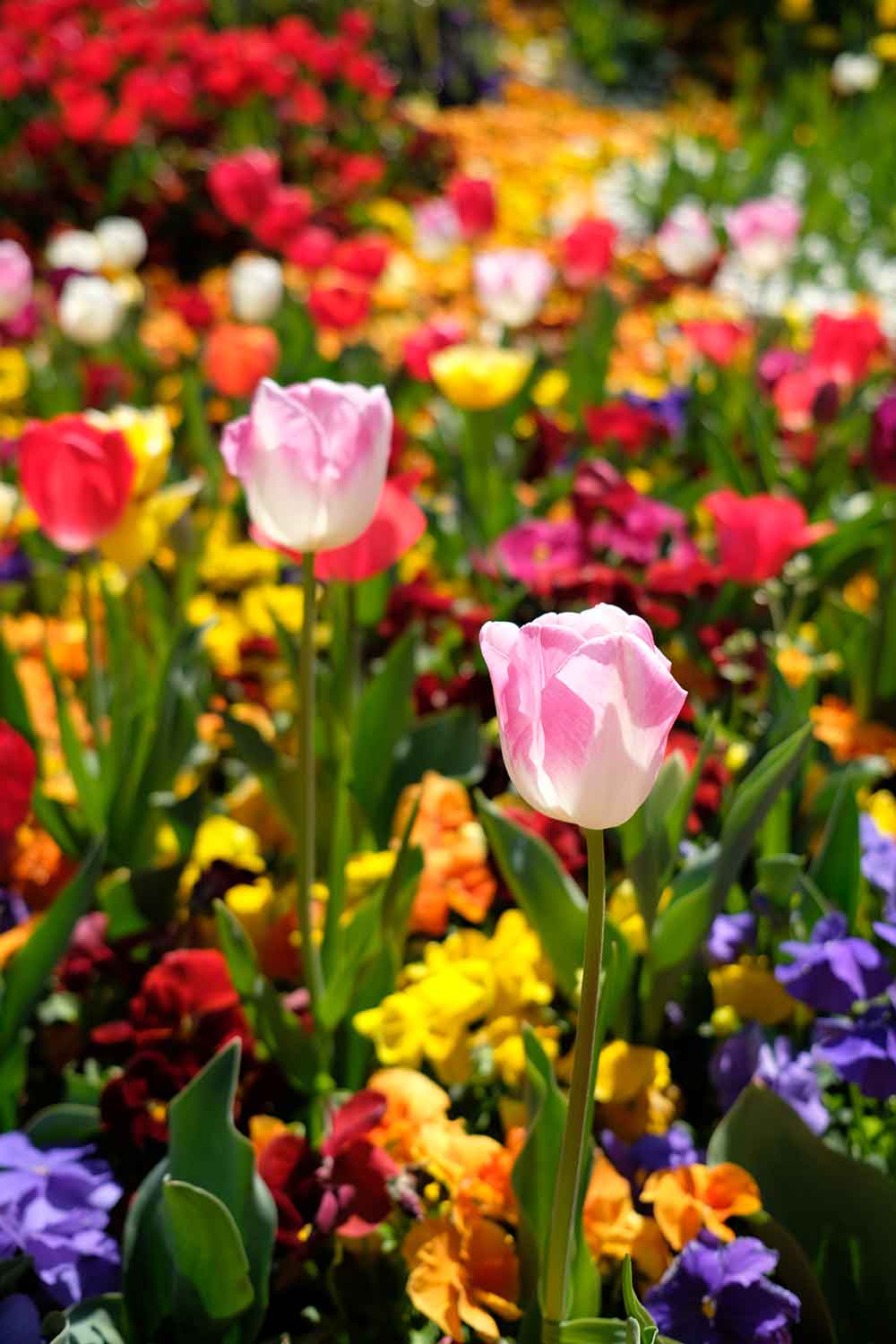
Without zooming right in, it’s pretty close between the 6S and 11 – at least, and this is crucial, in well-lit daylight, which is a best-case shooting scenario. Looking closely, I do feel the 11 is a tad sharper and the colours look better to my eye, but both phones rock a 12 MP rear camera and in optimal conditions it’s practically a tie. That’s not to say the camera in the 11 is not a jump up – it absolutely is in non-optimal conditions and when shooting portraits. It’s a more flexible camera that can shine in a wider variety of situations. But it’s worth being across just how close the two can look.
The Fuji X-Pro2 is a mirrorless camera with interchangeable lenses and can produce a much different type of shot. Here, the colours are more pleasing – and while I don’t expect the 11 to live up to the same standards – I do think the way that colours are captured and presented is important. Fuji nails this in my book; Apple is good, but could be better. Generally if I’ve taken a smartphone photo, there’s rarely any case where I wouldn’t run it through a third-party app like Priime or VSCO first to edit the colours to my liking, and with the 11, as good as the colours are, this is basically still true for me.
It was only as the evening moved on that the iPhone 11 very occasionally struggled to focus exactly where I wanted it to, but this isn’t unusual in low-light conditions. Thankfully, here’s where the iPhone 11’s new Night Mode comes in.
Night mode
Night mode is one of the coolest new features of the iPhone 11. The camera will automatically recognise that it’s a low-light situation and engage night mode. When it engages, a ‘moon’ icon appears at the top-left of the camera, indicating how many seconds it will need to work. When you take a photo, the iPhone very politely asks you to hold still while it does its magic.
I’m aware that other phones have had this for a little while, but it’s new to Apple, and it works very well. What’s amazing about this is that you don’t need to carry around a tripod either: keep the phone relatively steady while shooting and it works a treat.
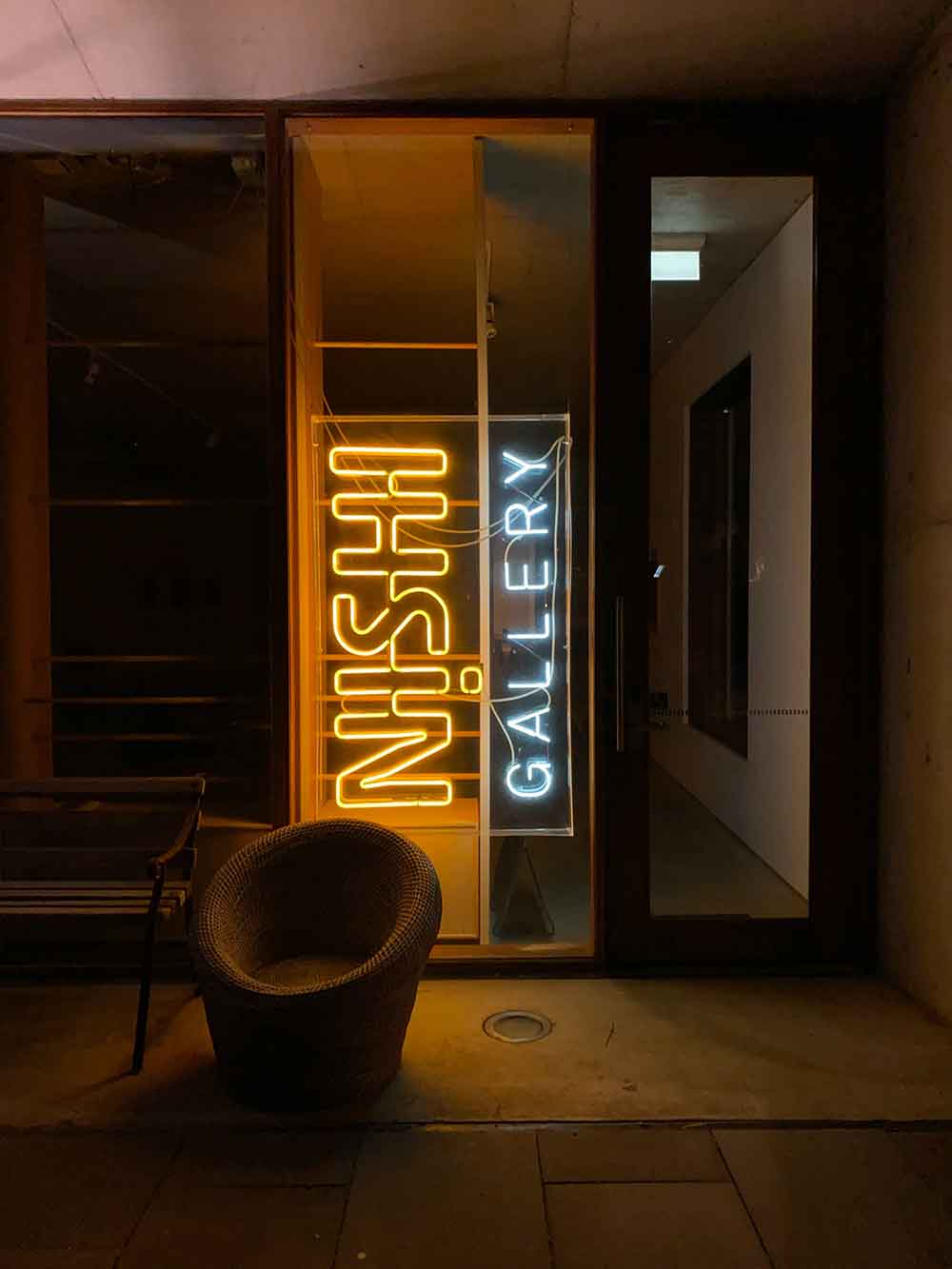
Compared to what I could get out of my old 6S, it’s like being able to see in the dark. These shots were taken while exploring NewActon in the city.

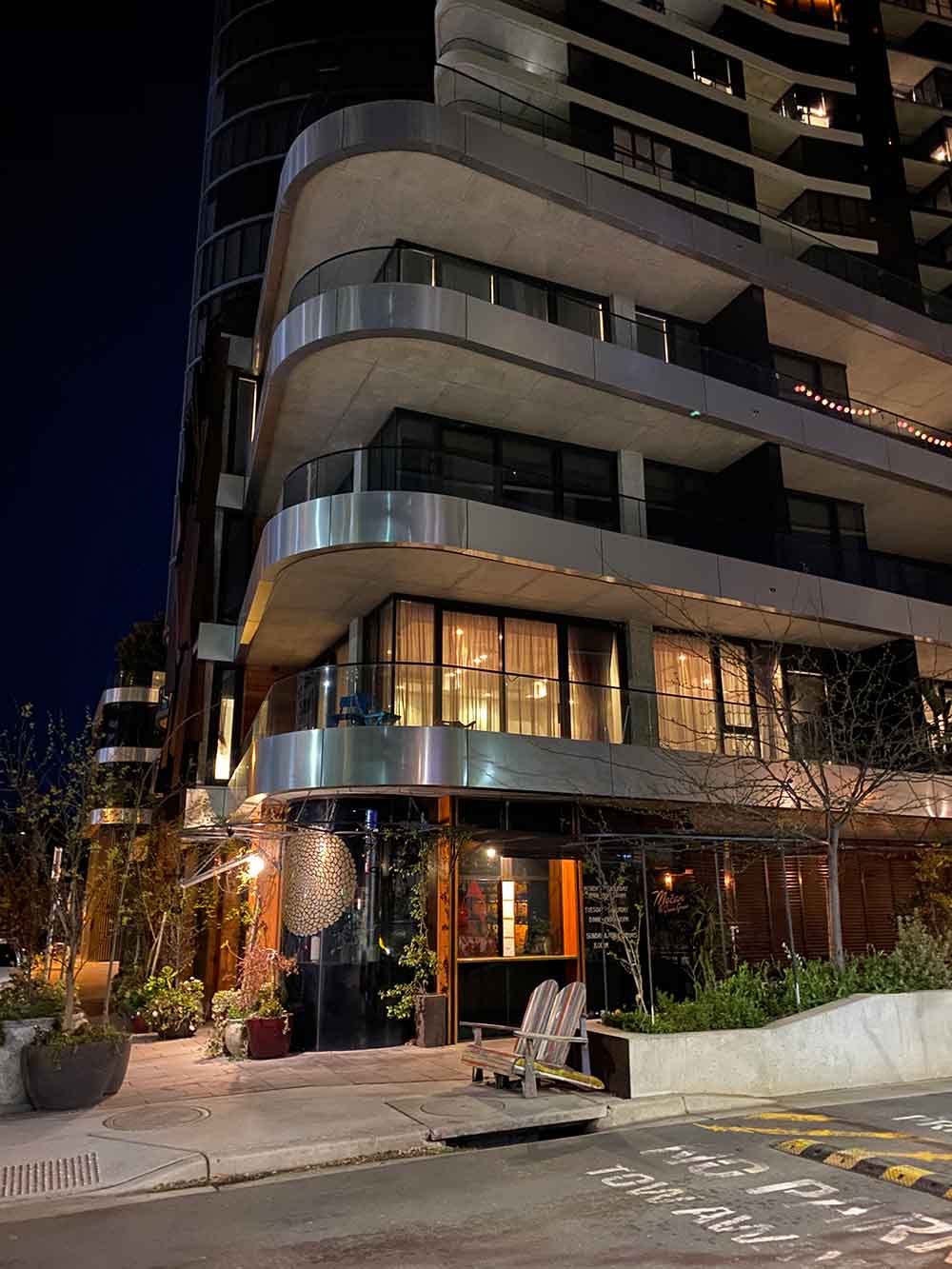
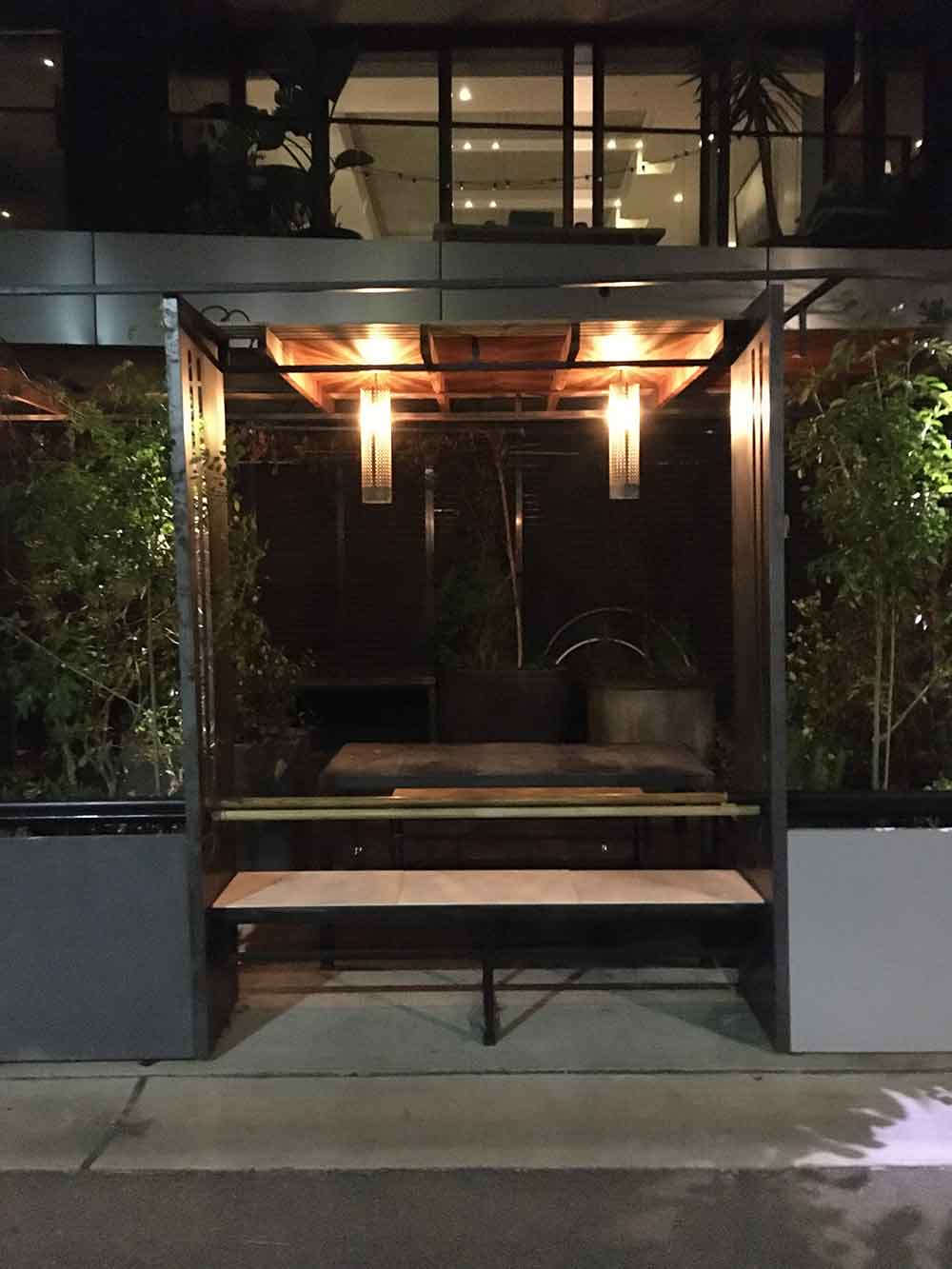
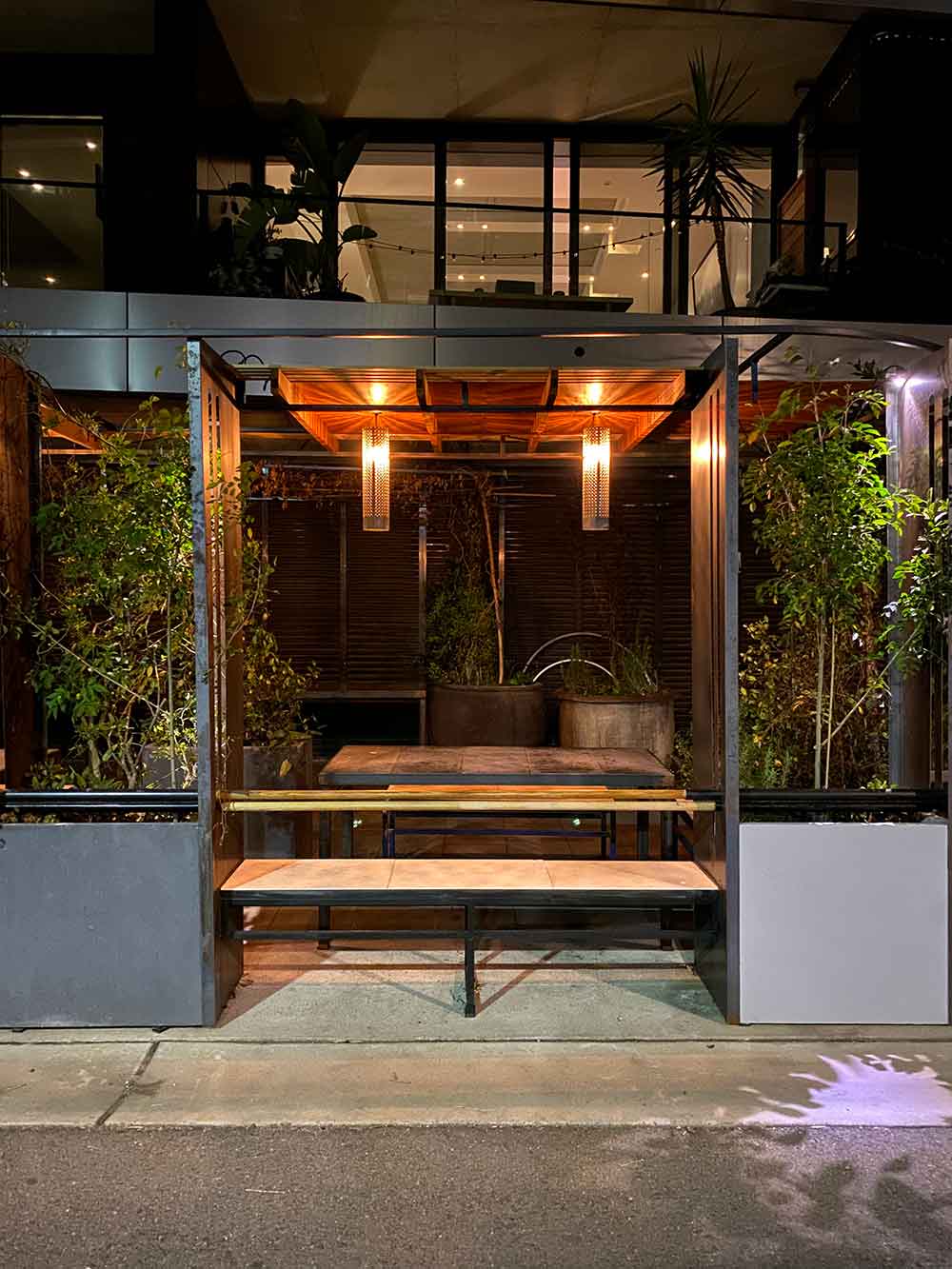


This was my first ‘woah’ moment, and it’s where the iPhone 11 really shines: images are clear, crisp, and the colours pop compared to the 6S. Some might say that the difference is night and day (I’ll show myself out), and it really is. Previously, where I wouldn’t even bother to get my phone out, I’m now much more likely to be shooting at night – it feels like a game changer. Images come out feeling balanced between the highlights and shadows, and while it isn’t perfect for every scenario, it is damn good for most.
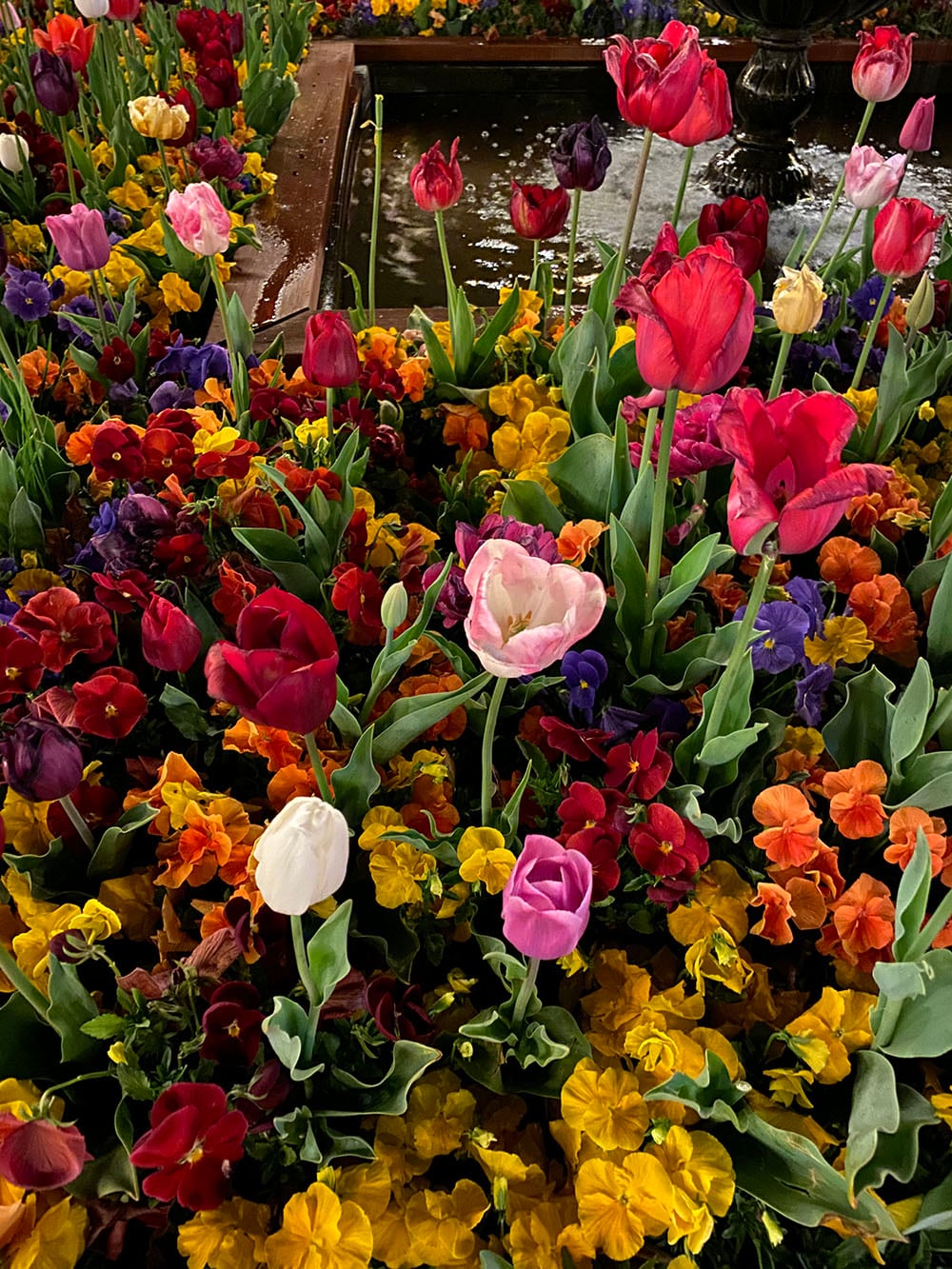
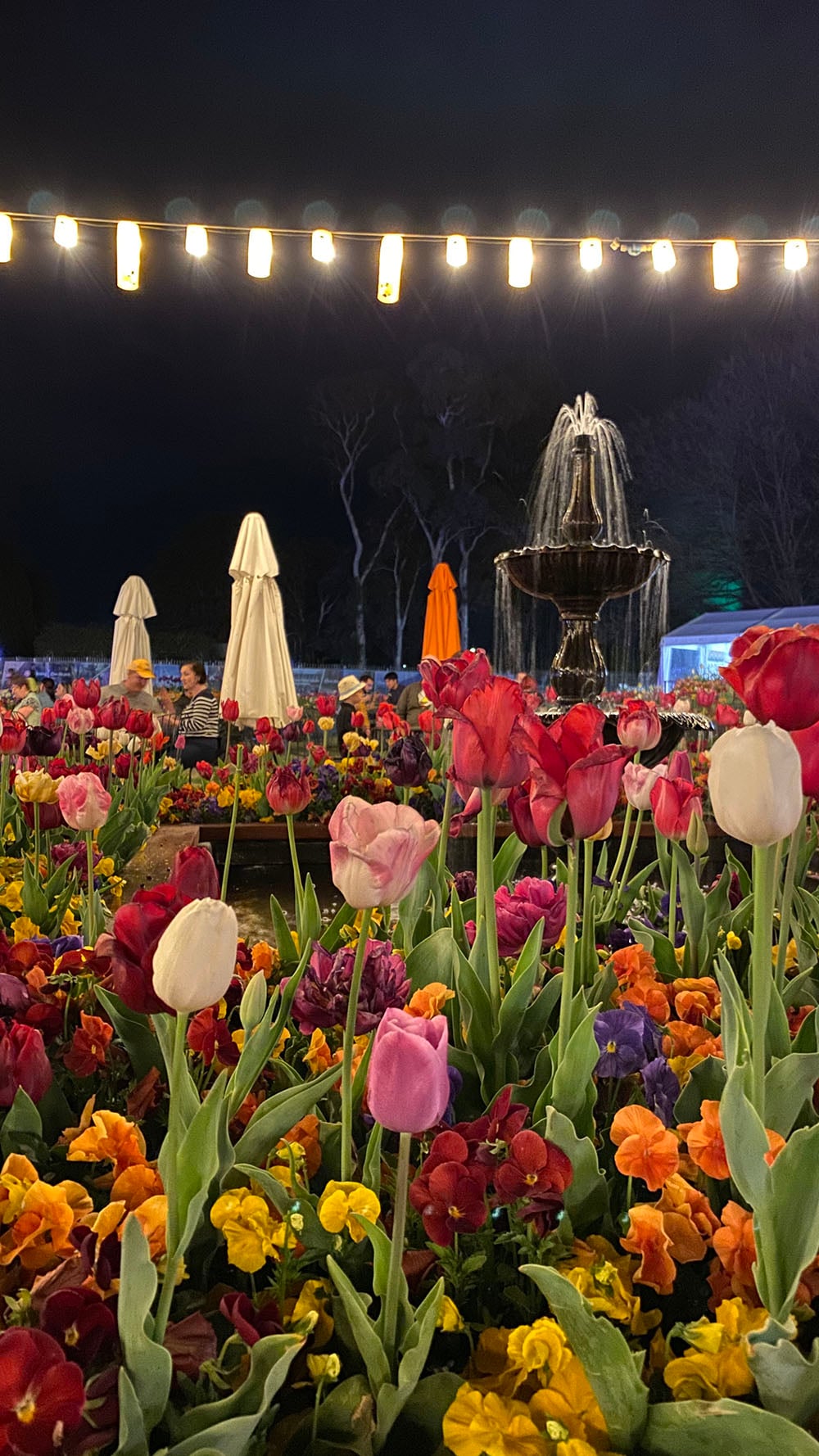
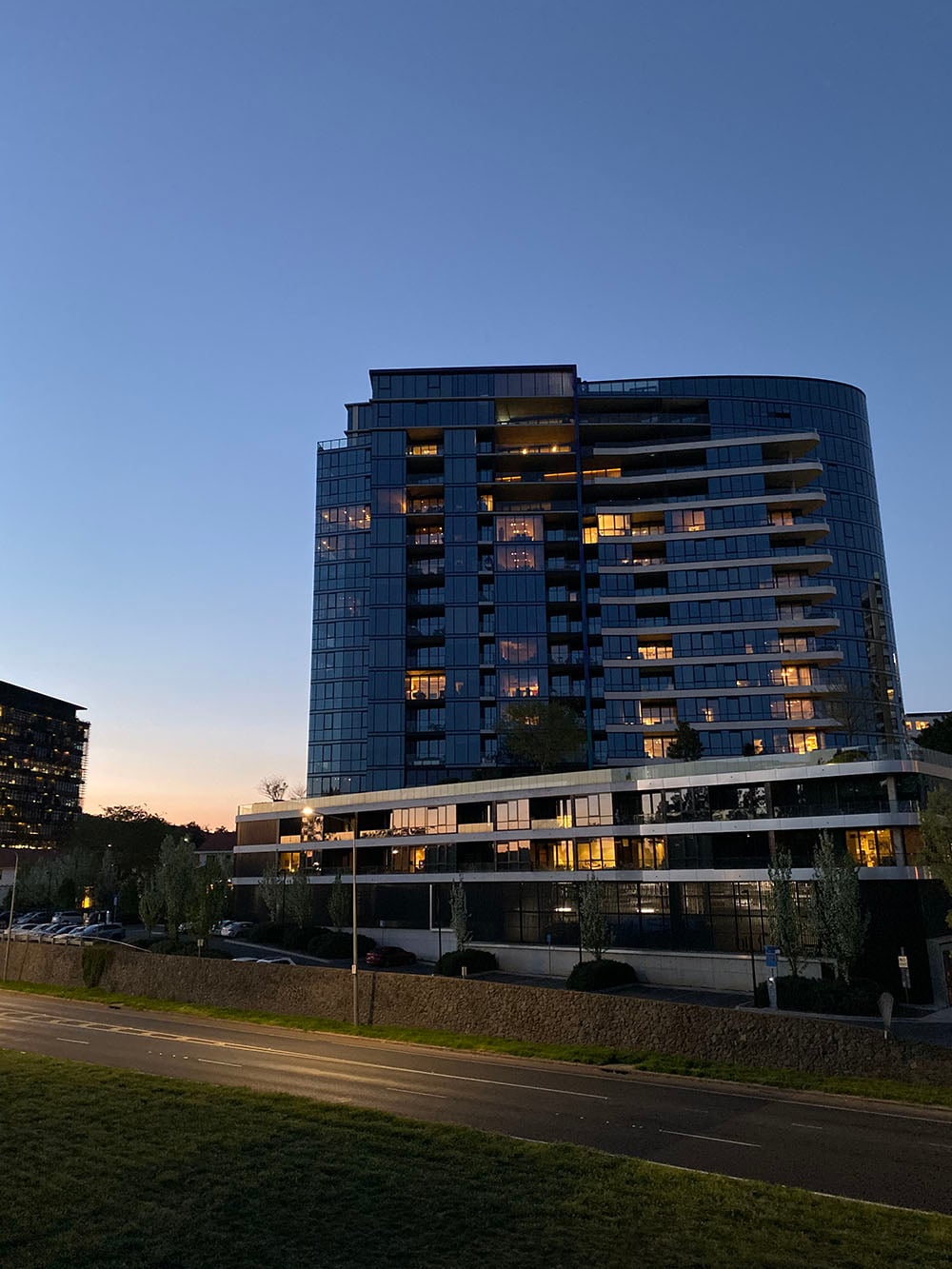
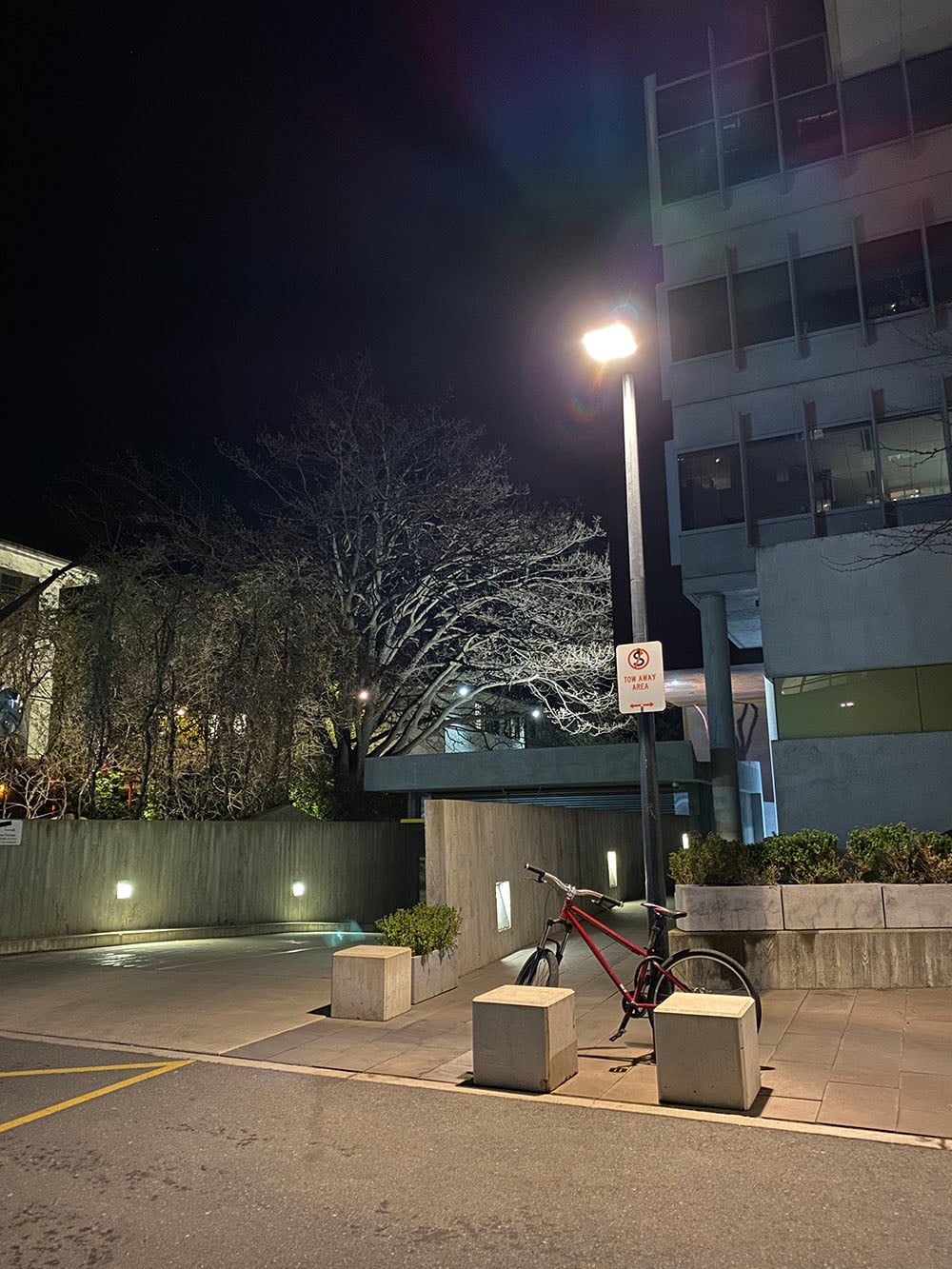

The only real shame is that you can’t use it with the ultra-wide lens – especially as sometimes, the ultra-wide seemed to struggle a little in low light.
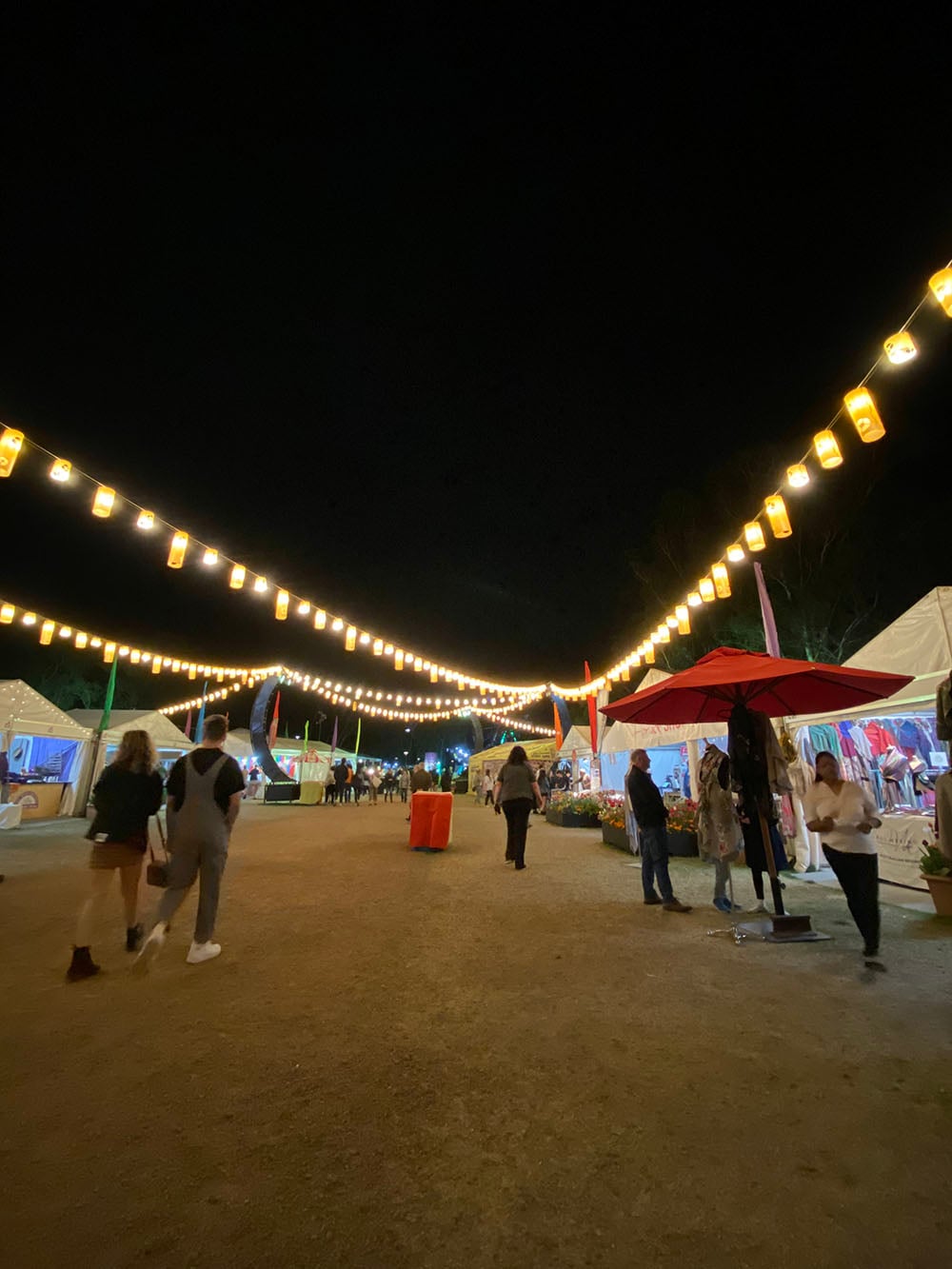
Beyond that – there are rare cases where it feels like night mode is working against you. Because it combines a number of exposures into one image, doing so can result in blurred movement. In cases where this wouldn’t be suitable, I had to remember to turn night mode off first after it had automatically engaged. Not a huge problem, but when you miss a shot because of it, it can feel frustrating – it would be nice for Apple to let us turn it off temporarily in the settings.
Portrait mode
The iPhone’s portrait mode works much the same as it always has – it focuses on a subject (or object) in the foreground, and using the dual lens and some fancy internal processing, blurs out the background. It’s now been expanded to work with things other than humans – including your cute pets – so I decided to put that to the test.
Say hi to Raffi and Indi.



What we’re relying on here is the iPhone’s ability to accurately understand the outline of the subject/object/pupper – and in these cases it does quite well. With Indi’s white fur, there’s a glow effect around the edges of her face, almost as if the algorithm can recognise that’s the edge but doesn’t quite know how to create clean depth around it. That’s cool though – we’re working with an iPhone here, and it’s unreasonable to expect it to perform the same way as a dedicated camera and portrait lens would.
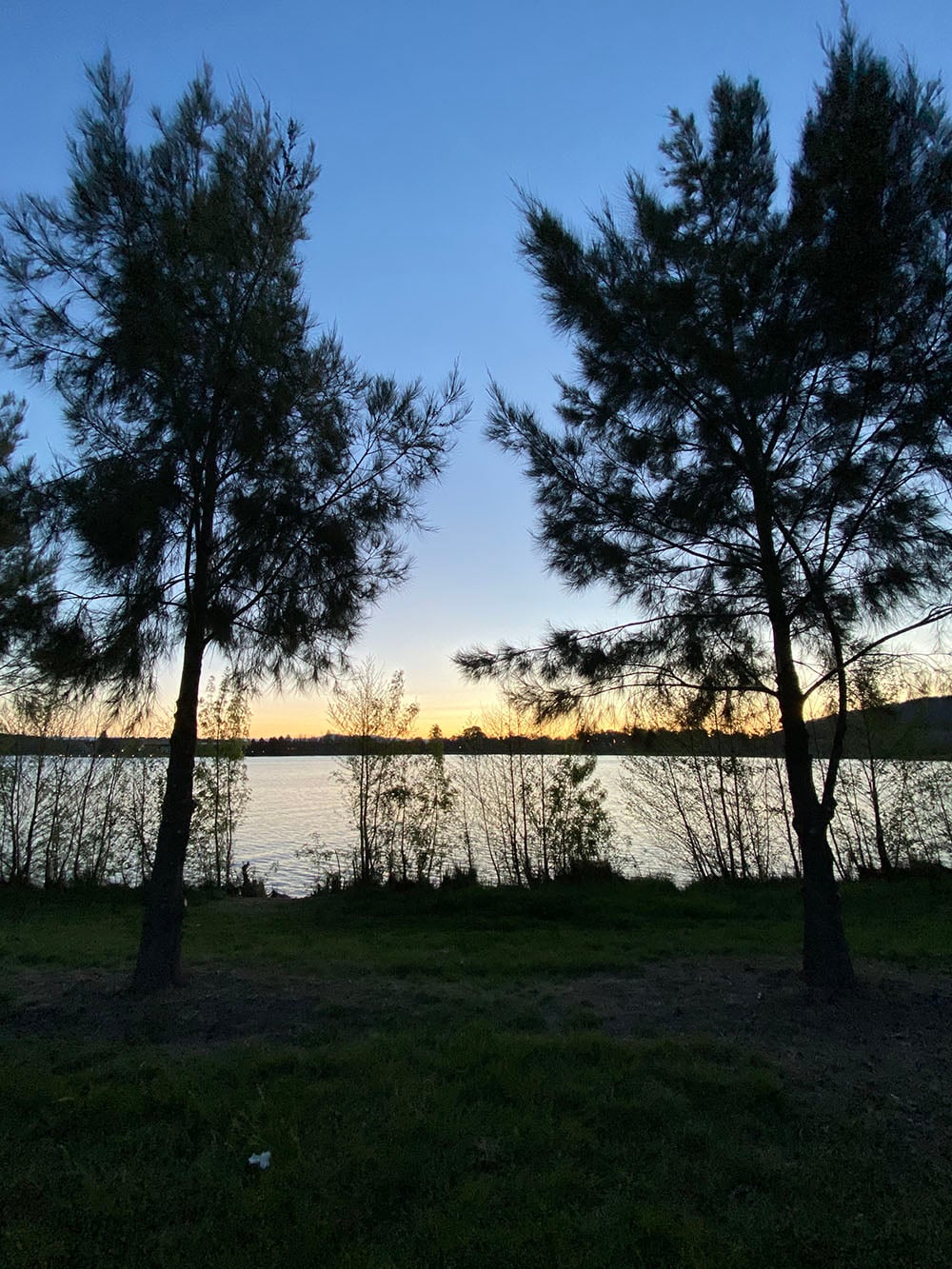
To show you what I mean, my friend Jack volunteered as a test subject. Rather than trying to take the best possible portrait of Jack, I wanted to test out portrait mode in purposefully difficult conditions. So around sunset, we headed down near the lake, and shot portraits of Jack with the sun behind him. I wanted to see how the iPhone’s new Smart HDR handled the range in light – would it expose for the sky and sunset or would it expose for Jack?

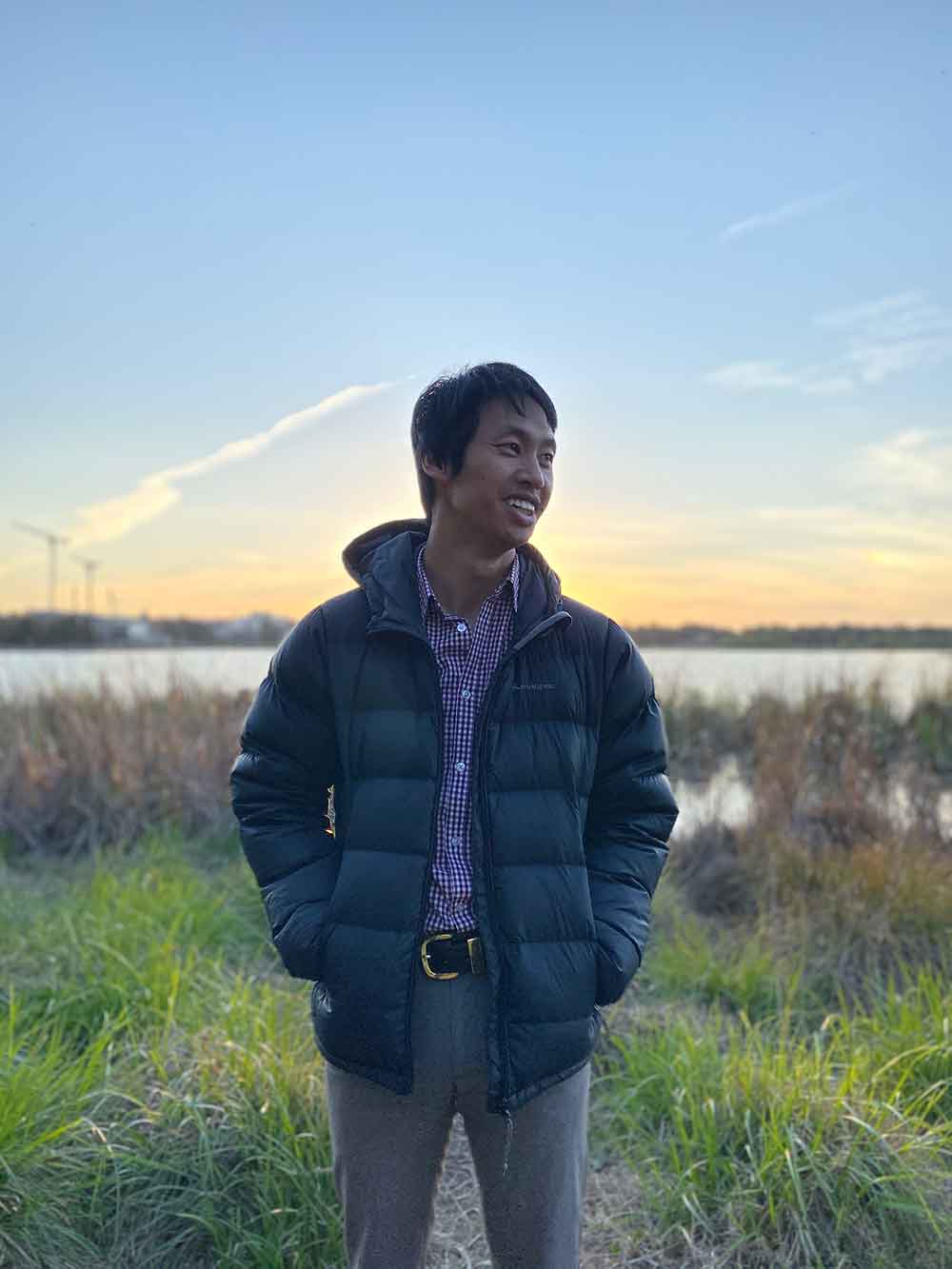

The iPhone 11 actually makes a good compromise. Jack’s exposed clearly enough to see his face, and the sunset gets a nice gradient of warm tones in the background. What’s fairly obvious is that the compromise made by the camera leaves the image a little washed out, but it fares better when the portrait is on a diagonal, presumably because it’s struggling less with that lighting.
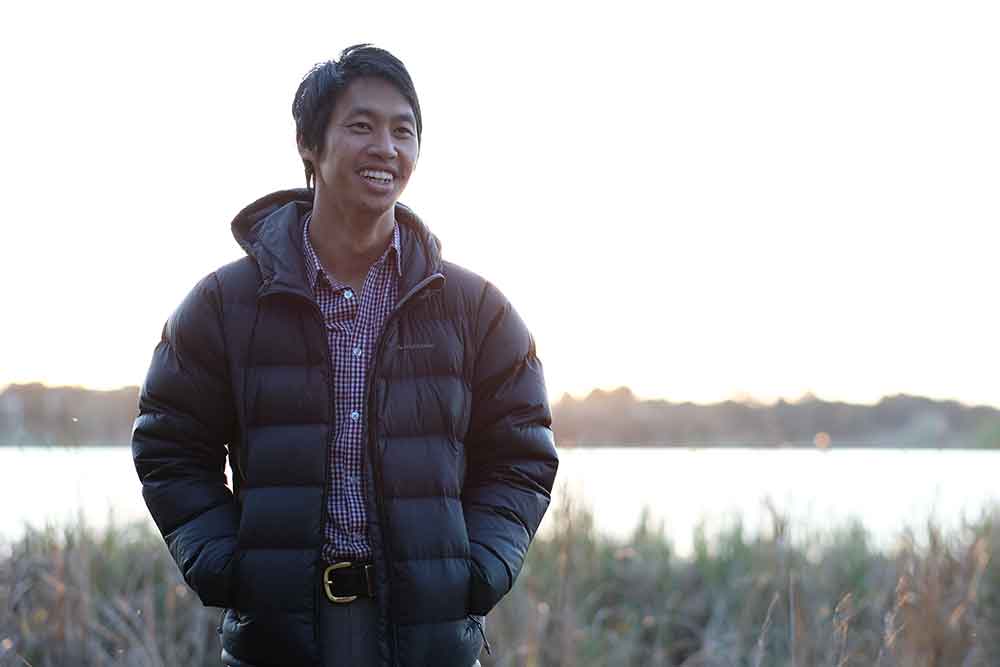
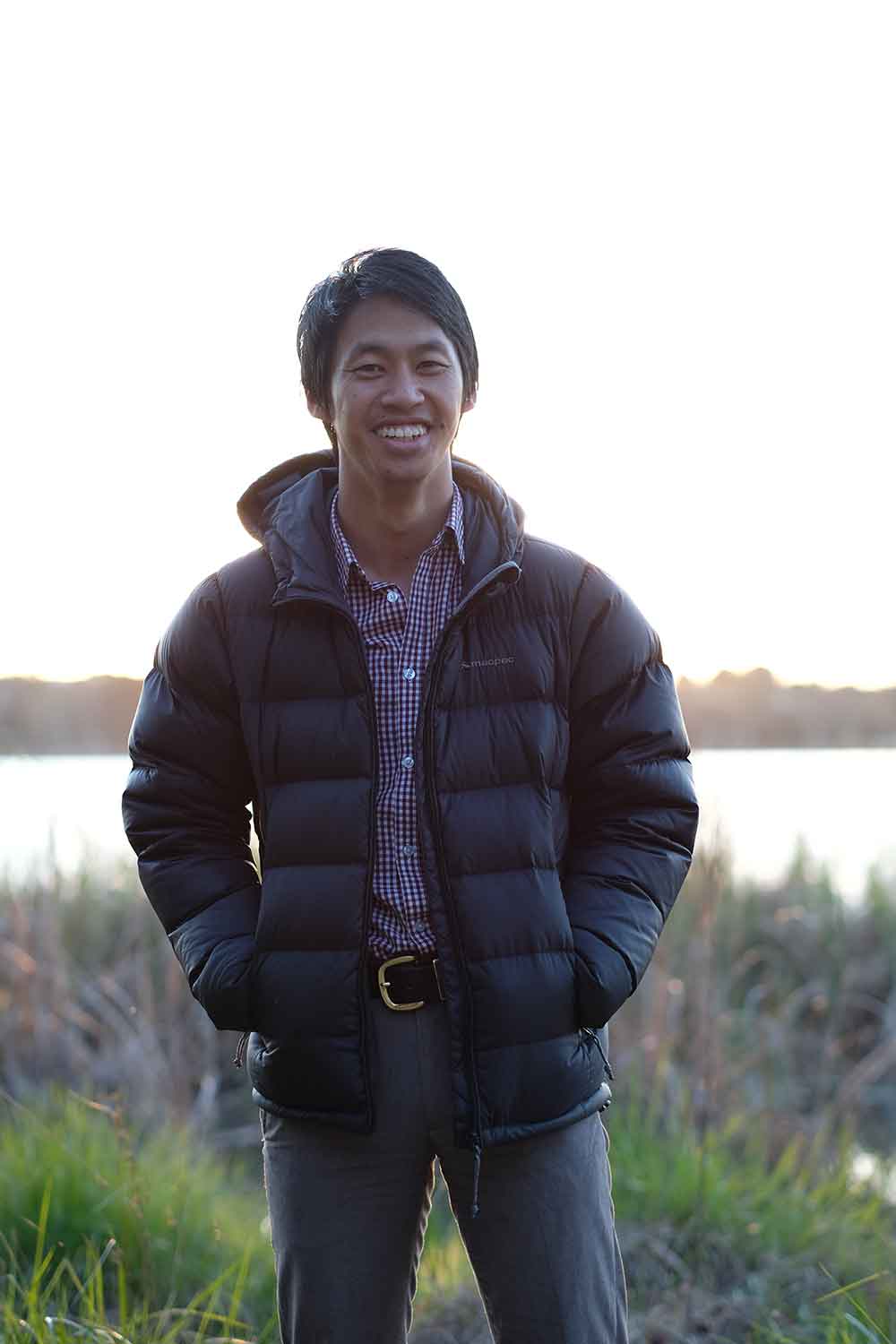
The most noticeable difference shooting with the X-Pro2 is that, exposed for Jack, the highlights in the background blow out. The X-Pro2 isn’t trying to do any Smart HDR business like the iPhone 11 does, and the photos are less washed out as a result, with stronger separation between foreground and background.
This was to test how the iPhone 11 compares in adverse conditions against other cameras, and given what we’d expect of a smartphone camera, it compares relatively well.
However, it’s worth showing what happens when the portrait mode algorithm doesn’t get things quite right. Testing it out on this plant showed that where the stem intersects with the horizon line, the portrait algorithm gets confused and blurs through a section of the ‘subject’.


Admittedly, I’m taking a ‘portrait’ of a plant – but this is something a dedicated camera could handle easily (as above) because the bokeh effect is a result of the lens’ aperture, not an algorithm figuring things out after the shot. Big deal though? Not really. But it is the perfect example of how phone cameras are still in a weird limbo space, trying to do the things other cameras can do, but not quite getting there in the same way.
Food, glorious food
Other than shooting portraits of pets, everyone and their best friend (dog or human) is going to use these cameras for food shots for their Instagram. It’s a thing, and it’s a good excuse for me to buy donuts and coffee in the city before work.
See if you can pick which are the shots from my 6S, and which are the shots from the 11:
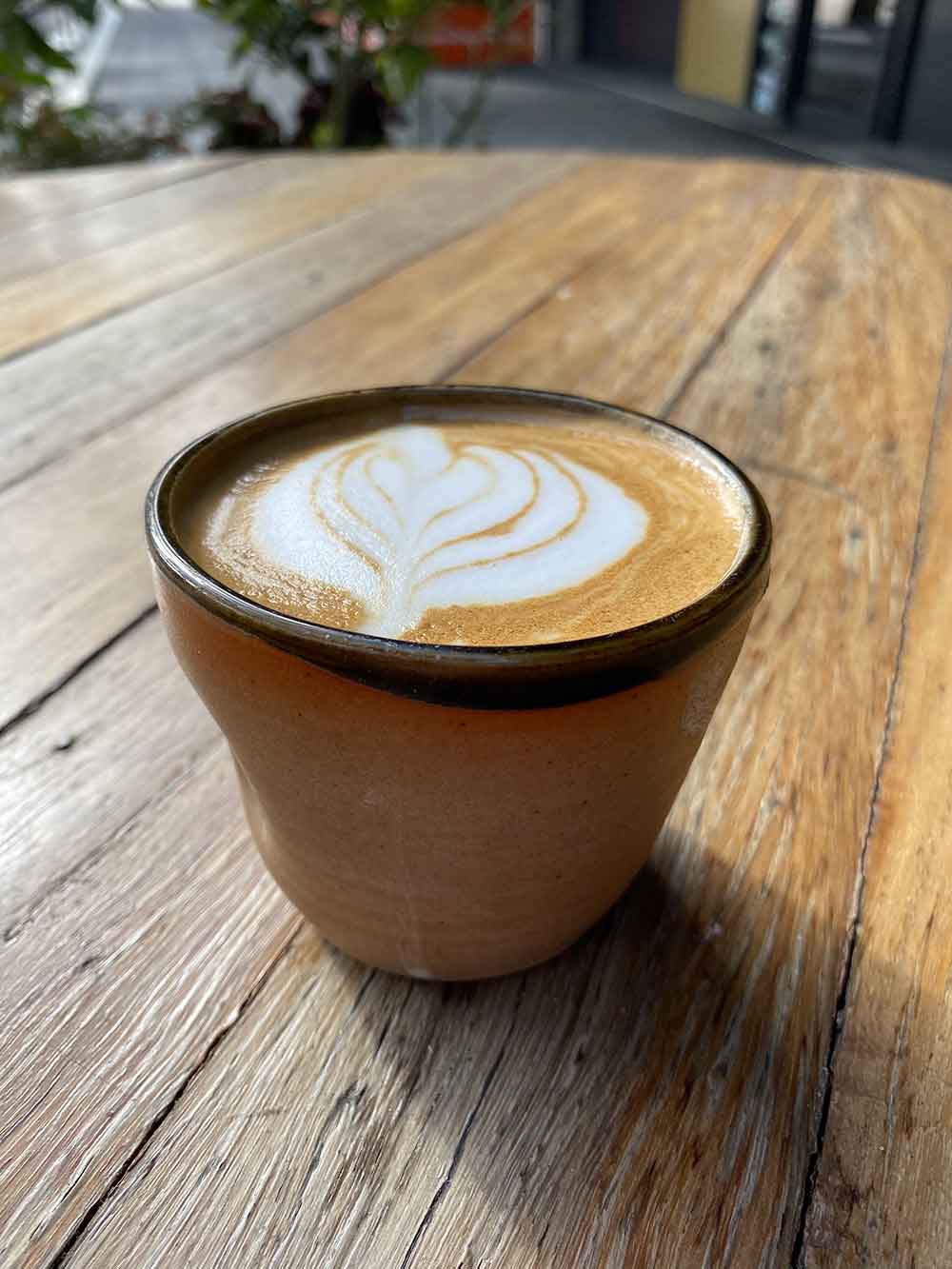



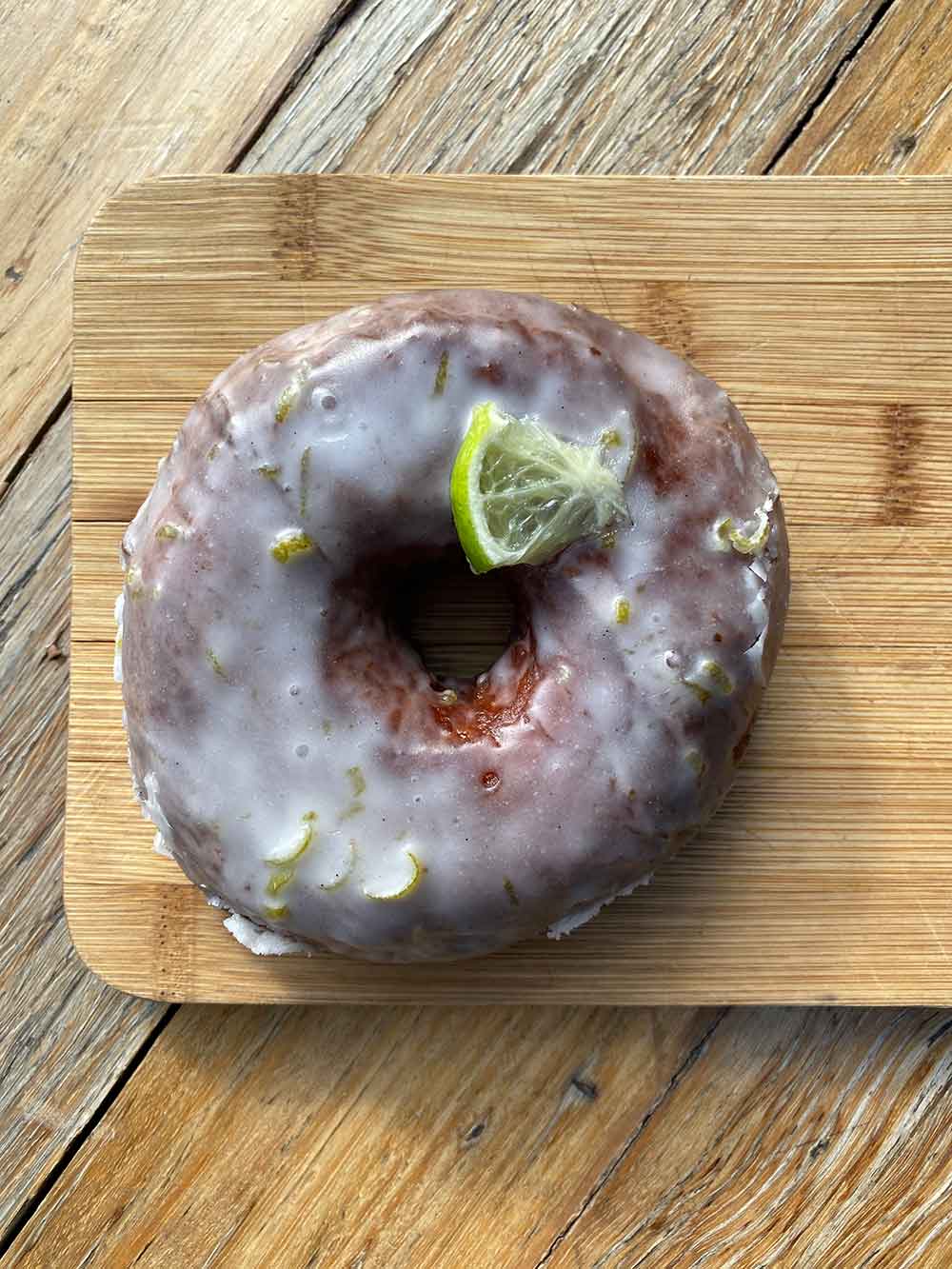
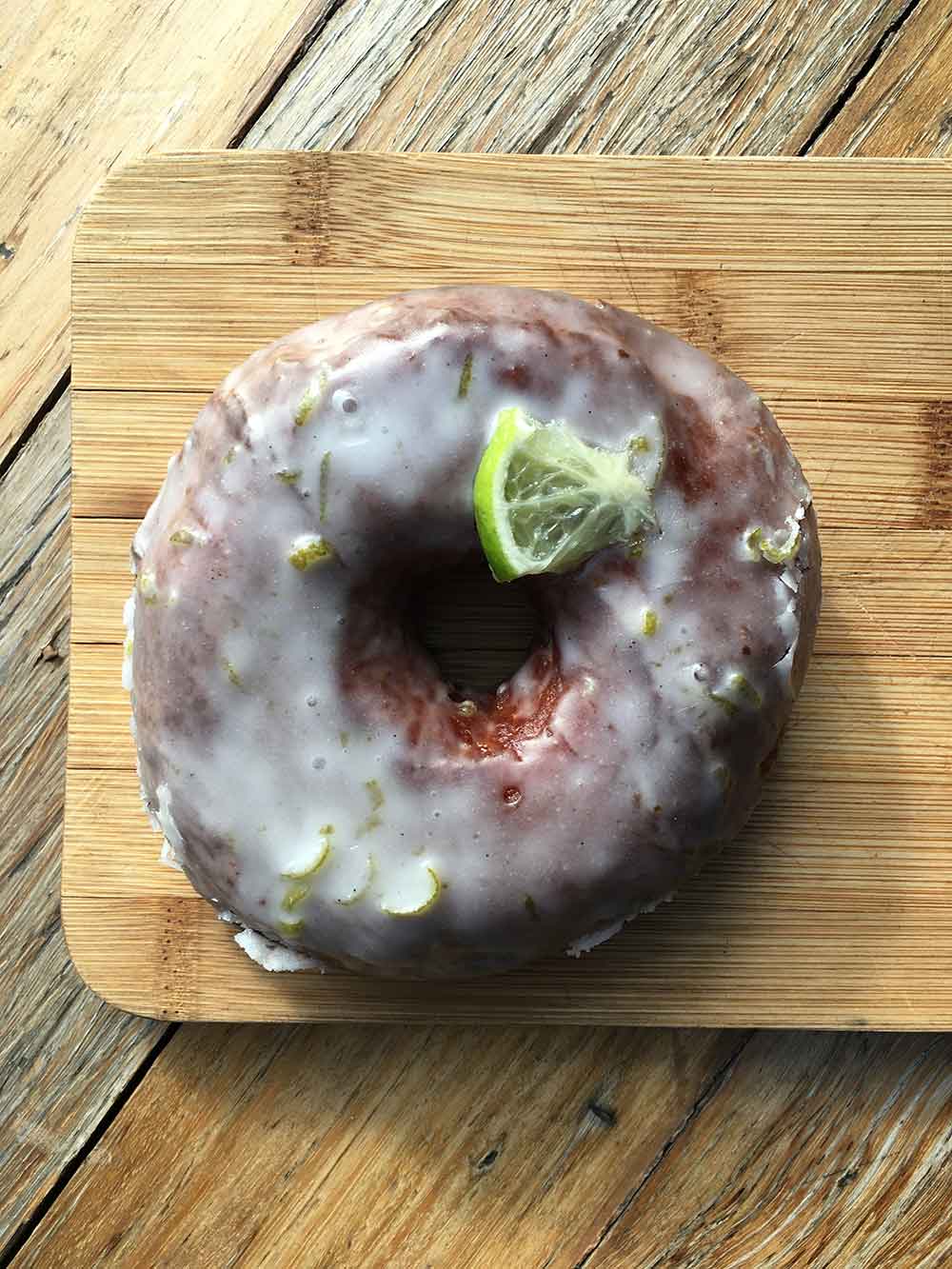
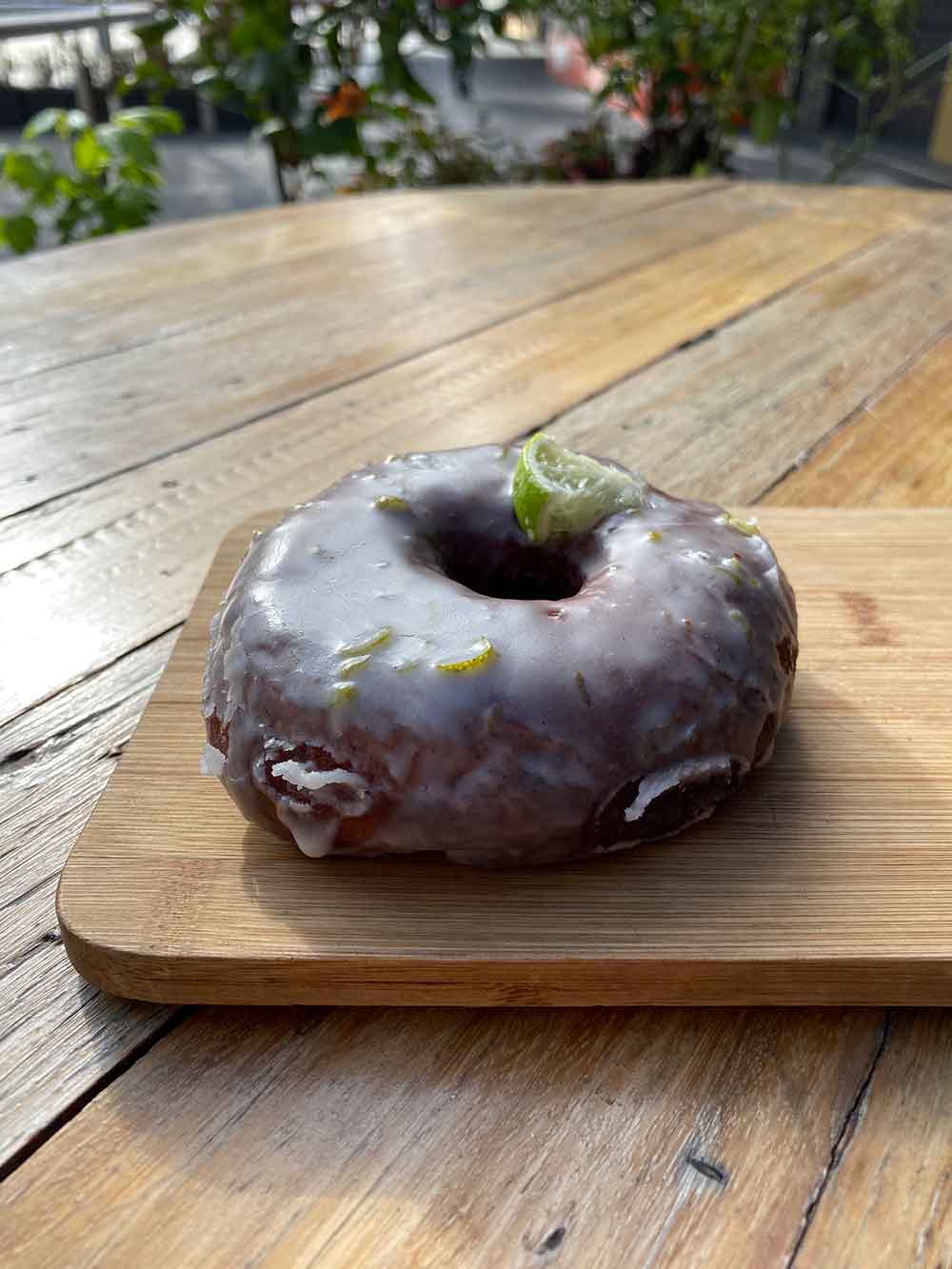
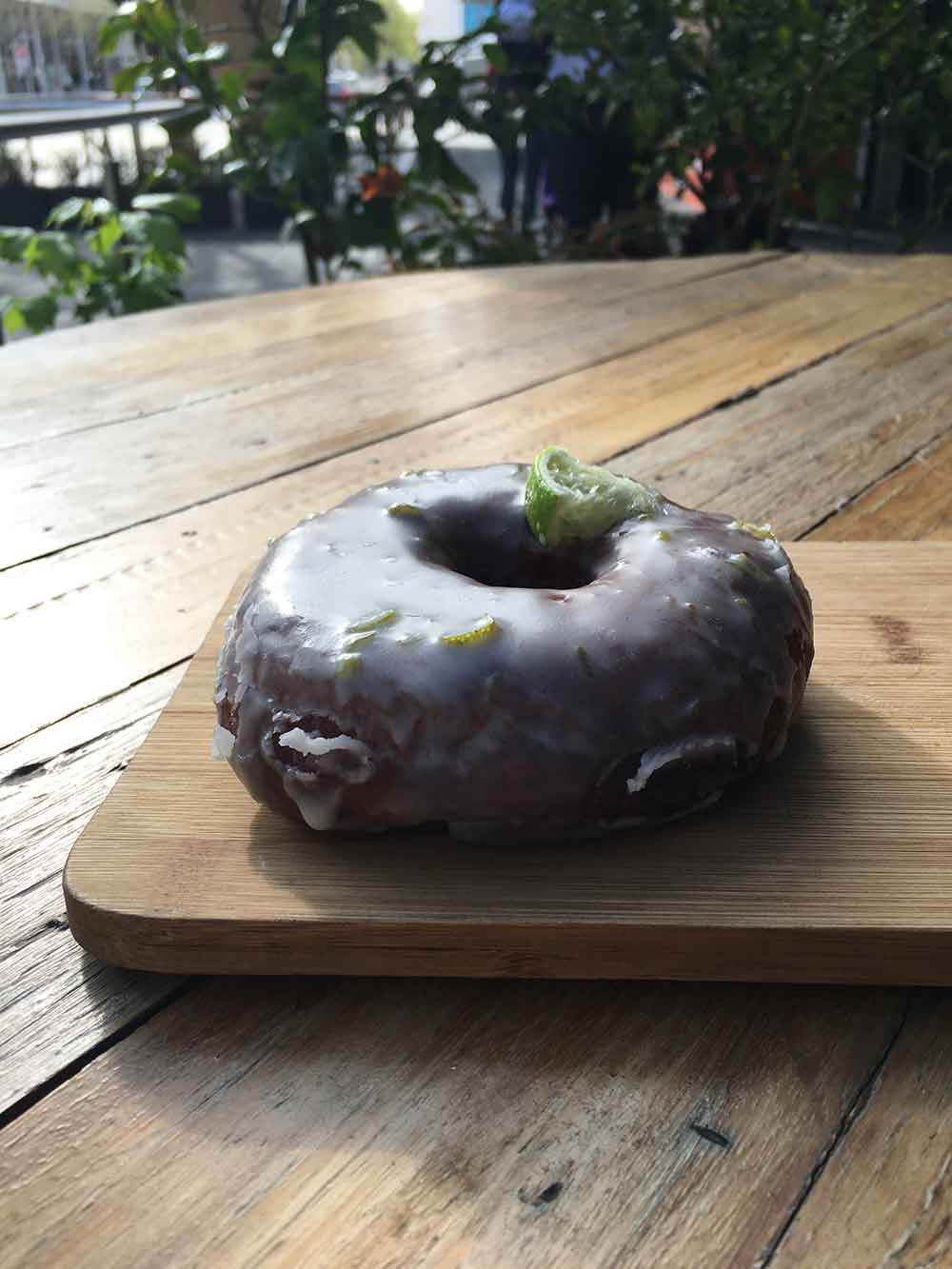
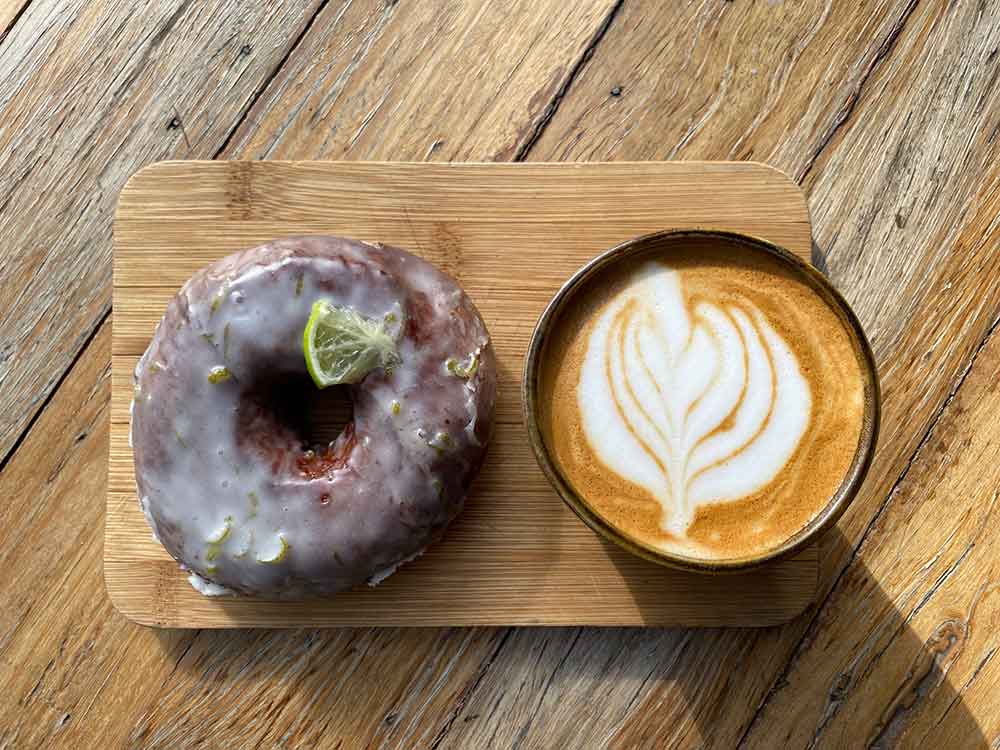
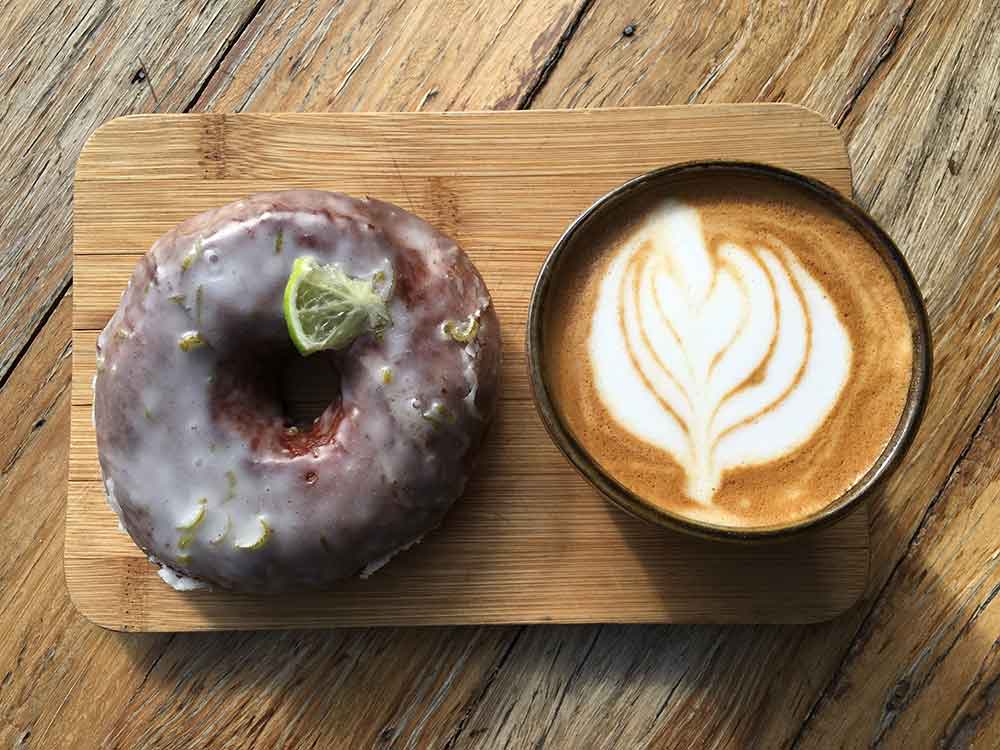
Look at those colours and the details. Although they’re pretty close – again, in good daylight conditions – if you picked that the first of each pair was the iPhone 11, you’re right. To my eye, it edges out ahead in terms of colours again (the flat white is a even more flat when shot with the 6S) and slightly with details and sharpness too.
Video: 4K and OIS
Optical image stabilisation (OIS) is handy when you’re shooting video or photos, as it helps stabilise the camera and sensor within the phone. Practically this means fewer shaky hand-held photos or jittery videos. Unfortunately only the wide lens comes with in-built optical image stabilisation – the ultra-wide is left to fare without.
I tested the 4K video twice: first, at Floriade. The footage was edited straight out of camera – no filters or colour adjustments.
For the quality of footage you’re getting out of a smartphone, it’s astounding what the 11 can do. I did notice a couple of times, when filming at night, that the ultra-wide lens seemed to struggle in places. The footage would seem a little soft, or like it was having trouble focusing, and this was particularly the case when lights (like some of the lanterns) were in the frame.
While that video already felt really smooth to me in terms of the camera’s optical image stabilisation, to test this further, I decided to shoot some video while skating on my longboard. If I’d been filming on my 6S, I would’ve seen every crack in the concrete reflected in a jittery frame. On the 11 it feels incredibly smooth, even as the path twists and turns and my hands naturally move to keep balance.
Video: Slow-mo
Testing out the iPhone 11’s slow-mo capabilities required a couple of test subjects: say hi again to Raffi and Indi. In exchange for treats and some pats, they agreed to help me test just how slow you can go.
The 11 can shoot at 240 frames-per-second, which is double what the 6S could do at 1080p. It’s neat, don’t get me wrong, but I wasn’t blown away here. I’ve never made huge use of the slow-mo feature on phones – so while it’s an incremental and technical improvement, it might mean more for you than it does for me.
Slow-mo selfies or ‘slofies’ are the other thing Apple have thrown in here. We can now use slow-mo on the front-facing camera. I’m sure it’ll be useful for people making funny TikTok videos, but beyond that, unless you have a penchant for dramatic hair flips, then I’m just not sure how much use you’re going to get out of it.Alternatively, get the hair-dryer out and have some fun, which is what Apple’s promo video suggests doing.
Still, did I test it? For you, dear reader, I did. Consider this a gift to you, from Jack, Ashley, and I. For the record, the jump to a 12MP front camera is definitely nice – thanks Apple.
Pushing your photos to the limit
The iPhone 11’s camera is impressive – there’s no doubt about this. But if you’re willing to explore other apps beyond those Apple bundle with the phone, you’ll find that you can do even more with it.
iPhones have been capable of shooting what are known as RAW photos for some time now. This is another good example of mobile photography moving into the same space that DSLR and mirrorless cameras have occupied. RAW files contain much more information than your typical photo, and when editing them, you have much more control over exposure, highlights, and shadow recovery.
Unfortunately, the iPhone 11 still won’t allow you to shoot RAW in the native camera app. You’ll have to download something like Halide Camera or Moment to capture RAW photos.
Here are two examples of what you can do when editing RAW files:

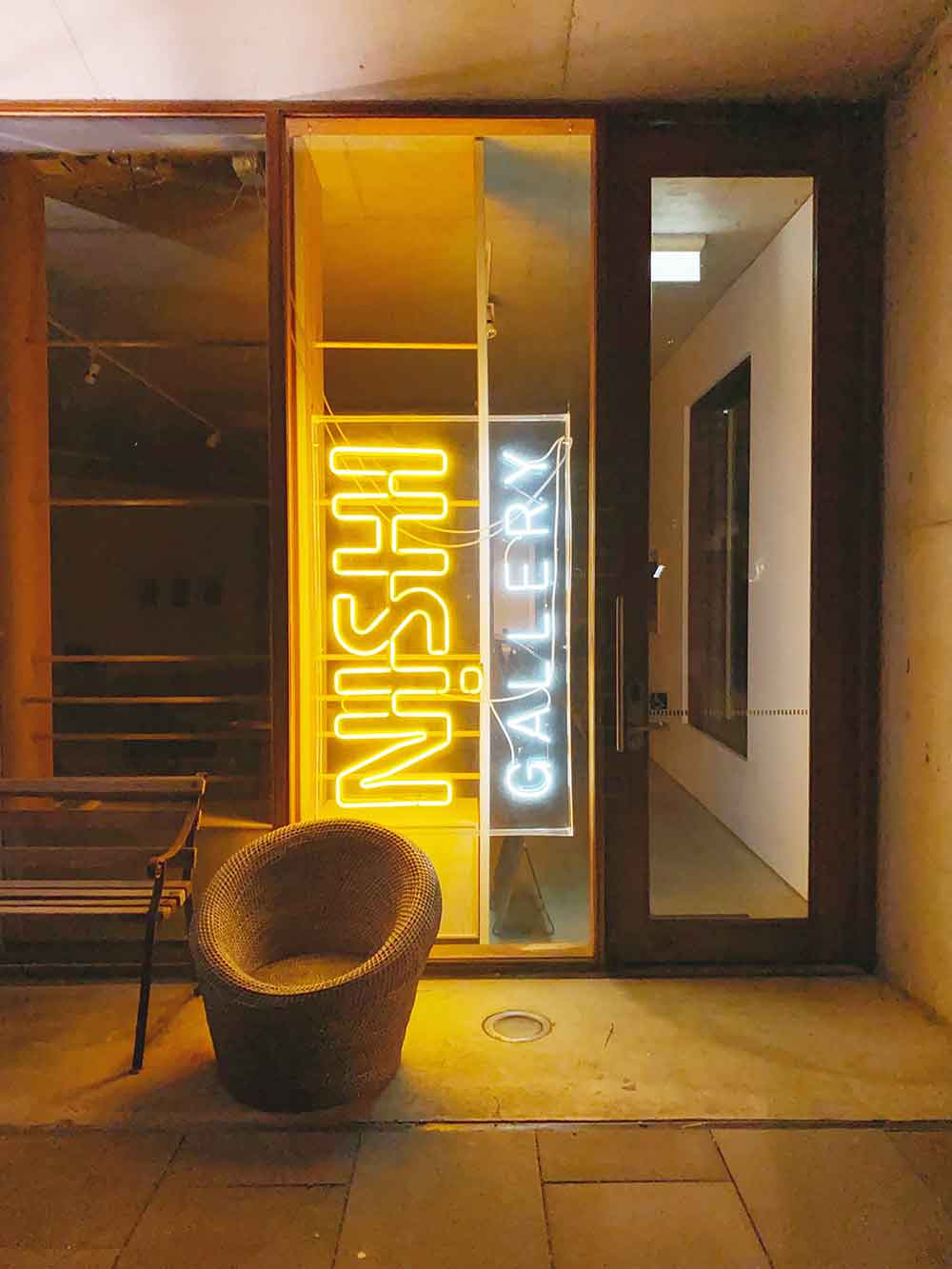
It’s something that comes in handy if you want to seriously look at shooting portraits or landscapes with your phone.
Moment also makes it particularly easy to shoot light trails or blurred movement. Unlike night mode, this will generally require a tripod to do properly, but it’s worth it – the results can be pretty impressive.

These things just aren’t possible with the iPhone 11’s regular camera app – so if you want to push the camera further, you can, you’ll just have to be willing to experiment with what’s out there.
Conclusion
The iPhone 11’s camera is a leap forward in many ways – and this is particularly evident with adverse lighting conditions. It does well with low light, backlit scenes, and situations where older phones would just lose detail and struggle. The video quality is impressive, and the jump to a 12MP front camera will please those want to step-up their selfie game. While I’ve put the 11 through its paces, I found the situations where it faltered to be few and far between – given my own expectations.
The ultra-wide lens is fun to use, but night mode really is the most significant and exciting improvement for me – it’s going to allow so many people to shoot in conditions they wouldn’t otherwise bother with, and that opens up a lot of possibilities.
Whether the iPhone 11’s camera is worth the purchase price for you really comes down to what you expect from your smartphone camera. If you’re still on something like a 6S, and only find yourself occasionally snapping away, I’d almost say wait it out another year and see what the next model looks like. Who knows – we might get more megapixels on that rear camera, which would be nice. If you use your smartphone camera more regularly though, and want it to be more versatile, then upgrading from something like a 6S makes good sense – you’ll jump in with a bunch of new features and have a blast. And if you’re using a more recent iPhone, I’d encourage you to think hard about whether the improvements you’ll see are worth your money.
iPhone cameras are amazing, but that doesn’t mean that every new model will be right for you. Understanding your own honest expectations and needs is important. If those expectations align with what the 11 can do, you’ll have a lot of fun with an incredibly capable camera that’s bringing in some exciting new features for everyone to enjoy – from casual shooters to professionals who want to push the device even further.





Related Articles


