
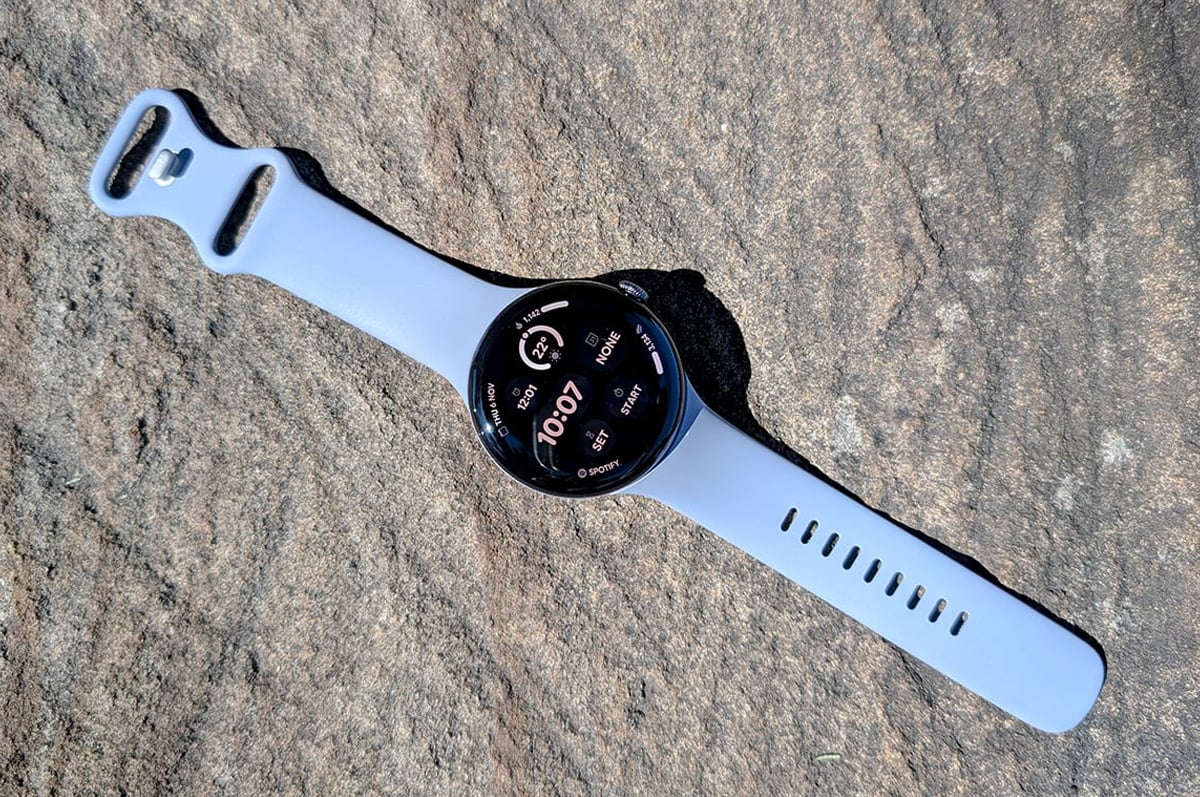
- Bigger, two-day battery life (on the 45mm version)
- Easier to use for sleep tracking
- Compatible with previous Pixel Watch bands
- eSIM number sharing only works with Optus and Telstra
- Alarms are still handled poorly
- Poor Google Workspace account compatibility
The Pixel Watch 4 isn't the cheapest smartwatch around, but its $579 starting price is still well under the $649 of the Galaxy Watch 8 and $679 of the Apple Watch Series 11. This puts it up around the "premium" end of the spectrum, but provides a little leeway in terms of value for money.
For the most part, it lives up to expectations. While there's nothing particularly new this year, some of the iterative improvements are significant enough to warrant considering this newest model, rather than saving a few bucks by opting for last year's Pixel Watch 3. That said, there are some well-established problems Google is yet to address.
The look
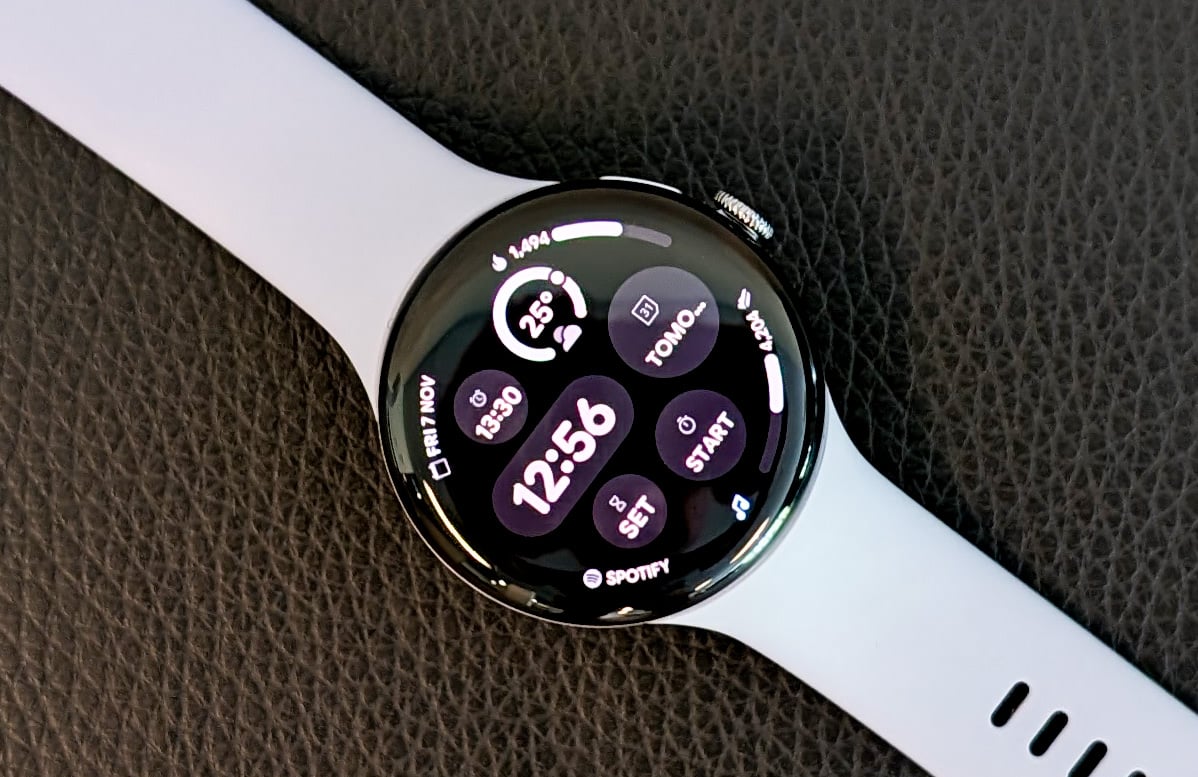
Google has so far leant towards minimalism with its watches, and the Pixel Watch 4 is no exception. It comes in 41mm and 45mm variants, which also affects the available colours for the watch case, as well as the default watch bands included in the box.
The 41mm comes in: Polished Silver Aluminium with an Iris (lavender) Active Band, Polished Silver Aluminium case with a Porcelain Active Band, Champagne Gold Aluminium case with Lemongrass Active Band, and Matte Black Aluminium Case with Obsidian (black) Active Band.
The 45mm option is available with the above Matte Black and Polished Silver case/band configurations, as well as a Satin Moonstone Aluminium case with a Moonstone (grey) Active Band – this last one is what we reviewed.
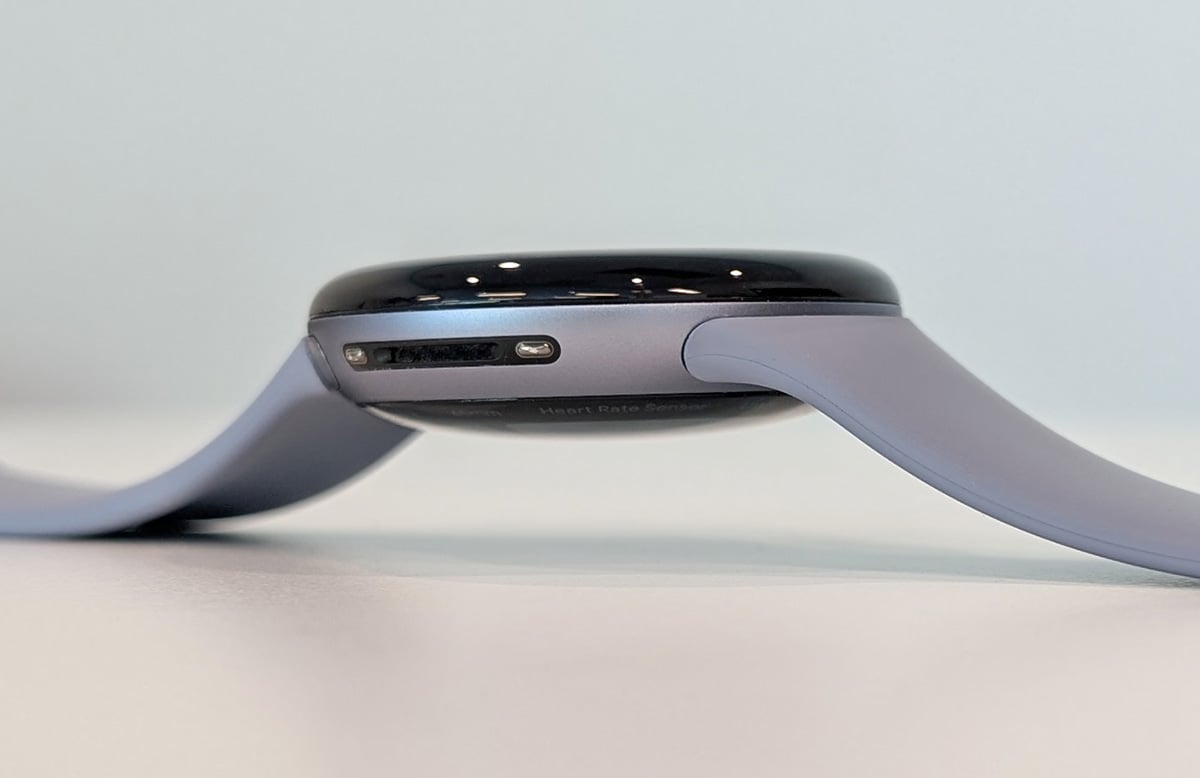
The Watch 4's face is a little more domed, the screen bezels are a shade smaller, the colour options are slightly different, and it's still compatible with previous Pixel Watch bands. Google even claims they have identical heights of 12.3mm, but my trusty calipers tell me the Watch 3 is actually quite a bit shorter than the newcomer at 13.9mm vs. the 14.9mm of the Watch 4. I'd chalk some of this up to the Watch 4's domed face, but in all honestly I didn't notice the difference till I measured it.
Fashion is largely subjective, but for my part, I love the clean look of the Pixel Watch, and I'm happy to see Google hasn't strayed too far from the path while still making tweaks here and there.
Battery
Battery life on the Pixel Watch 4 is robust, consistent, and it's quick to juice up. Google claims 40 hours of wear between charges for the 45mm variant, which is what we get our hands on, but that honestly feels like selling the Watch 4 short.
The 41mm option is only rated for 30 hours. We didn't get a chance to test this model out in person, but this less-than-two-day battery life means the smaller watch lacks much of the 45mm's appeal.
With default settings, it's generally at around 75% at the end of the day. When I skip the charge and wear it overnight, it comfortably makes it through till the following night – and even the following morning with around 15% to spare.
This is an important improvement over the Watch 3, especially if you want to use it for sleep tracking. With the Watch 3 – and any smartwatch with less than a two-day charge – sleep tracking means you need to find time to charge it during the day. But the Watch 4 can track your sleep every second night without the extra gadget-charging admin. Or you can potentially go two nights in a row and charge it the following morning.
But it's always worth noting usage habits can affect a smartwatch battery quite a bit. For example, if you do a lot of exercise outdoors (with GPS tracking and auto-detect for exercise turned on), the watch will activate its precise GPS location features more often, draining the battery. Or you might use extra features like the ECG, which require more battery.
So, depending on how you use the Watch 4, you mightn't be able to wear it two nights running and have it last till the second morning, but you should still get two full days out of it.
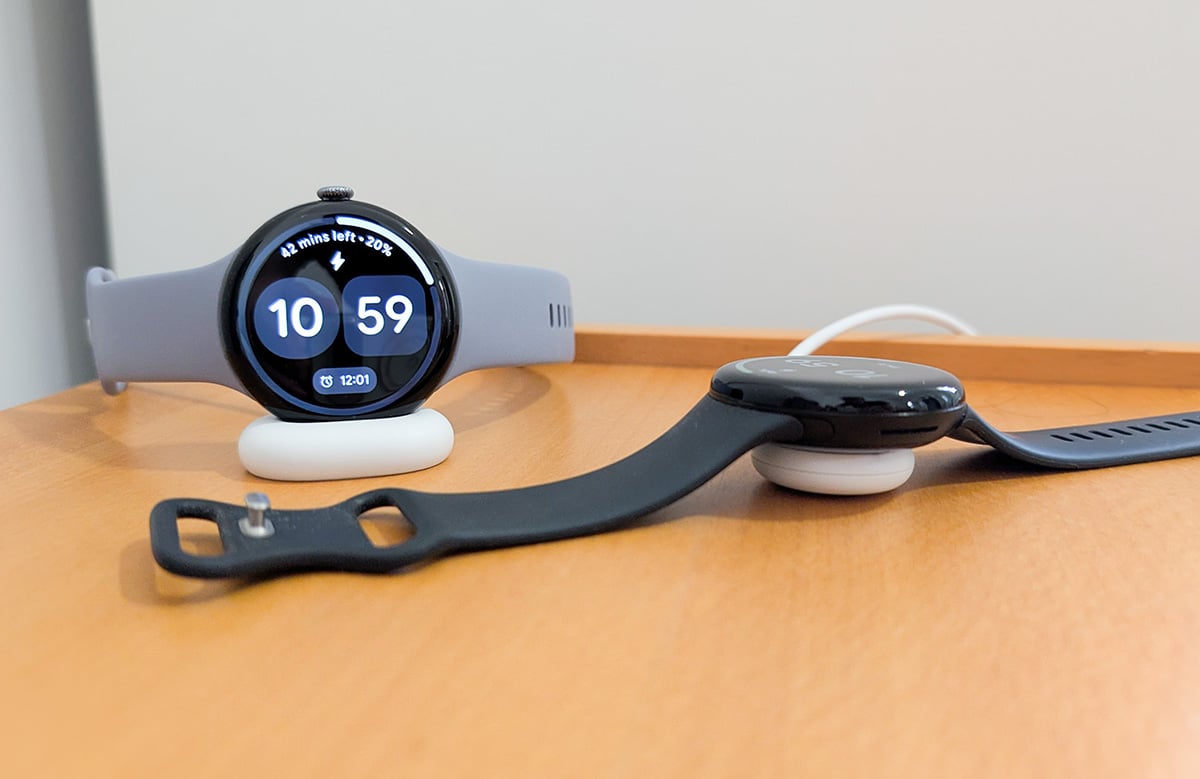
As for charging, it's super quick. Google claims you can get it from empty to 50% in about 20 minutes and to full in 45 total. I found this to be pretty much bang on the money – in fact, from 50% to full took a little under 25. For me, that roughly worked out to a 24-hour charge per 20 minutes of charge time.
It's worth circling back to the 41mm version at this point. While I didn't get a chance to test it personally, this fast charging should work just the same for both size options. So, while the smaller model doesn't have as long a lifespan, you should still be able to use it for sleep tracking and juice it up the next day while sitting down for breakfast.
As a bonus, the new charger design lets the Watch 4 act as a mini nightstand clock. The updated design is also more likely to actually stay on your nightstand than the previous one, which had a tendency to end up on the floor by morning.

Cause for alarms
Alarms are a basic watch function, yet the Pixel Watch 4 doesn't handle them well. If you don't use alarms much, you can probably skip ahead. But if you do, it's worth hearing me out.
I use multiple alarms daily – it's an ADHD thing, which I have in spades. As such, it's important to a) name the alarms and b) have an inoffensive alarm tone. The Pixel Watch 4 allows for neither.
When an alarm goes off, the watch face just says "Alarm". This might be fine if you only use a couple per day. But when you use them in lieu of an innate perception of time passing, you want a little more context. Keeping in mind we're currently four Pixel Watches deep into the product line, this one stupefies me.
As for the alarm tone, your two options are the default tone (which is terrible) or to silence it. And no matter what you select in settings, silencing it can sometimes also disable vibration (but not always). Not only that, Google has locked Wear OS' folders down so tight you'd need to jailbreak your Pixel Watch just to customise the alarm tone – on a device you paid at least $579 RRP for.
There's also occasionally a lag between the phone and watch alarm, which seems to happen when the Watch 4 is connected to WiFi. If you snooze or stop one before the other starts, the command doesn't sync between devices. I instructed the watch to forget all WiFi networks and I haven't had a problem since, but not everyone will be happy with that solution.
Not always work-friendly
If your workplace uses Google Workspace accounts for email and calendar events, there's a chance the Pixel Watch 4 – or any Pixel Watch – won't sync with your work account. This means no Gmail integration and no Calendar events, among other things.
The problem has its roots in how Google implements its cross-device syncing vs. how workplace IT departments set up their cybersecurity measures. Being a humble tech writer, I asked Google for further comment on this issue and its technicalities, but was unable to receive a response before publishing.
This Google Workplace account situation isn't a problem for other smartwatches, which simply mirror what's already on your phone, without the need for your work's IT systems to approve a new device. It's baffling that watches from other brands (even the Apple Watch Series 11) handle Google Workspace accounts better than Google's own product.
This lack of Gmail and Calendar integration will be a deal breaker for some. It's certainly why I'm considering switching to a Samsung Galaxy Watch.
Fitness and sleep tracking

Pixel Watches are great for tracking fitness and sleep. But this is also true for the Watch 3, so keep that in mind if fitness is one of your major motivations for getting a smartwatch.
The list of various scanning equipment, tracking methods and diagnostic tools is hefty enough that I won't detail all of them, but let's go over some highlights.
The Watch 4 tracks calories/kilojoules burned, distance travelled, steps taken, blood oxygen saturation, and attempts to auto-detect the types of exercise you've done. If you're an aspiring exercise-doer such as myself, the auto-detection might be more useful than it sounds.
I often tack an extra few blocks onto a walk to the shops because my watch reminds me mid-trip that I've already made it out the door. This kind of incidental exercise has moderately increased the amount of grass I touch and helped erode that initial mental barrier of getting started.
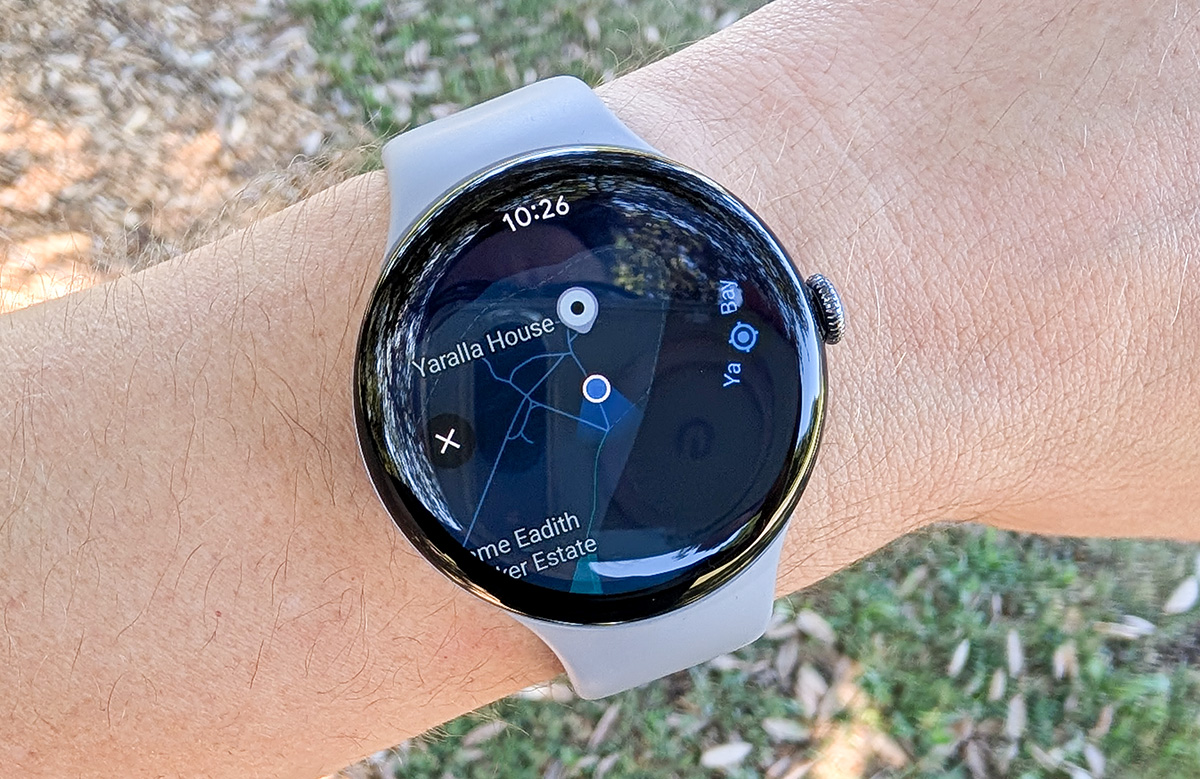
It also tracks your heart rate and can run an ECG (electrocardiogram), though the ECG uses extra battery if enabled. These might be useful if you have an underlying heart condition, but please speak to your doctor before relying on a side feature of a consumer device for important health concerns.
Sleep tracking collects enough data that it's an article unto itself. It's also an area where the Watch 4 shines because its two-day battery life means you only need to charge it every other night, rather than finding time during the day. If your usage mirrors mine, you might even track two nights' sleep in a row, charging it on the third morning.
Just about all of your health data filters through the Fitbit app, which you need to install on your phone and create an account for. Before you pull out a pitchfork, there's a free option, which will be more than most people need.
The Premium paid Fitbit subscription is $14.95 per month or $129.99 as an annual bill. It gives you extra info like personalised analysis breakdowns of sleep habits and stress levels, more detailed data about your exercise and physical health progress, custom workout routines, and more. Right now, new and returning Fitbit Premium customers can get a free six-month trial, but be sure to cancel it before it ends or you'll end up paying the monthly fee.
Poor eSIM support
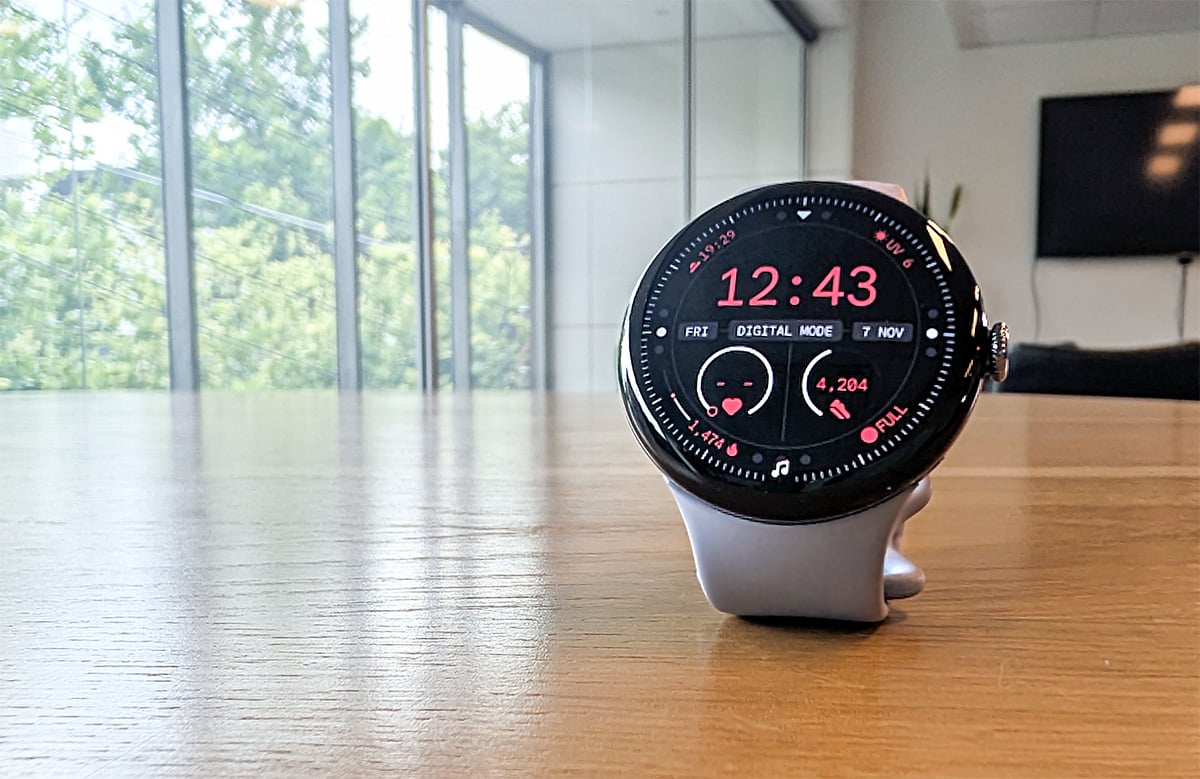
If you're after an eSIM variant of the Pixel Watch 4 with the intention of signing up to a number share plan, I have (potentially) bad news. Only Optus and Telstra support this device. If that won't work for you, either grab a different watch or save yourself some money and go with the WiFi-only option.
This lack of provider support isn't new to the Pixel Watch lineup, and it's disappointing to see again. We asked Google why the problem exists at all, but at the time of publishing, we had yet to receive a response.
For the unaware, a number share plan is a great complement to any smartwatch. Essentially, your phone and your watch both share the same phone number and both can operate independently over a cellular network – meaning you can leave your phone at home without missing any calls or messages. In my opinion, there's little point to buying an eSIM-enabled smartwatch if you're not planning on number sharing.
Aside from Telstra and Optus, the Australian providers that offer these plans include Tangerine, More, Everyday Mobile, and Vodafone.
Google Pixel Watch 4 - Final Thoughts
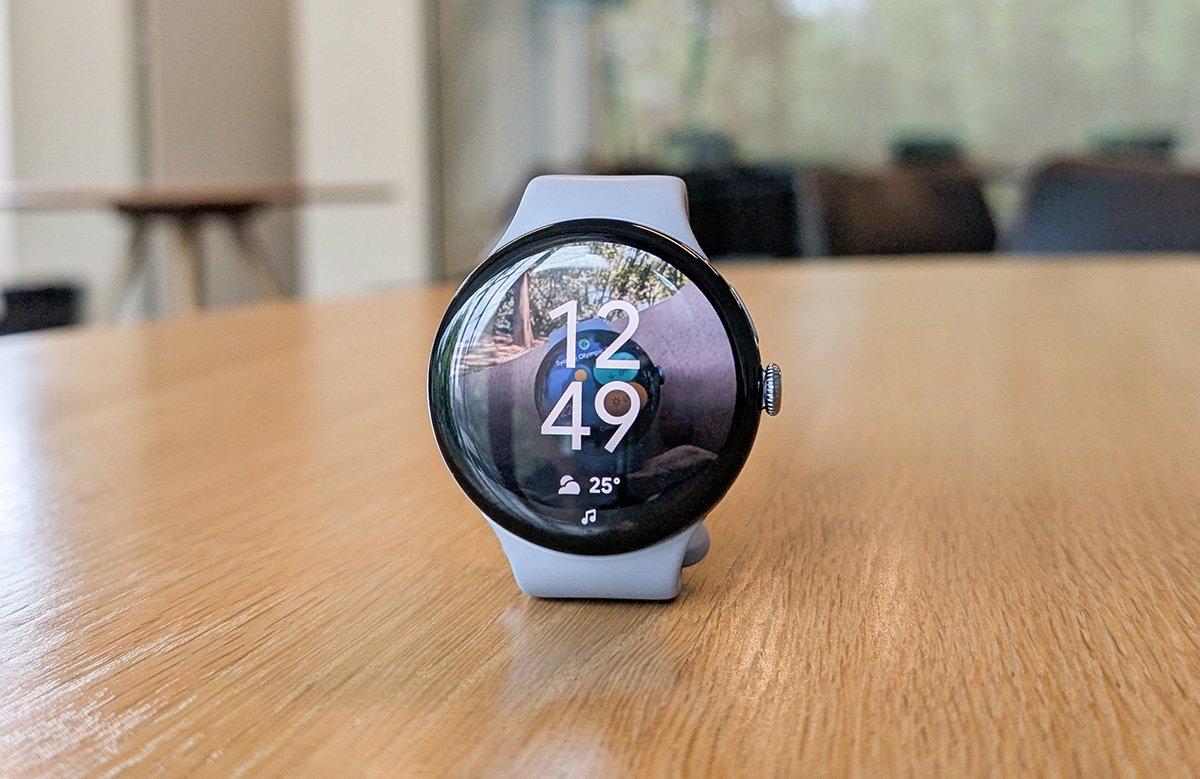
On paper, the Pixel Watch 4 isn't a huge improvement over the Watch 3. It has pretty much the same features and the same look. But once you get used to a smartwatch with battery life and charging speeds this impressive, you won't ever want to go back. Really, the two-day battery and fast charging are a major selling point when comparing it to any premium smartwatch.
As for general usage, it handles all the usual smartwatchy goodness just fine. And fitness fiends will appreciate the Fitbit integration, even if you're not interested in the paid subscription.
But I do wish Google would fix the alarms and Google Workspace issues. The first is probably a niche complaint, but the second will be a genuine problem for anyone whose workplace uses Google Workspace.
And if you're after an eSIM version, also keep in mind the Watch 4 can only work on number share plans from Optus and Telstra. This is another ongoing issue with the Pixel Watch lineup I'd expect to see fixed next time around.
Alex Angove-Plumb
Digital Content Editor

Related Articles


