

BlackBerry KEY2 Review: The Verdict
If you want a smartphone with a physical keyboard, the BlackBerry KEY2 sure is one. It's not great value, but if all you want is that sweet, sweet tactile typing, the KEY2 delivers.
What we love
- Keyboard feels great
- Good day-to-day performance
- Solid battery life
What could be improved
- Keyboard will be frustrating for anyone who's not a BlackBerry veteran
- Poor value
- Awkward screen aspect ratio
The essentials
- Performance: More than fast enough for standard day-to-day tasks.
- Battery: A day-and-a-half to two days per charge.
- Screen: A lovely display with an awkward aspect ratio that can impede on some apps.
- Camera: Good enough most of the time, but hit-and-miss in dark environments or when dealing with challenging lighting.
65/100
BlackBerry is a brand I have no nostalgia for. I've never owned a BlackBerry. I didn't even own a phone when the first BlackBerry devices were around. By the time I was after something more sophisticated than trusty my Sony W500i Walkman phone, the world had ditched keyboards in favour of touchscreens and I bought an iPhone.
For me, banging out messages on the KEY2 keyboard is about as comfortable as revisiting the music I was listening to during BlackBerry's heyday. Much like Good Charlotte's pop-punk anthems, it feels like a relic that's best left in its era. I just don't have the muscle memory.
But even as someone who struggles with the BlackBerry keyboard, I can understand the allure. While it's certainly slower, it's oh-so-satisfying. There's nothing better than the sound of a clicky key.
This isn't a phone you'll want if you've never used a BlackBerry. Like me, you'll find it foreign and frustrating. It might not even be the best option for BlackBerry fans. But it is an option, and there's something special about that.

Blast from the past
- 4.5-inch 1080p display
- Snapdragon 660
- 64GB storage, 6GB RAM
- 12MP + 12MP rear-facing camera
- 3,500mAh battery
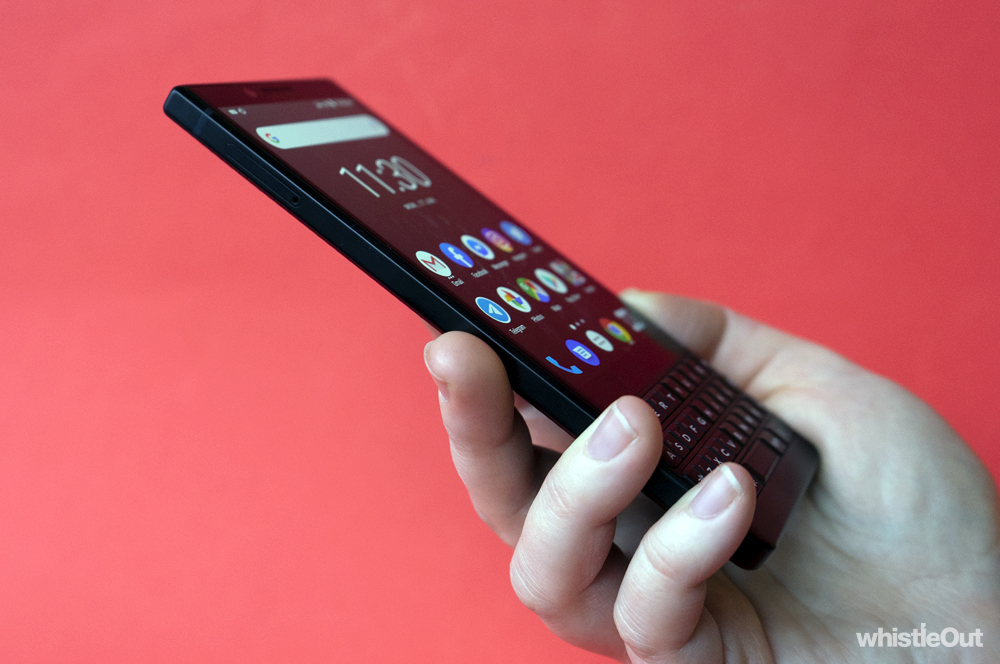
The BlackBerry's physical keyboard is an anachronism. It's great to type on - every keystroke exudes the kind of satisfying click a touchscreen can never replicate - but it's also made me want to throw KEY2 off my balcony multiple times. Using a physical keyboard to bang out a text message feels alien.
Small quirks get in the way of actually using the phone: working out which key corresponds with what symbol, getting a grasp of modifiers, the difference between short presses and long presses and having to give the keyboard your full attention when you type. As a touchscreen native, none of this is intuitive. I even timed myself. I can type three to four times faster on my iPhone than I can on the KEY2.
If you're a BlackBerry veteran, these all probably sound like dumb complaints. If you're a BlackBerry veteran you may feel right at home with the KEY2, but I doubt it. It's a nice keyboard; it's just not the best way to interact with a phone anymore.
None of this is to say the KEY2 keyboard is without merit: there are a few neat tricks that make it feel a little bit more modern. You can swipe up and down on the keyboard to scroll through apps. You can swipe up on the keyboard for autosuggested words when messaging, rather than touching the screen. You can configure each individual key to be a shortcut that launches a specific app. If you're a Blackberry diehard, these little touches are bound to further speed up your experience.
Keyboard compromises
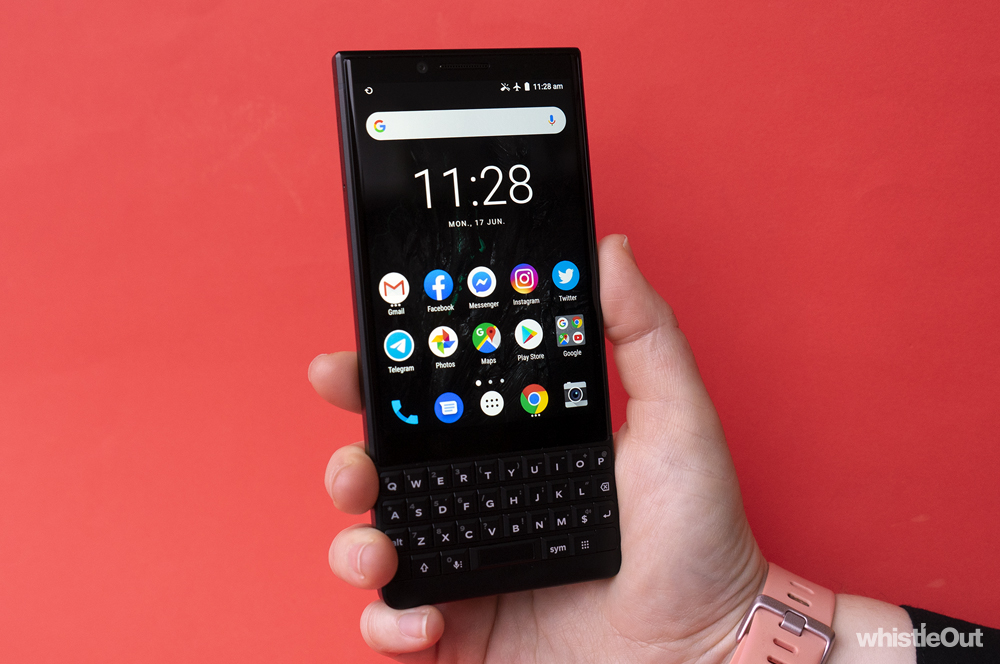
Even if you're a fan of the KEY2's keyboard, it still represents a compromise. A good part of the phone's body is taken up by it, which leaves you with a shorter touchscreen. It's still high definition but runs at a rather odd 3:2 aspect ratio virtually unheard of on any other smartphone.
If you're scrolling through Instagram, some photos may even be too tall to fit on the screen. The KEY2's screen is fine for most videos, but you'll end up with black bars on the left and right, rather than the top and bottom. Gaming can get a whole nother level of awkwardness, especially if you're trying to play a game in the landscape. Reaching over the keyboard to tap the screen is uncomfortable at best. Of course, if you're buying a BerryBerry, gaming probably isn't your priority.
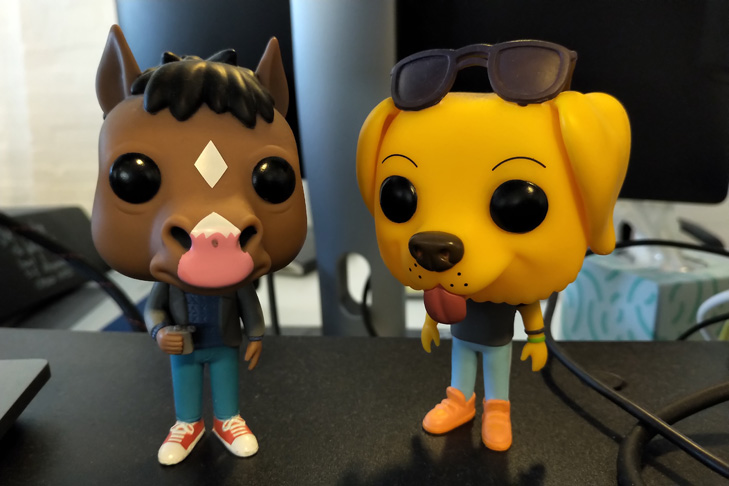
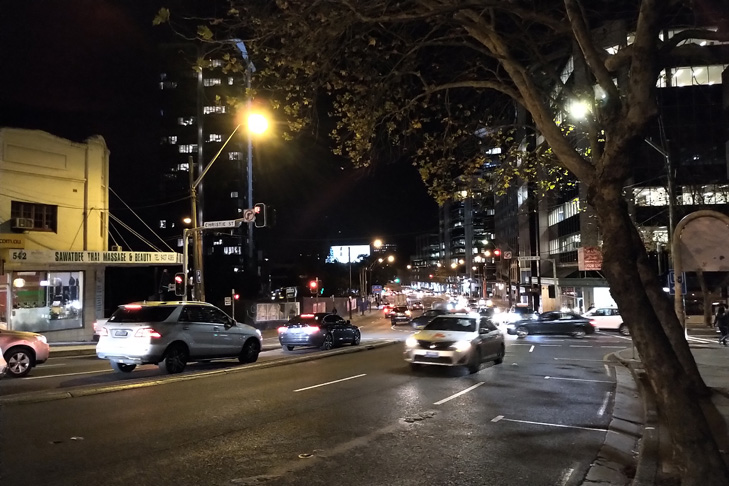
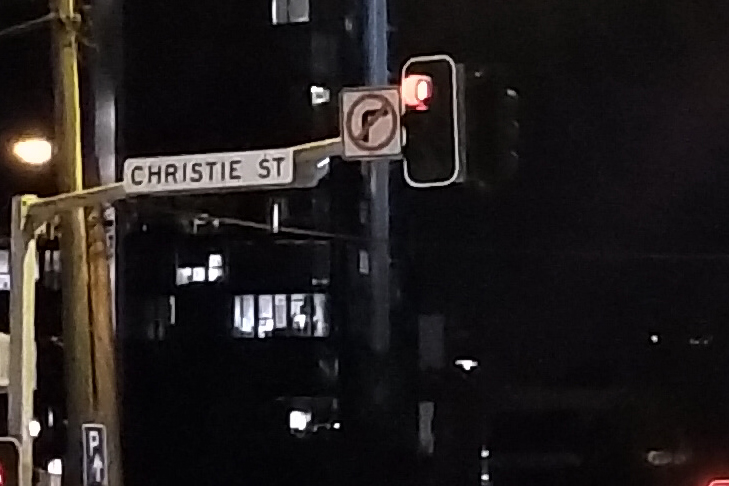
The KEY2 camera will do the trick in good lighting. It's nothing to write home about, but you'll still get nice shots that will look more than good enough to drop in group chats or on social. Even the 2x zoom lens does alright. Lowlight photography can be quite hit-and-miss, however; there's a good chance you'll get a few blurry duds for every good shot. Shooting in harsh light isn't great either. The KEY2 tends to blow out bright objects or underexpose the rest of the scene.
In terms of performance, the KEY2 runs fast enough. It's snappy enough for day-to-day tasks, but it can struggle a little with more demanding apps like games. The battery is robust enough to give most users between a day and a half and two days of use.
While this is all well and good, the KEY2 is about a year old now. In the world of phones, that's quite dated. It runs an old version of Android. It might never get Pie, let alone Q. It's just taken that long for it to come to Australia.
Buying a year-old phone isn't the worst thing in the world, but you tend to expect some sort of discount. This isn't the case with the KEY2. It will set you back $1,149 outright. For comparison, phones with similar hardware sell for around $600 when they first launch. Charging this much for a device with year-old components is almost insulting. It's understandable that the keyboard commands a premium, but $1,149 feels like too high a price for what you actually get.
Even if you think the KEY2 keyboard is for you, it feels unwise paying this year's top-tier prices for last year's midrange hardware, no matter who you are. Fortunately, the KEY2 isn't the only newish BlackBerry phone launching in Australia: there's a slightly more affordable variant called the KEY2 LE. The body is polycarbonate rather than aluminium and the hardware is a little more conservative, but it will only set you back $799.
Who is the BlackBerry KEY2 for?
The BlackBerry KEY2 isn't a rational purchase. You're not buying a KEY2 because of specs or camera quality. You're buying it out of love. You're buying it because of what it represents.
This is a phone for BlackBerry die-hards who won't flinch at paying top-tier prices to get their hands on a physical keyboard again. Even if the phone is underpowered for what it costs.
A physical keyboard won't make you more productive. It might even be frustrating. But for some, the speed of software will never replace the satisfying tactility of a physical keyboard.
BlackBerry KEY2 camera samples








I don't want a BlackBerry KEY2, what else can I buy?
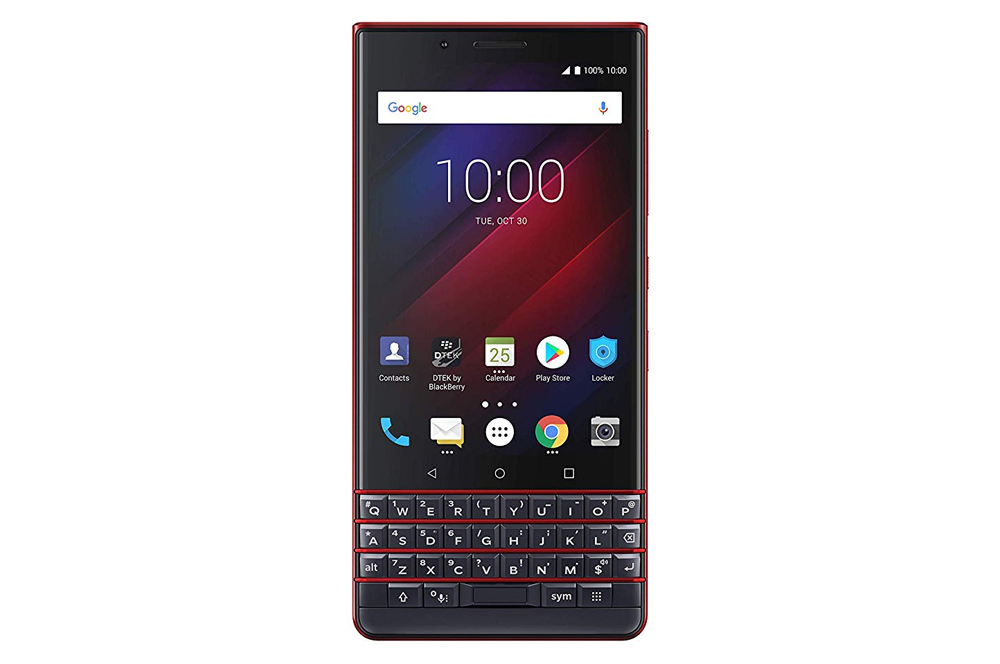
BlackBerry KEY2 LE
The BlackBerry KEY2 LE is a cheaper, more plastic version of the KEY2 with slightly more modest hardware. However, the screen and keyboard are the same, which makes it a better buy for most people who really want that physical keyboard.
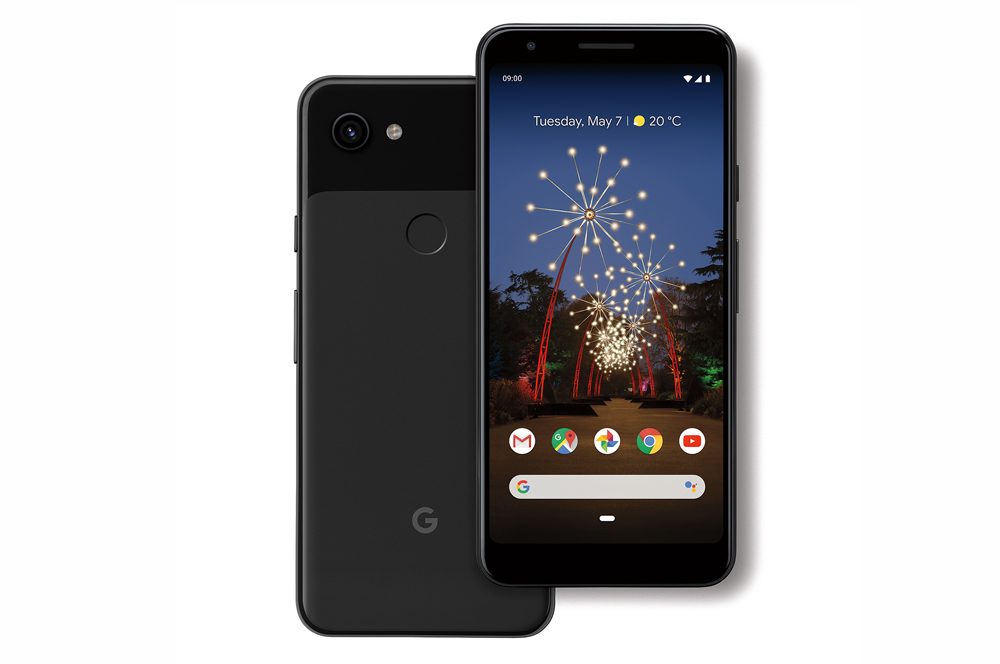
Google Pixel 3a
The Google Pixel 3a doesn't have a physical keyboard, but it's got similar (but better) mid-range hardware to the BlackBerry KEY2. The camera is almost identical to the $1,199 Pixel 3, but the Pixel 3a is priced at $649. This makes it one of the best value phones you can buy right now.
Alex Choros

Related Articles


Related Topics
smartphone Android BlackBerryPopular Topics
Android smartphone iPhone Apple Samsung Telstra Optus Vodafone Deals Oppo


