
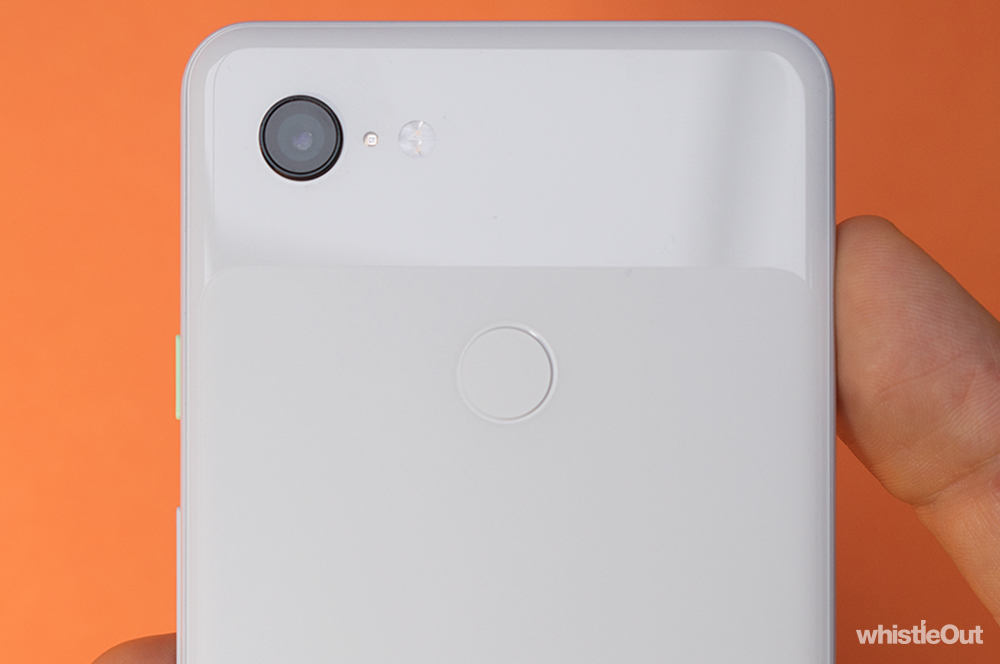
The Pixel 3's lowlight photography mode - Night Sight - will be rolling out as a software update to the camera app in the coming days.
When using Night Sight, your Pixel 3 will capture up to 15 frames at different exposures over the course of six seconds which are then combined into a final - brighter - photo. While Night Sight works best with a tripod, it can still account for shaky hands.
We tested an early version of Night Sight as part of our Pixel 3 review and the results were promising. Both the photos below were taken in almost complete darkness.
Google has a few tips on getting most out of Night Sight:
- If you’re taking a photo of someone, ask them to hold still for a few seconds before and after you press the shutter button.
- Hold the phone steady. If you can, try propping it against a stable surface.
- Make sure the camera lens is clean. It can accumulate oil from fingerprints, creating blurry and soft photos.
- Try tapping on or around your subject to help your camera focus when taking photos in very dark conditions.
- Avoid pointing your camera at bright light sources, which may cause unwanted reflections in your photo.
- Cameras don’t work in complete darkness, so you’ll still need some light to capture a photo.
To get Night Sight, you'll need to update the Pixel 3 camera app through the Play Store. Your Pixel 3 will automatically suggest turning on Night Sight when in a dark environment, but you can also manually navigate to the mode. You'll find Night Sight under the 'More' tab.
Night Sight will also be available on the original Pixel and the Pixel 2 shortly, but Google says it works best on the Pixel 3.
Read our full Pixel 3 review here and compare Pixel 3 plans here.
Alex Choros

Related Articles


