
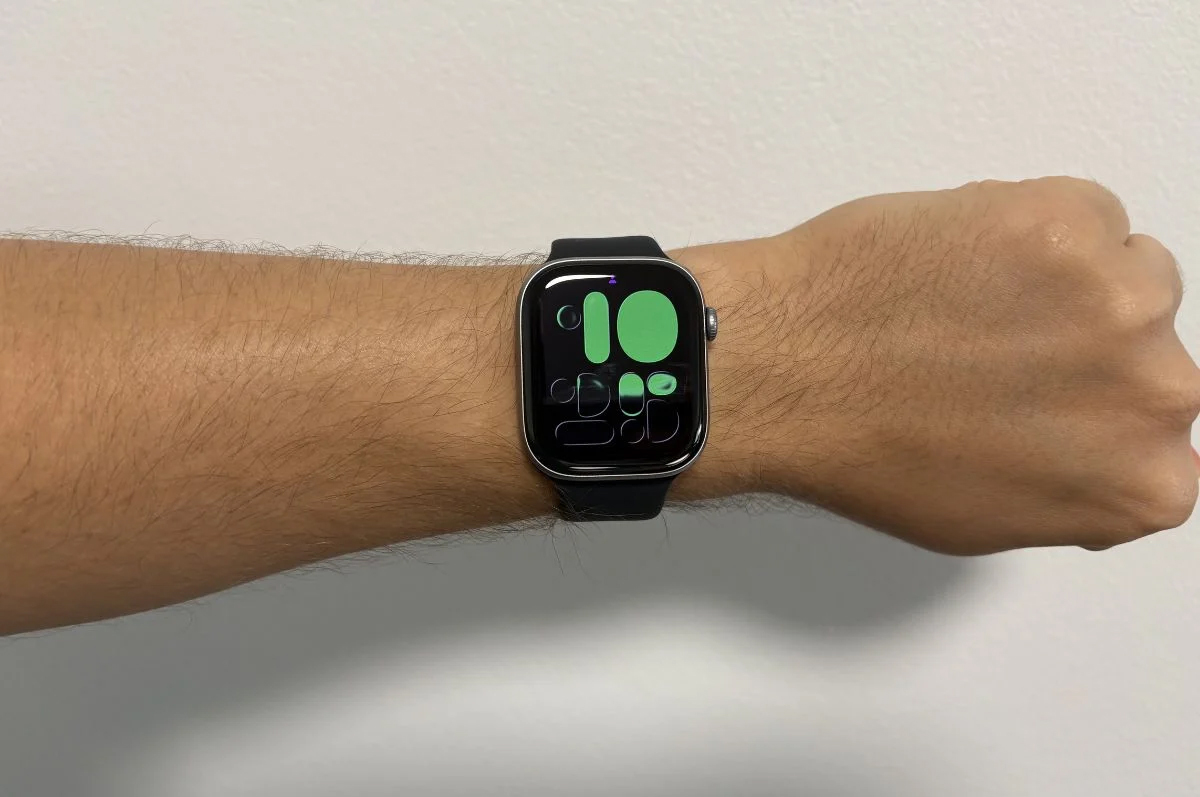
Apple has rolled out hypertension - also known as high blood pressure - detection to Apple Watch users in Australia, following TGA approval in December last year.
The feature uses data from the Apple Watch heart rate sensor to analyse how a user's blood vessels respond to the beat of the heart. This happens in the background, reviewing data over a 30-day period.
If hypertension is potentially detected, users will get a notification. The Apple Health app will then advise a user to take their blood pressure for seven days with a third-party cuff, and book an appointment with their doctor.
To get hypertension notifications, users need an Apple Watch Series 9 or newer, or an Apple Watch Ultra 2 or newer. Both the watch and the iPhone should be running the latest versions of their respective operating system. If they're already up to date, the functionality should be activated automatically; a manual software update isn't needed.
Hypertension notifications can then be turned on via the Health app on iPhone. These can be found find these by tapping "Browse" then "Heart".
Alex Choros

Related Articles


