
- Good value for money
- Great performance
- Apple Pencil Pro
- No Face ID
- 60Hz refresh rate
- No water resistance
If you're like me, you're not buying a new iPad every other year. In fact, you shouldn't be buying an iPad every other year. If your current iPad is newer than a 2021, there's no need to upgrade, but otherwise, the iPad Air (M4) is going to be a significant update.
Now shipping with the powerful M4 chip, the iPad Air is probably the iPad most people need, if not necessarily the one they initially want. Professionals who use an iPad in their workflow will likely still want to consider the Pro, but students, creatives and just about everyone else will find plenty to like about the Air.
Tablets are generally a bit of a weird product. Sometimes a mobile device that's better for big-screen purchases, something to put in front of the kids on road trips or flights or sometimes the POS at a cafe. The iPad Air (M4) is powerful enough to be suitable in all kinds of contexts.
What we like about the iPad Air (M4)
Performance. The iPad Air (M4) is plenty zippy thanks to the new M4 chip, which Apple says is faster than the M3 chip by up to 30%. It’s probably far more powerful than most people need. Most casual users and students probably won’t notice the increased benefits, but professionals will benefit from the improved quality of the M4 chip when editing projects; only the most demanding games or creative apps should really push it to its limits.
Price. The 11-inch model starts at the same $999 price tag as the last model, while the 13-inch starts from $1,349 (a $50 increase). The Pro, powered by the M5 chip (and with better cameras), starts at an almost staggering $1,699. While the entry-level iPad starts at a comfortable $599, it’s still powered by the much less powerful A16 chip and doesn’t support the new Apple Pencil Pro. This is all to say the iPad Air (M4) sits right in the Goldilocks zone for value; the price is just right.
Battery. Apple suggests you'll get around 10 hours of screentime if you're surfing the web or watching video. This is plenty enough if you're doing the occasional bit of work from a cafe and not enough to need regular daily charging. I found picking up the iPad now and again for different activities, it was pretty reliable for use across two or three days at a time. It's the same capacity as you can expect on the Pro, so the only thing you're missing out on is fast-charging.
Supports Apple Pencil Pro. The newish Apple Pencil Pro (RRP $219) has a suite of new features that make it worth getting over the Apple Pencil (USB-C), especially since the second-generation Apple Pencil is no longer supported. While the Apple Pencil (Gen 2) had a useful double-tap feature, this was dropped from the USB-C model. Double-tap functionality is thankfully available on the Pro. It lets you switch between different tools (depending on the app), commonly, for example, between a drawing tool and an eraser. The Pro also adds a squeeze mechanic so you can add another action.
Another new tool, Hover, shows you precisely where your pencil will mark the display, which is very neat. Finally, barrel roll also lets you rotate the Pencil Pro for better control of various pen and brush tools. The best thing about the Apple Pencil Pro is that it supports Find My, a feature I was pleasantly surprised to discover when I lost my older Apple Pencil and wanted to prevent losing another.
Better connectivity. The iPad Air (M4), like its Pro counterpart, now supports WiFi 7, which is a neat little bit of future-proofing as networks will continue to improve down the line. Of course, the iPad Air (M4) also retains 5G connectivity and uses eSIM instead of a physical SIM these days.
What we dislike about the iPad Air (M4)
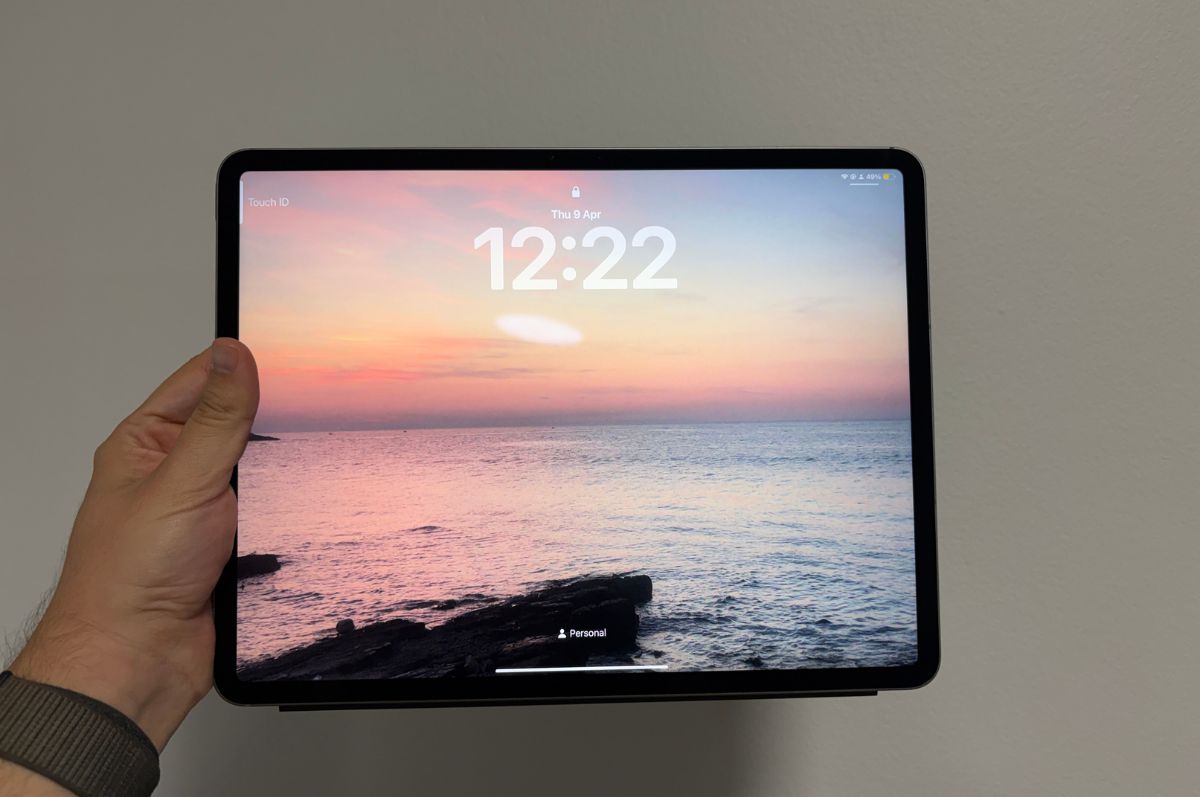
No Face ID. The iPad Air (M4) still uses Touch ID, with the more seamless Face ID technology remaining a Pro exclusive feature for now. It’s a real bugbear with something like an iPad. Plenty of mobile devices still use some sort of fingerprint sensor, but as proper handheld devices, there’s not as much awkward feeling around the device as there is with the iPad. Without Face ID, it sometimes feels simpler to just quickly punch in the code rather than reorient the iPad in your hands to unlock it.
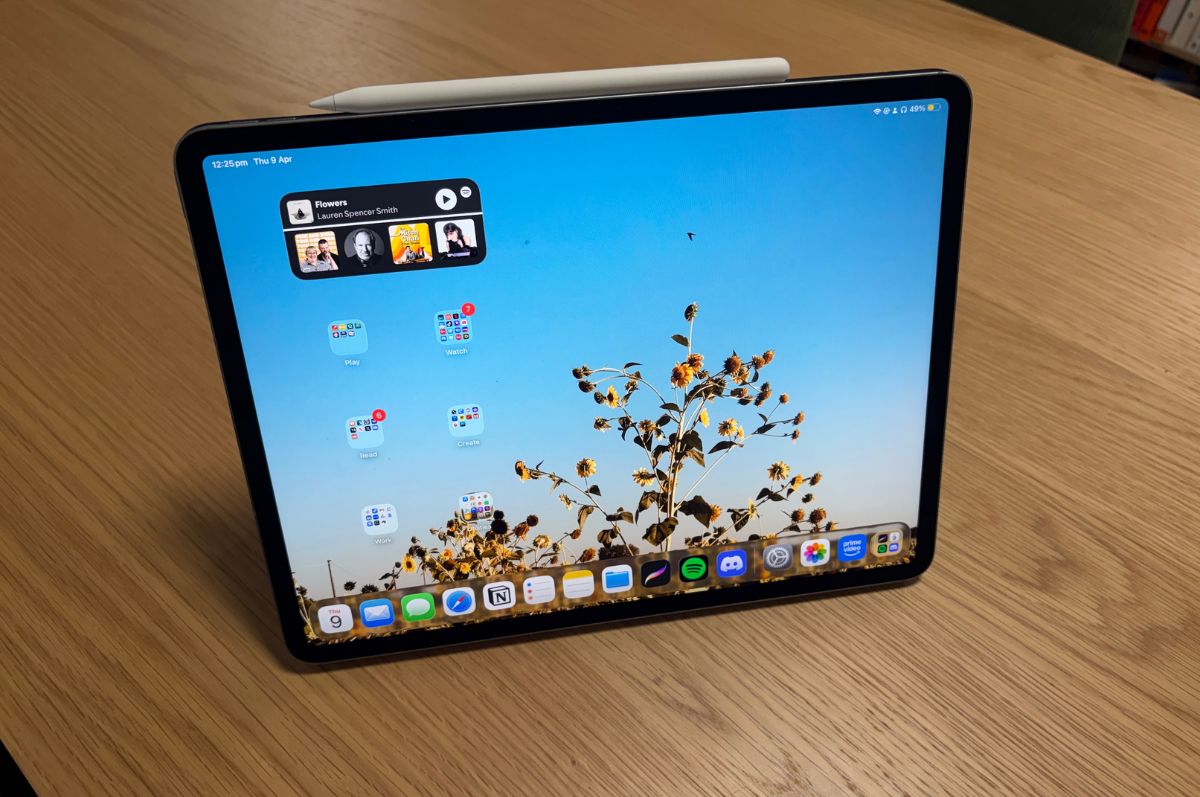
No ProMotion Display. The iPad Air (M4) is still saddled with a 60Hz refresh rate. Last year, even the standard Apple iPhone 17 finally got a 120Hz refresh rate with the new ProMotion Display. The refresh rate is how many times per second a display updates with a new image. A faster refresh rate means motion (apps loading, swiping, scrolling, etc) is smoother. An easier comparison is that even the Galaxy Tab S10 FE has 90Hz refresh rate. It's not the smoother 120Hz, but it is something, and the Galaxy Tab S10 FE costs $50 less.
iPadOS 26. iPadOS 26 makes the iPad Air (M4) really start to feel like a MacBook, with apps able to be opened as windows now. In fact, some also now even feature a menu bar at the top of the screen. There are a few clunky moments here. First, while the menu bar could be genuinely useful for power users, you need the app to be in a window, not full-screen, to see the menu. Having windows themselves upends the way tablets typically work, and I often found myself fiddling after I'd accidentally "resized a window". You can thankfully turn off windowing in the settings and get back to the more traditional tablet experience.
No official IP rating. An IP (Ingress Protection) rating just lets you know that the device is tested as being sealed from water and dust damage. No iPad in Apple's lineup has an official IP rating, but it's not completely absent in the tablet market. For example, Samsung's Air and Pro equivalents carry an IP68 rating, which means the tablets are better protected from splashes and can weather submersion in shallow water for up to 30 minutes. You don't want to pay a thousand dollars and then void the warranty because you spilled a glass of water.
Apple iPad Air (M4) - Final Thoughts
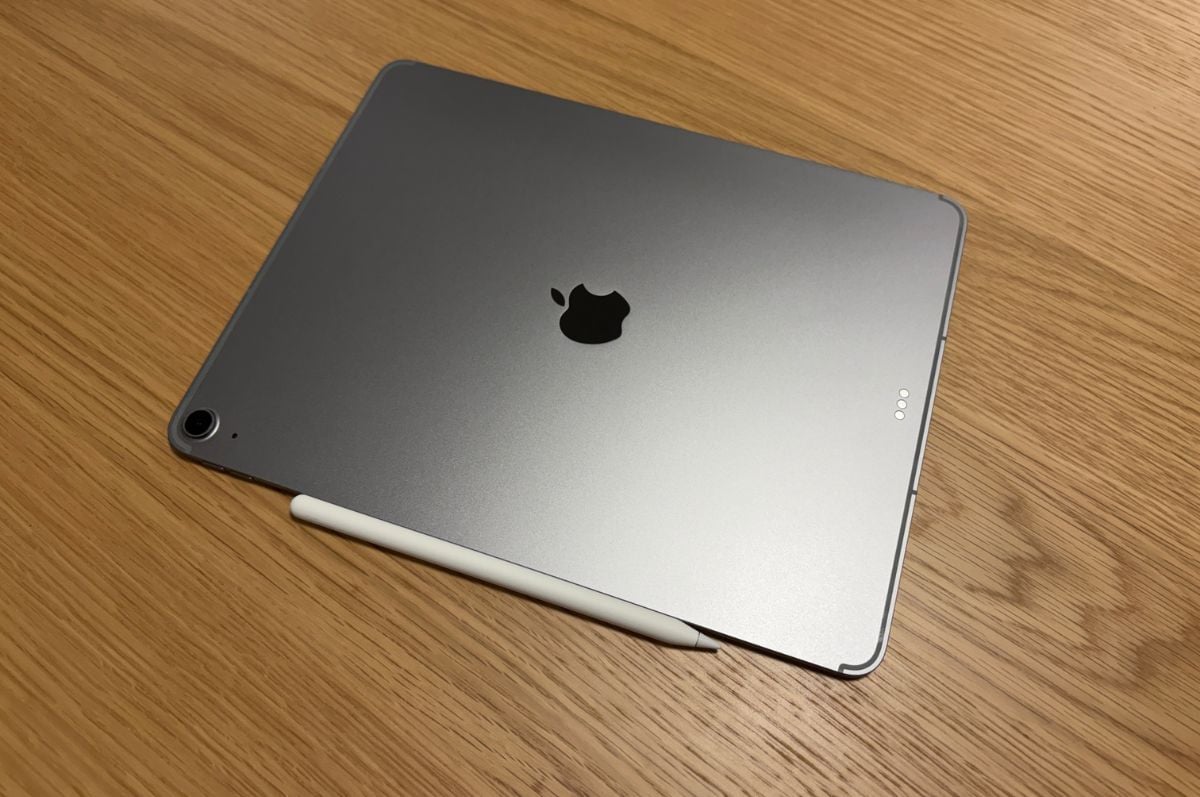
I still think tablets are a bit weird, but if I were weighing up my options as to which one to buy, then the iPad Air would be the one I'd recommend for most people. It's the right mix of functionality in a lightweight and portable frame for the right price. You won't need to get the Pro and hand over your firstborn child.
Dylan Crismale
Digital Content Editor


