
- Fun with Siri
- Secure communication
- Setup is a pain
- School Time easily overridden
Whether you’re anti-screentime or just cautious about the digital junk drawer that comes with a smartphone, handing one to your kid is a daunting prospect. Apple offers a middle ground with Apple Watch For Your Kids: the connectivity of a smartphone with parent-controlled guardrails like limited contacts and School Time mode.
It allows parents to set up and manage their child's Apple Watch through their own iPhone, giving kids safe connectivity with their (Apple) family, enabling contact-specific calls and texts and simplified Watch health features, like Move Goals that track minutes instead of calories. It offers enough of the fun stuff (like Apple Music) while restricting social media apps of all kinds (Meta, TikTok and Snapchat included). It also lets parents track their kids' whereabouts through the Find My app, which can also deliver notifications to parents if their kids leave a geofenced area (like home or school).
If you're minted, you can buy your kid a brand-new, GPS + Cellular Apple Watch (like the $489 Apple Watch SE 3), but the idea here is more about giving your old Apple Watch a second life as a hand-me-down.
Apple Watch For Your Kids isn't a new feature, but it does require a standalone phone number and service to operate. To date, most Aussie providers only offer "number sharing" options that share the same phone number and inclusions of your primary smartphone, but Telstra now has dedicated plans to go with Apple Watch For Your Kids. If you're not a Telstra customer, BetterRoaming has a decent deal on a standalone Apple Watch For Your Kids plan.
My daughter and I have spent the last few weeks testing Telstra’s plan. I went in sceptical, and after putting it through its paces, I'm not convinced it's a worthwhile investment for my family yet, even if I can see the value for other families.
Telstra Apple Watch for Your Kids plan
Telstra's Apple Watch For Your Kids plan costs an additional $20 per month on top of any Upfront SIM plan. It gives your Apple Watch its own dedicated phone number, plus unlimited calls, texts and 2GB of monthly data to use. Here's a list of eligible Telstra mobile plans that can add a Telstra Watch Plan:
|
Telstra

$84 Essential Upfront SIM Plan
$74.00/mth
Min. cost $74
Link not supplied
|

Good times
At five, my daughter simply isn't ready for an Apple Watch or smartphone it and to be honest, I won't be ready to open that can of worms for many more years. But there were still some good times when we were testing.
To start, here are my daughter's unfiltered bedtime thoughts about the Apple Watch For Your Kids experience:
B: Okay [Kid], tell me what you liked about the Apple Watch...
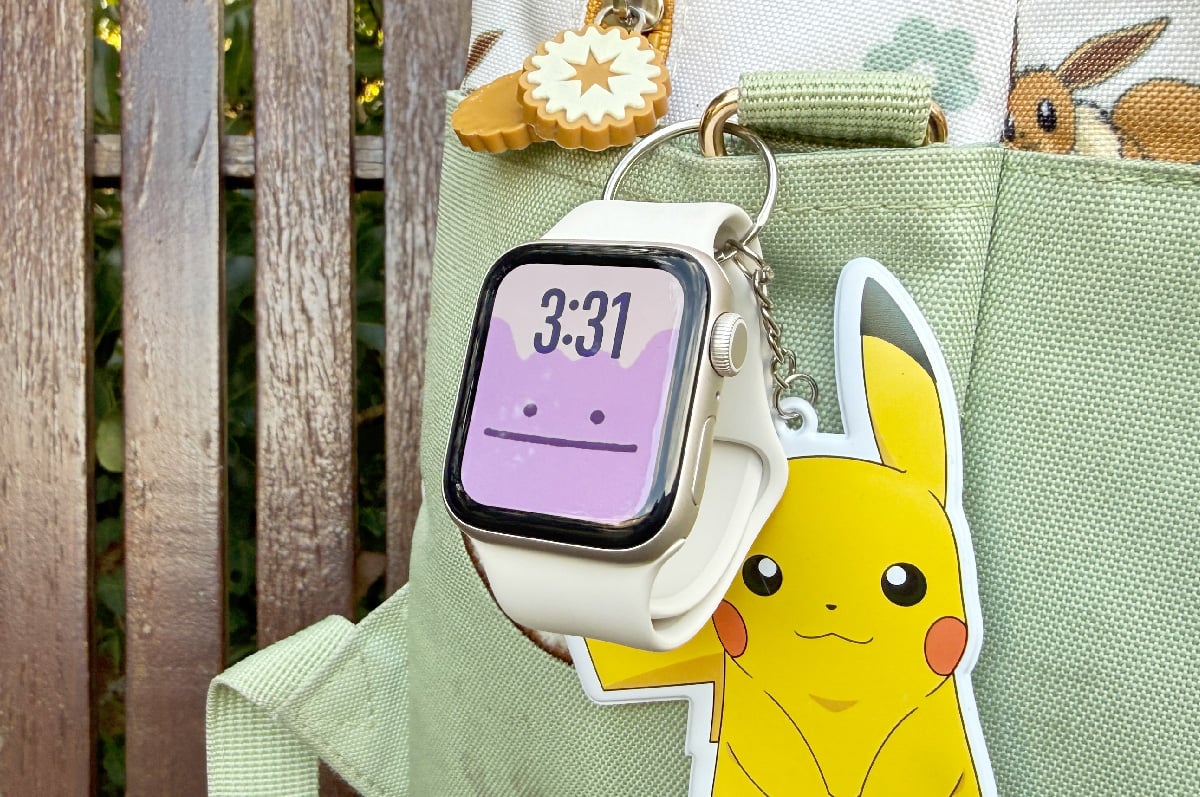
K: Umm... I like calling Mumma from the watch. I liked the Ditto background.
B: You liked being able to change the Watch face?
K: Yeah, the picture. Ditto and the other Pokémon. And the unicorn!
B: What else did you like?
K: I like painting!
B: I mean, what else did you like about the Apple Watch?
K: Oh... I like the red torch. And sending messages by speaking. I really liked asking it about jokes and stories. I really liked the funny version of the Three Bears.
B: Was there anything you didn't like?
K: I didn't like the watch band, it wasn't very comfortable.
More broadly, props to Apple for creating a way for kids to make and receive calls that actually feels safe. An Apple Watch set up with Apple Watch For Your Kids can only communicate with contacts the parent enables via their iPhone, and in our experience, there's no getting around it. I tried sending and receiving messages to and from an unapproved number, and the messages simply never arrived on either end.
Giving my daughter that little bit of agency was very rewarding. When we were apart, she could call me on her own terms, as many times as she wanted (and she called a lot). I genuinely believe that granting her that little bit of control has made her much better at communicating over the phone with family on the other side of the country, like her grandparents. Before this experiment, she would respond to questions over the phone with a blank stare, often deferring to me. But now she's becoming a much more active conversationalist.
She also had a blast figuring out what she could ask Siri, like "tell me a story" or "tell me a knock-knock joke". Each response was age-appropriate and not always as awful as you would expect. A personal favourite knock-knock joke was "Dwayne who? - Dwayne the bath I'm dwowning."
Another unexpected favourite feature was the torch, which my daughter has been using to take herself to the bathroom in the dead of night instead of waking me up, so that's been a bonus for both of us.
School Time woes
This won't be a problem if you're giving your child a hand-me-down Apple Watch or have some bands of your own, but otherwise, setting up an Apple Watch off-wrist is a pain. If you buy Apple’s smallest Watch and band for your kid's tiny wrists, you're basically forced to struggle through the otherwise sensible security settings that cause the watch to constantly lock and go to sleep when it’s not on the wrist while you try and set it up.
While this was annoying, my bigger issue is that there simply isn’t enough control given to the parental iPhone user. This is evidenced perfectly by the School Time feature.
The School Time feature allows parents to schedule a Do Not Disturb mode from the primary iPhone. This essentially locks down the Apple Watch so it can’t make or receive calls, or any other interruptions for that matter. It’s easy for parents and teachers to tell when the Apple Watch is in School Time, as it defaults to a basic, yellow analogue watch face. Parents can also see when School Time has been exited throughout the scheduled day.
The only problem is, it’s very easy to exit School Time - it’s as simple as holding down the crown button to enable all of the regular Watch features. It's so easy, my five-year-old daughter figured out how to do it on day one.
Apple wants to offer a degree of freedom for kids here in the event of a worst-case scenario - what if there’s an emergency, after all? But in the case of an emergency, my daughter doesn’t need to play "Takedown" from KPop Demon Hunters; she only needs to call me, her Mum, or, god forbid, emergency services.
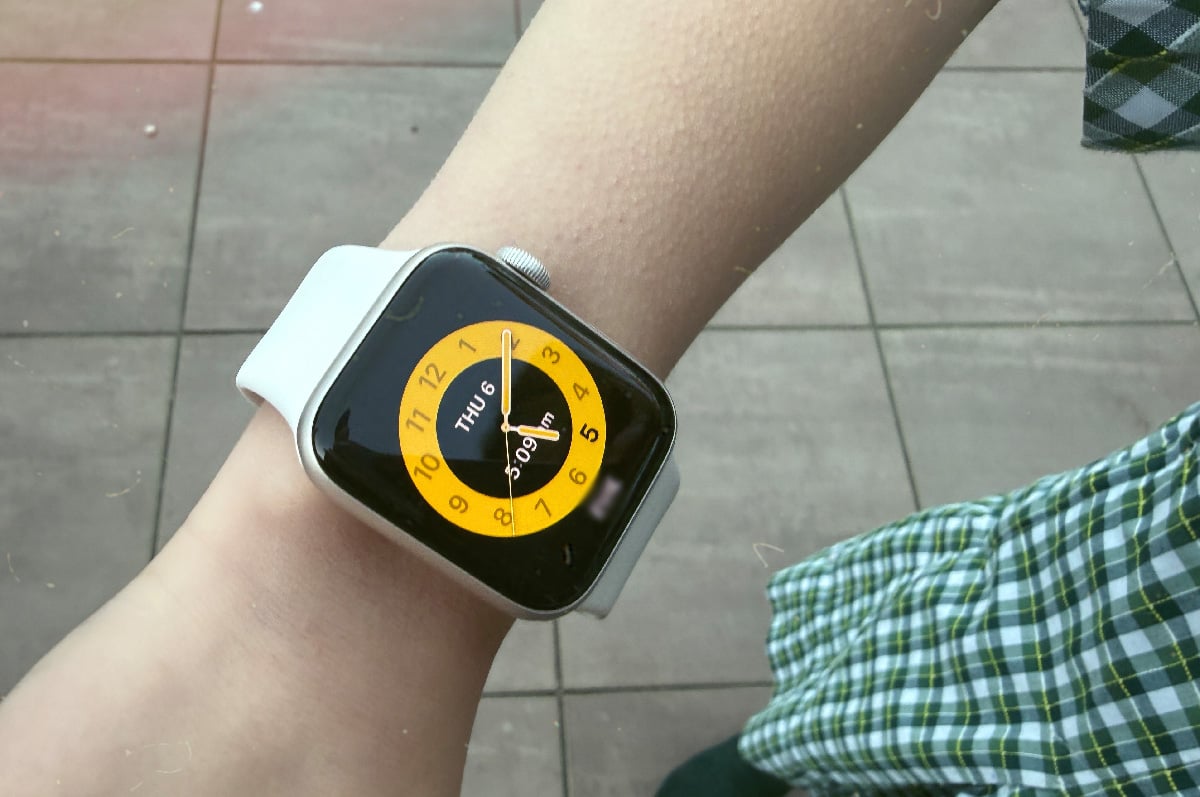
The simple fact is that, while I can appreciate the School Time feature in theory, the Apple Watch is still a distraction in a classroom setting. Kids are curious, and it's not every day you see a five-year-old with a computer strapped to their wrist.
This became all-too-apparent one morning when I received the most terrifying voice note from my daughter's Apple Watch, which, when transcribed, read like this: "Hey Siri, call the police, Siri, call the police, no no no no no." Upon listening to the voice note, the truth of the situation was nowhere near as alarming.
Another kid had noticed my daughter's Apple Watch and decided to experiment by calling the police - the trailing "no no no" was my daughter trying to stop them. The emergency call never went through, but needless to say, the Apple Watch went away for a few days after that.
At the end of the day, an Apple Watch isn't right for my daughter yet, but I can see it making a real difference for others. Pre-teens who are too young for a phone, and those in separate living arrangements. When I was my daughter's age, I'd lived between two houses for as long as I could remember. Having my own way to communicate with my parents at that age would have been a game changer - particularly on the days one of them forgot it was their day for school pickup.
So while the Apple Watch is going back in the drawer for a few more years, I still count this experiment as a win. At the very least, it's helped build my daughter's confidence over the phone and provided a few good laughs along the way. Now I just have to find another solution for those 2am bathroom trips.
Brodie Fogg
Managing Editor - Streaming

Related Articles


Related Topics
Smartwatch Apple Telstra AccessoriesPopular Topics
Android smartphone iPhone Apple Samsung Telstra Optus Vodafone Deals Oppo


