

Pixel 4 and Pixel 4 XL Review: The Verdict
The Pixel 4 and Pixel 4 XL are mostly solid all round devices packed full of ambitious ideas, but they're undermined by a less than stellar battery life.
What we love
- Great camera with cool features
- Lovely finish
- Cheaper than most flagship smartphones
What could be improved
- Poor battery life
- Still starts with only 64GB of storage
- No ultra-wide camera lens
The essentials
- Performance: Top tier. No complaints.
- Battery: Can barely scrape a day per charge. Good chance you'll need a top-up.
- Screen: Lovely, but can be a little dim - especially in harsh sunlight.
- Camera: One of the best smartphone cameras around, but the lack of an ultra-wide lens is a shame.
75/100
The Google Pixel 3a has been my phone of the year so far. It's not the fanciest device around, but it nailed the essentials. The camera was great, the battery was reliable, and it was excellent value. The Pixel 3a set my expectations for the Pixel 4 sky high.
I was expecting to love the Pixel 4. And on paper, the Pixel 4 sure sounds promising. It's cheaper than any other flagship. There's interesting new tech. Google finally added a second camera. All great things. But despite ticking plenty of boxes, Google left a major one blank. The battery on both the Pixel 4 and Pixel 4 XL is rubbish.
Size doesn't matter, kinda?
Before we continue, it's worth noting that the Pixel 4 and Pixel 4 XL are identical, with the exception of screen size and battery capacity. The Pixel 4 XL has a larger screen and will last a little longer per charge, but otherwise, the pair are identical, which is a change for Google. They have the same camera setup, the same processor, the same facial recognition tech, the same design, the same everything, really.
However, given that both phones struggle when it comes to battery life, the Pixel 4 XL may be the more prudent choice. Given the extra capacity, it's a little more likely to get through a day without needing a top-up.
But if you're a more demanding smartphone user, you'll almost certainly have to give your Pixel 4 a quick charge throughout the day, no matter which model you pick.
Here's a quick look at how the Pixel 4 and Pixel 4 XL compare in terms of specs:
| Pixel 4 | Pixel 4 XL | |
|---|---|---|
| Display | 5.7-inch 1080p+ | 6.3-inch 1440p+ |
| Processor | Snapdragon 855 | Snapdragon 855 |
| Storage | 64GB or 128GB | 64GB or 128GB |
| RAM | 6GB | 6GB |
| Rear-Facing Camera | 12MP + 16MP | 12MP + 16MP |
| Battery | 2,800mAh | 3,700mAh |
| Water-Resistance | IP68 | IP68 |
| Price | From $1,049 | From $1,279 |

Shoot for the moon
The camera has been a defining feature on every Pixel device to date, and there's no exceptions when it comes to the Pixel 4 and Pixel 4 XL. In fact, this time around, Google has upped the camera count to two. While past Pixel handsets have only had a single rear-facing camera, Google has relented and added a telephoto lens. This can be used for 2x optical zoom, or 8x software assisted digital zoom.
Photos at 2x zoom tend to be on par with the Pixel 4's primary camera, which in short means they're consistently great. The Pixel 4's software zoom is also pretty impressive, even if not quite up there with the dedicated long-range zoom lenses we've seen on devices like the Huawei P30 Pro.
There's a limit to how much software can do, and you will notice some pixel interpolation (where the software has tried to reconstruct the image using existing data) in shots at higher magnification factor. That being said, even photos taken at 8x can look decent. 4x is definitely the sweet spot in terms of software assisted zoom, however.
Here's a comparison:

The actual zooming process can be a little fiddly. The Pixel 4 camera app has a slider for zoom that goes from 1x to 8x in increments of 0.1 You can't just tap to get straight to 2x, for example. It makes it a little tricky if you want to a specific magnification, and isn't quite as quick as just tapping.
A second lens also helps with the Pixel 4's portrait mode, which is now better at dealing with objects other than people and accounting for hair.
Here's a shot with portrait mode off:

And here's a shot with portrait mode on:

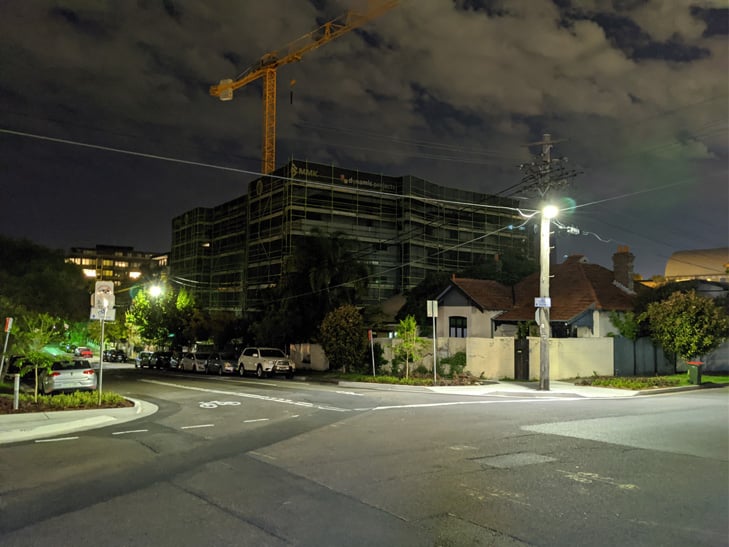
Google's low-light photography mode, Night Sight, is back of course. If you're in need of a refresher, Night Sight captures a number of photos over a few seconds and combines them into a final - brighter - photo. When compared to last year's Pixel 3, Night Sight photos are a little bit brighter, but it isn't as drastic an improvement as when Night Sight was first introduced.
Here's a shot with Night Sight off:

And here's the same shot with Night Sight on:
One rather unique feature you won't find on any other phone is an astrophotography mode. If you're in a dark enough environment, you can use your Pixel 4 to take photos of the night sky. In the resulting shots, stars can be more pronounced than they are when viewed by the human eye. As with a standard Night Sight photo, the Pixel 4 achieves this by shooting over a longer period of time. A typical lowlight photo only requires a few seconds, whereas astrophotography will take minutes. As such, you'll need a tripod or somewhere to prop up your phone if you want to try this out.
You'll also need to wait about 90 minutes past sunset to get a good shot, and ideally, you'll also want minimal light pollution and minimal cloud cover. You can still get decent shots in a city, but as a rule of thumb, the further out you go, the better results you can get.
All of this makes astrophotography a bit niche feature - you really have to put some planning into getting the shots you want, you can't just get them on a whim. At the same time, it's truly incredible that it's possible to take images like this on a phone.
Here are a two examples from about 25km outside of the Sydney CBD:

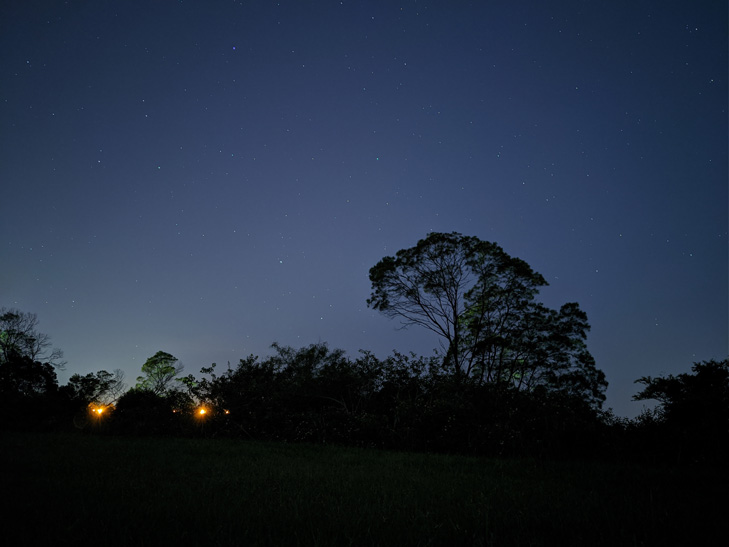
It's enough to make you want to drive out to the middle of nowhere and lose yourself in nature. You can read more about the Pixel 4's astrophotography mode here.
Another neat addition is dual exposure. You're able to adjust both the brightness and shadows when composing a shot, rather than just brightness. Other smartphones can only adjust brightness. In short, this gives you more granular control over how your final photo turns out. For example, if a shot seems too bright, you can make the shadows more dramatic without making it too dim.
Here's a shot with automatic exposure:
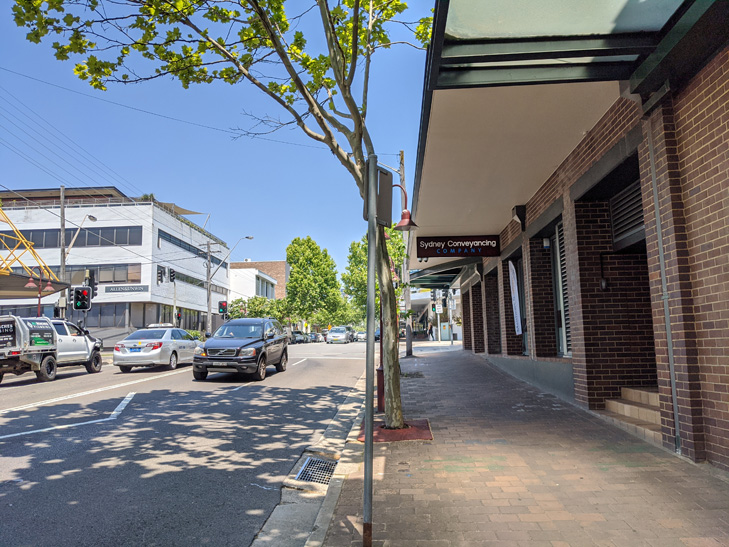
And here's a shot where I used dual exposure to dim the shadows:

Unsurprisingly the Pixel 4 still takes excellent photos out of the box, but there's plenty of settings you can tinker with if you're so inclined.
One camera feature you won't find on the Pixel 4, however, is an ultra-wide angle lens. While ultra-wide angle smartphones have been around for a few years now, they've become ubiquitous in the flagship space over the last 12 months. The iPhone 11 family all have an ultra-wide lens. The Galaxy S10 and Note 10 families have an ultra-wide lens. Flagships from OPPO and Huawei have ultra-wide lenses. While the omission isn't a deal-breaker, I found myself missing the option to zoom out while using the Pixel 4.
The Pixel 4 camera is still fantastic, it's just a shame Google didn’t do more. Apple has caught up in terms of lowlight, Huawei wins in terms of zoom, and everyone has an ultra-wide lens. I love the Pixel 4 camera - dual exposure and astrophotography are hella cool - but it's hard to call it the camera to beat in the same way last year's Pixel 3 was considered for quite some time.

Look ma, no hands
One of the Pixel 4's key new features is Motion Sense, tech that lets you interact with the device without actually touching it.
Using a small radar called Soli, the Pixel 4 is able to detect small motions around the phone. This lets you skip songs, snooze alarms, and silence phone calls by waving your hand. Google says these features are just the start, and will continue to evolve over time. The functionality is a little bit limited right now, but Quick Gestures actually work for the most part. Nine times out of ten, at the least, which is far more than can be said for similar tech in handsets like the LG G8.
It will be really interesting to see how Google builds on this tech, because while it's cute, it feels far from essential. There is a certain magic to being able to swipe away a song without touching your phone, but it doesn't feel like a reason to buy the Pixel 4 in itself.

My favourite Motion Sense feature is a Pokémon themed wallpaper where you can interact with animated versions of Eevee, Pikachu, or the three starters from Sword and Shield (although I don't know why you'd set your wallpaper to anything but Eevee). When you're using this wallpaper, Eevee will respond to your waves by waving back, and pats (an upward motion with your hand) by showering you with hearts. It's freaking adorable.
And while not strictly Motion Sense related, she brims with excitement whenever you unlock your Pixel 4, and jumps around when you slide up the app drawer. At night, you'll find Eevee napping on your home screen. I love her so much. I regularly unlock my Pixel 4 just to see Eevee bounce around. Eevee soothes my blackened soul.
Motion Sense also helps with the Pixel 4's facial recognition. The Pixel 4 can tell if you (or anyone else for that matter) is in proximity of it, and it will start searching for your face as soon as you pick it up. Facial recognition is fast to the point where it feels instant. It works really well. Possibly too well.
As it stands, the Pixel 4 doesn't require your eye-contact for facial recognition to work, something that most other smartphones with face unlock demand before opening up your device. This means someone could unlock your Pixel 4 by pointing it at you with while you're sleeping, or you know, dead. Google says it will address this in a future software update, but this isn't due to hit for a few months.
Since the Pixel 4 doesn't have a fingerprint reader, a PIN is your only alternative if you don't want to use facial recognition. In 2019, that feels a tad anachronistic.
The combination of the Motion Sense and facial recognition does however mean the Pixel 4 has a rather chunky bezel at the top of the phone. This results in a weird asymmetrical design where the phone's "forehead" is a bulkier than its "chin". While this might come down to personal taste, I find it uncomfortably unbalanced. In theory, it's the kind of thing you might stop noticing the more you use the phone, but it’s just so much more prominent than a notch or a camera cut-out. It's not like Pixel 4's bezel takes away from usability, I'm just not into the look. Your mileage may vary.

Almost great
Weird forehead aside, the Pixel 4 is a lovely phone. It's just nice to hold. A lot of this can be chalked up to the matte aluminium frame, which almost feels, well, chalky, and the matte glass on the back (at least on the white and orange models). The Pixel 4 doesn't feel slippery in the way a lot of high-end phones do, but still feels premium. Sure, this might not matter if you throw a case on it, but the Pixel 4 is easily the most unique flagship handset around when it comes to touch and texture.
Looking more broadly, the Pixel 4's hardware is a mixed bag. Both the Pixel 4 and Pixel 4 XL are only available in 64GB or 128GB variants. While the Pixel 4 family is a bit cheaper than its premium Android competition, we're now regularly seeing smartphones around the $500 mark with 128GB of storage. Apple is guilty of this too, but phones that cost over $1,000 should have more than 64GB out of the box.
Much like its predecessors, the Pixel 4 doesn't have expandable storage either. While lack of a microSD slot is par for the course with Pixels, Google helped mitigate this with free unlimited full resolution backups for your photos and videos in Google Photos. The Pixel 4 has a similar offer, but pictures are saved at "high quality" (which means they may be compressed or resized) - you can’t just back up the original full size image. If you're keen to keep your full resolution photos, you'll need to pay for extra Google Drive storage or manually copy them across to your computer.

The Pixel 4 features a "Smooth Display", or a 90Hz refresh rate screen. For comparison, a conventional smartphone has a 60Hz refresh rate. This means the panel on a conventional smartphone can display 60 images per second, versus 90 images per second with Google's Smooth Display. This makes most motion on the Pixel 4 look smoother, and can be especially noticeable when it comes to animations and scrolling through apps. It's a little hard to explain, but it makes the Pixel 4 buttery. It's something you have to see to believe.
Battery life is easily the Pixel 4's biggest weakness. The Pixel 4 XL can last a day, but there might be times you need to top-up part way through the day. The smaller Pixel 4 is worse, and will almost certainly need a quick recharge throughout the day if you want it to go the entire night. Both phones can technically last the day with lighter usage, but it's hard to call them all-day phones. You can eek out a bit more battery by switching on dark mode and turning off features like Smooth Display and Motion Sense, but you shouldn't need to disable key new features just to get through a day without recharging.
Topping up a phone part-way through the day might not seem like the worst thing it the world, but it's a little hard to forgive when almost every other flagship phone does so much better in terms of battery life these days.

Final thoughts on Google Pixel 4 and Pixel 4 XL
While I don't love the Pixel 4 as much as I thought I would, I still like it a lot. It's a good phone. Some parts of it are great. It's just not quite the complete package.
In past years, you might have put up with a worse battery for a better camera, but Google doesn't have that edge right now. Sure, the Pixel 4 camera is excellent. It takes reliably great pictures, and it has a few nifty features that help it stand out. At the same time, it's not clearly better than what you'd get from Apple or Huawei. The lack of an ultra-wide lens doesn't help either.
It's just a shame, because other than battery, the Pixel 4 doesn't have any other red flags. Performance is excellent, the finish is lovely, the design is a bit weird but not a deal breaker, and pricing is surprisingly reasonable.
The Pixel 4's $1,049 starting price makes it the cheapest flagship smartphone you can get in Australia, but it's hard to recommend unless you're a very light smartphone user or happy topping up a little more often. If you're dead set on a Pixel 4, the $1,279 Pixel 4 XL is the smarter buy. The battery isn't great, but it has a better chance of lasting a full day.
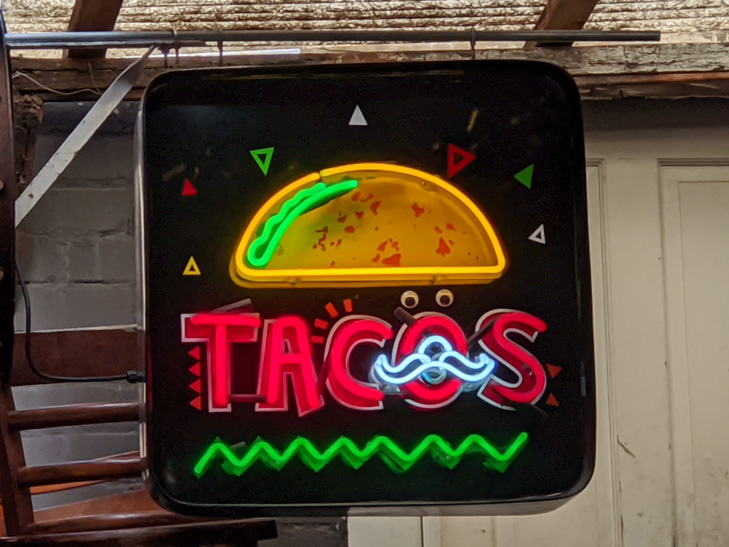
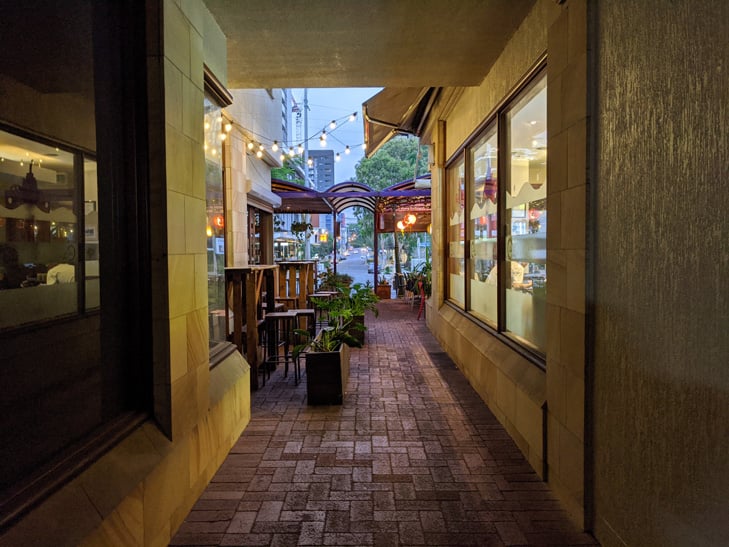
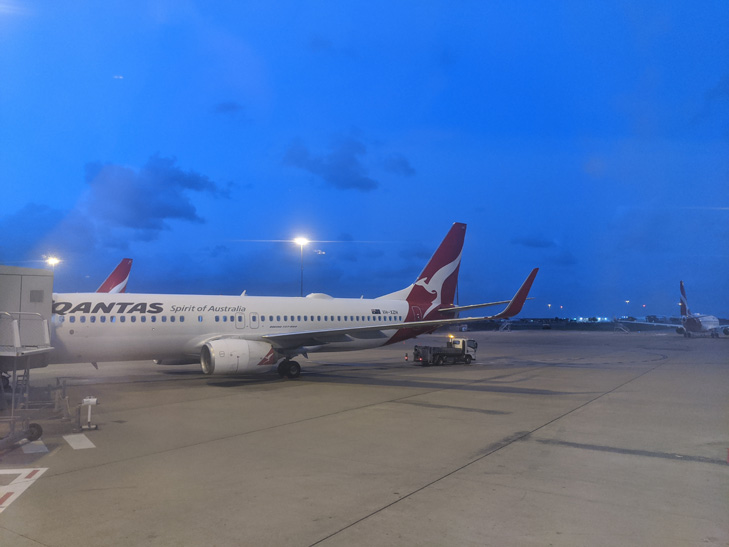
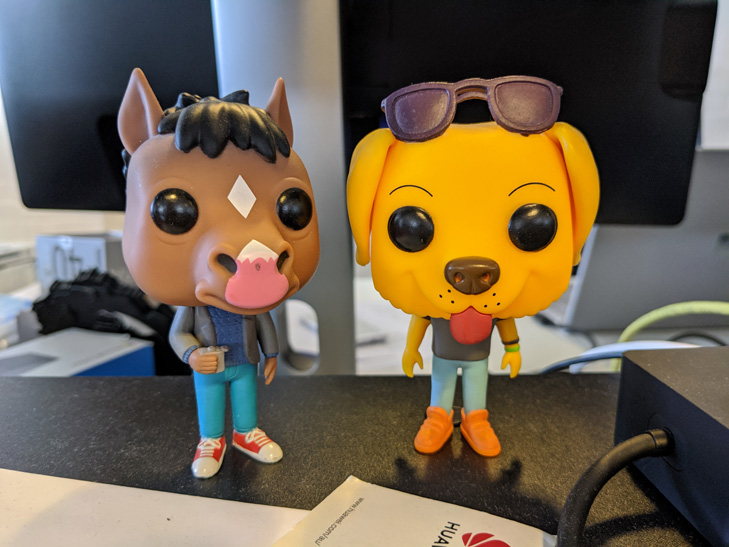
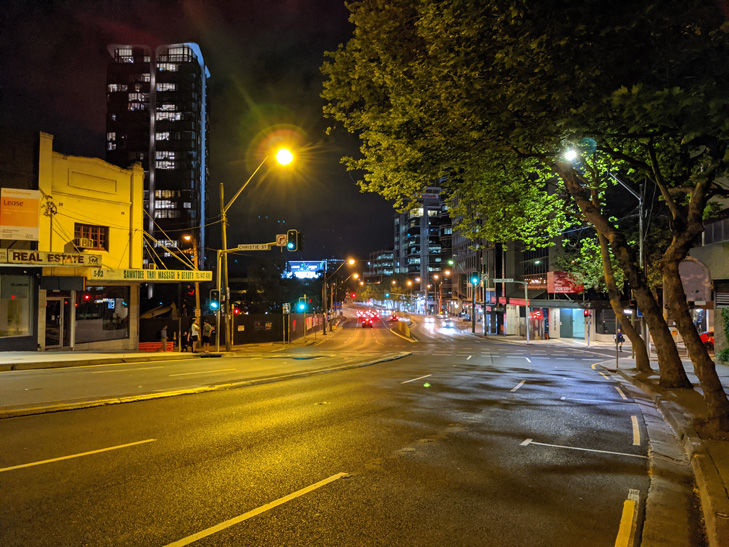
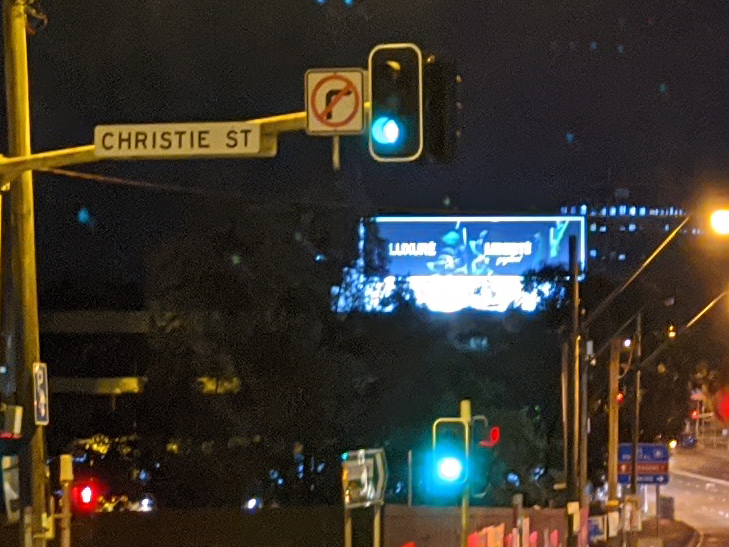
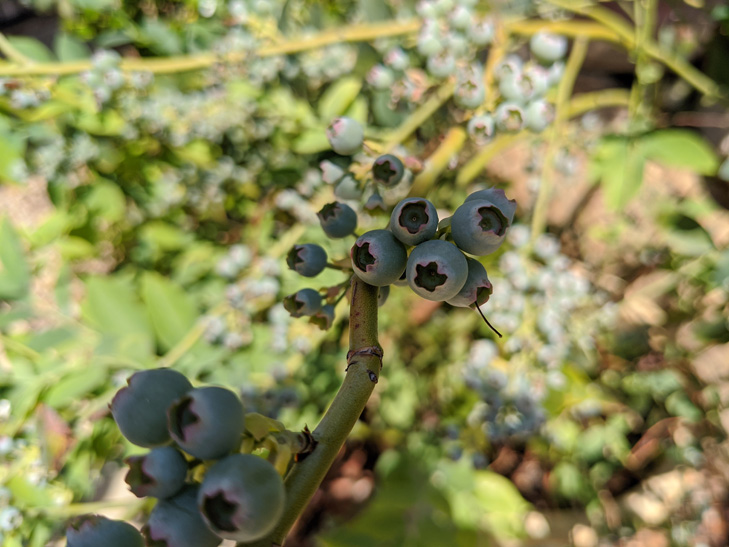
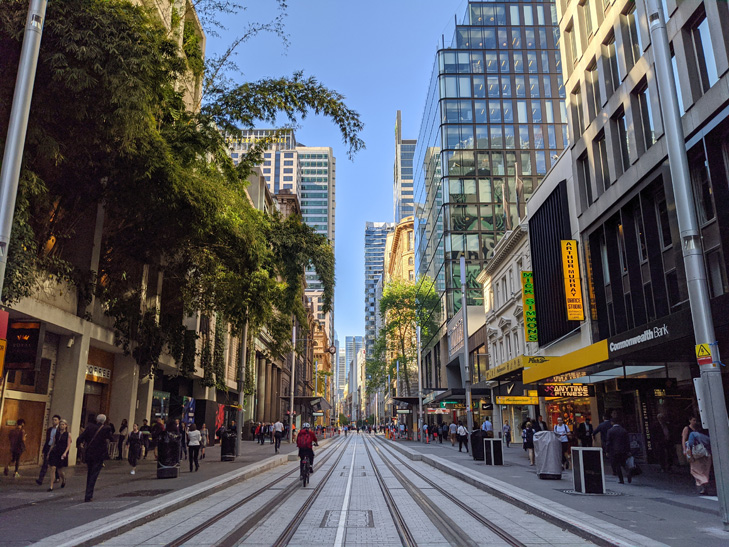
More Google Pixel 4 and Pixel 4 XL camera samples














I don't want a Google Pixel 4 or Pixel 4 XL, what else can I buy?

Google Pixel 3a
If all you want is a great camera at a good price, you should consider the Pixel 3a. It only costs $649 and has a camera that still holds up against the Pixel 4.

iPhone 11
The iPhone 11 is the more sensible iPhone, and better yet, you can get a 128GB model for about the same price as a 64GB Pixel 4 XL. If you're okay with swapping Android for iOS, the iPhone 11 will deliver great photos and better battery life than you'd get on the Pixel 4.

Huawei P30 Pro
If camera is your main concern, the Huawei P30 Pro is an excellent choice with fantastic lowlight performance and a more capable zoom lens.
Alex Choros

Related Articles


