
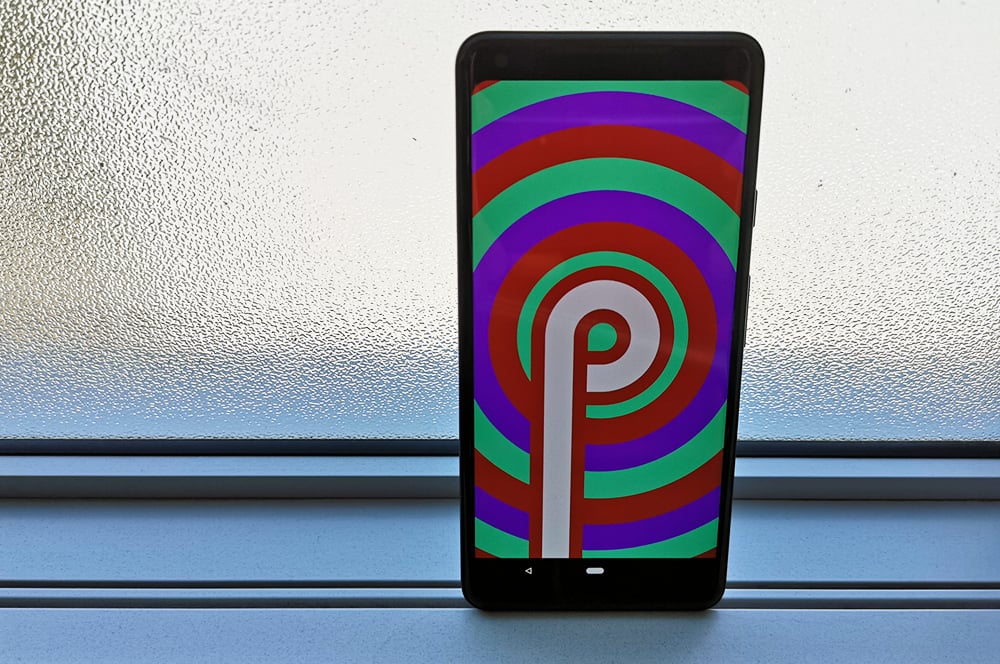
Google has revealed some of the major features coming to the next version of Android, and almost ironically, many of the core new features revolve around helping you use your phone less. Here's a look at what's coming in Android P.
Digital wellbeing
Android P's digital wellbeing functionality is a core part of Google's goal to get you using your phone less. Or at the least, to get you using phone in a more mindful way. There's three parts to this.
Dashboard: Android Dashboard is a new hub designed to let you know (or make you feel guilty) about how much time you're spending on your phone. It will tell you:
- Precisely how long you use your phone each day
- What apps you use the most
- When you're using apps
- How many times you've unlocked your phone
- How many notifications you received
App Timer: If you think you're using a particular app too much, Facebook or Instagram for example, you're able to set a limit as to how many minutes you can use it per day. Android will warn you when you're approaching your limit, and after you hit your allocated time, the app gets "paused" The icon greys out and you're not able to open the app. If you want to use it again, you'll have to visit the Dashboard to unpause it.
Wind Down: If you tell your phone when you want to go to sleep, it will automatically turn on Do Not Disturb when that time roles around and gradually fade your display to monochrome to remind you that you should get some shut eye.
Gesture navigation
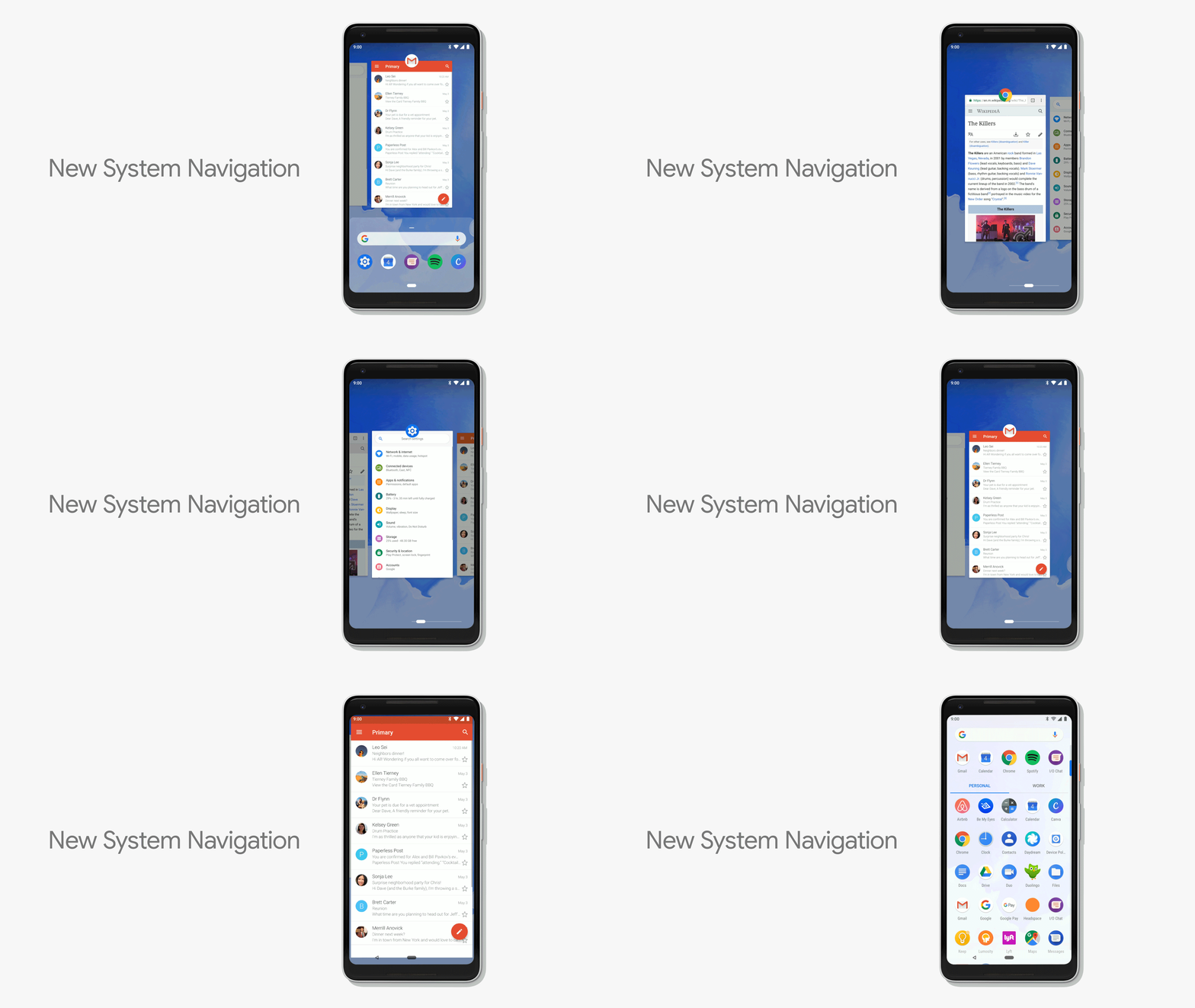
Android P takes a leaf out of the iPhone X's playbook with extensive gesture controls for navigation (although technically Palm did it first). Android's array of software buttons has been replaced with a single nub. Tapping it takes you back home, a half swipe brings up a new multi-tasking menu, and a full swipe opens your app drawer. Swiping the nub can be used to quickly jump between apps. A back button still appears when contextually relevant, but is no longer ever-present.
Actions and Slice
Google also wants to make it quicker to get tasks done on your phone, and as such, Android P will be able to surface shortcuts and quick links to apps through two new features: Actions and Slices.
Android P will learn about your behaviour over time and use this to provide shortcuts to specific actions within your app drawer. For example, if you normally call mum around 8pm each day, you'd get a shortcut to dial her around that time. Or if you've got a go to Spotify playlist, the app drawer will show you a shortcut to it when you connect headphones.
Actions can also show up in the Play Store, Google Search app, and Google Assistant
Slices let developers surface app functionality without the need to open an app. For example, typing Uber in your device's search bar could bring up quick information about the price and time for a trip home, as well as let you follow through and book your ride.
When will Android P be available?
We're expecting Android P to launch somewhere between August and October this year. Pixel and Pixel 2 owners can try out a beta from today, but we'd suggest not installing it on your primary device. You can also install the Android P beta on the following devices:
- Sony Xperia XZ2
- Xiaomi Mi Mix 2S
- Nokia 7 Plus
- OPPO R15 Pro
- Vivo X21
- OnePlus 6
- Essential PH-1
None of these are available in Australia yet, but the Nokia 7 Plus is due here at the end of next week.
Alex Choros

Related Articles


