
 Prefer WhistleOut in Google
I understand why so many people are hesitant about smartwatches. They aren't exactly cheap, require regular charging, collect a wealth of personal data and, of course, most people are hesitant to add another screen to their life. I won’t contradict most of those, but let's take a closer look at that last one.
See if this feels familiar to you, because I don't think I'm the only one. I feel the buzz in my pocket, pull out my phone and thumb the lock button; yep, there's a message I should probably respond to right away.
I unlock my phone, tap the notification and 20 minutes later I'm sitting on the couch doomscrolling while bouncing between four other group conversations I've needlessly reactivated. Maybe I've treated myself to some light video streaming or fired up a game. Maybe I've bought a t-shirt.
If I can get this distracted by keeping one screen in my pocket, adding a second one on my wrist – where I can always see it – would be worse, right?
Nope. And the reason is simple: smartwatches are a pain to use.
Everything about my smartphone has been precision-engineered towards a seamless experience, free from friction or conscious reflection. It's fast, intuitive, has a big screen, and any media I want is only a couple of finger taps away. Even the settings menus have pleasing animations that probably cost more to research and develop than I'll make in a year, maybe a decade.
It doesn't matter what phone I have, much like it doesn't matter what you have. Your smartphone is the same.
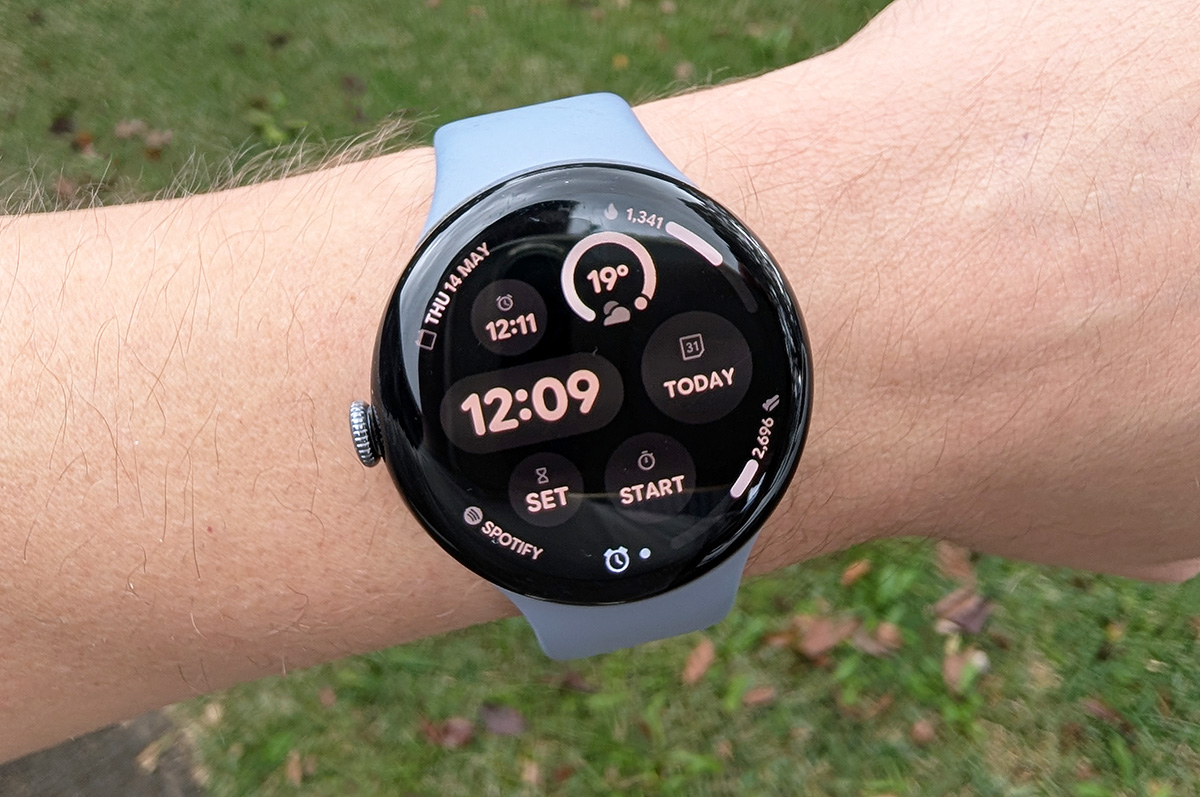
In contrast, smartwatches have limited hardware, cramped screens, and a level of app support Windows Phone users would have found embarrassing. (That's a tech joke. It means there aren't many apps.) Assuming your favourite app is available, it's almost guaranteed the functionality has been cut way back. On my Pixel Watch 4, even Google Calendar is borderline view-only – and Google made this smartwatch. No matter the R&D budget, there's only so much a tech company can do with a circular, 1.5-inch display.
Going back to our messaging example, see how this alternative timeline feels instead: you tap the notification on your watch and fumble with the tiny on-screen keyboard a bit, maybe mumbling a curse or two while you're at it. Or perhaps you prefer voice dictation, but this can bring its own downsides, like misheard words, weird punctuation, and looking like a prat who talks to their watch.
Eventually, you hit send and lower your wrist with a sigh of relief, happy to be free once more of your cursed smartwatch and its puny display.
Or, put differently: get in, do the thing, get out, done.
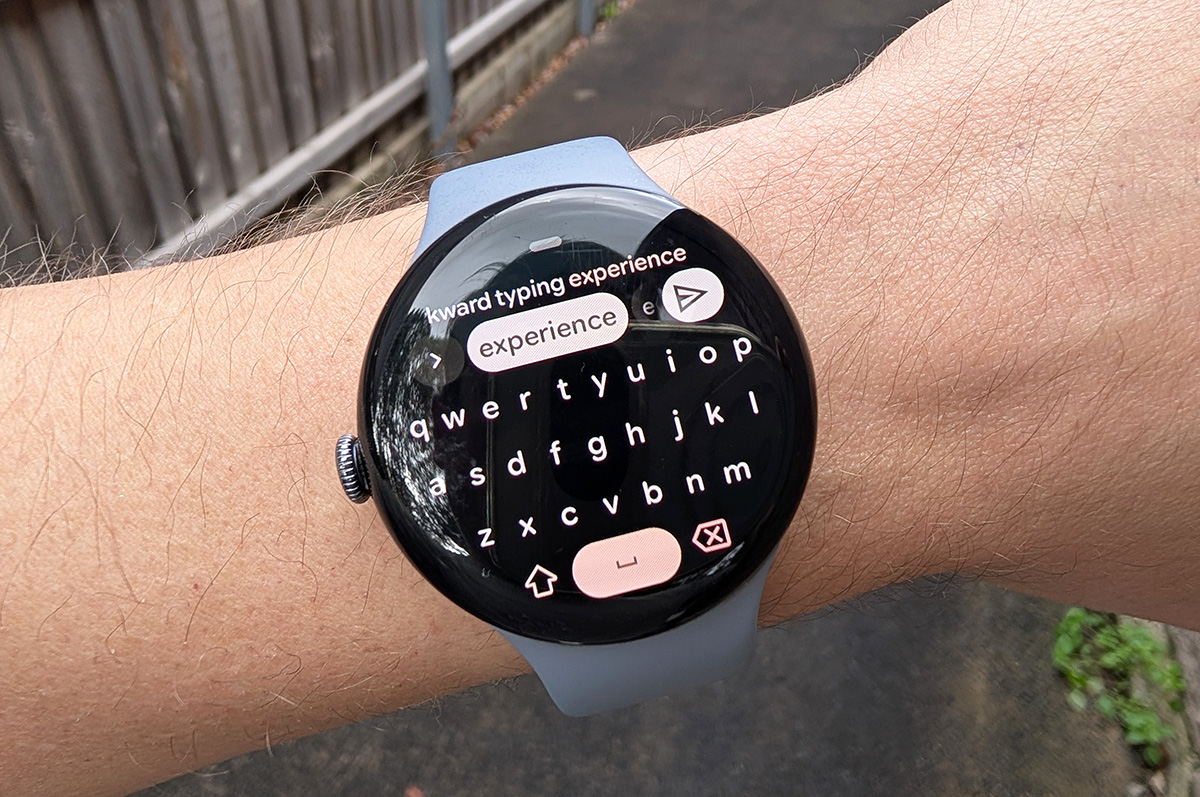
This works with plenty of basic, day-to-day situations like checking your calendar, creating a reminder, setting a timer or alarm, browsing your podcasts, etc. I’d say “the list goes on”, but it doesn’t go particularly far, which is part of the appeal. You can generally get the quick and necessary stuff done without the temptation of more alluring alternatives.
The idea of reclaiming your time by using a worse tool is unintuitive, but it makes plenty of sense in this case. Yes, most things you can do on a smartwatch take longer and are more frustrating than if you used a smartphone. But it’s also all you’ll be doing.
Just be sure to use the watch for the whole task. Don’t check your wrist to see if you have an unread message, then pull out your phone to respond. Use the watch, embrace the frustration, then go live your life.
Alex Angove-Plumb
Digital Content Editor

Related Articles

.jpg?w=160&h=160&usm=20&usmrad=0.8&fit=crop "Samsung’s smart glasses look to match the Meta Ray-Bans")


