
- Better functionality than native device apps
- No ongoing subscriptions, works with multiple users
- Magnetic so you can put it on the fridge
- Upfront price and shipping will be a hard sell for some
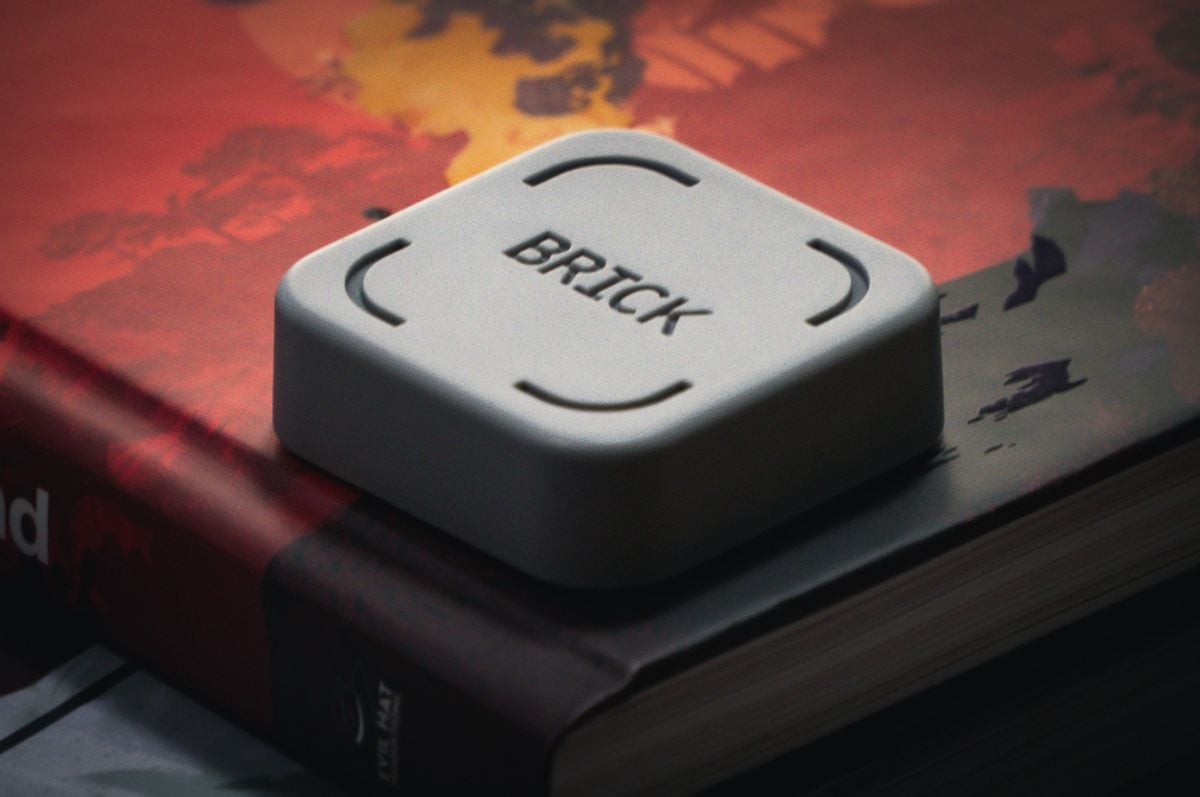
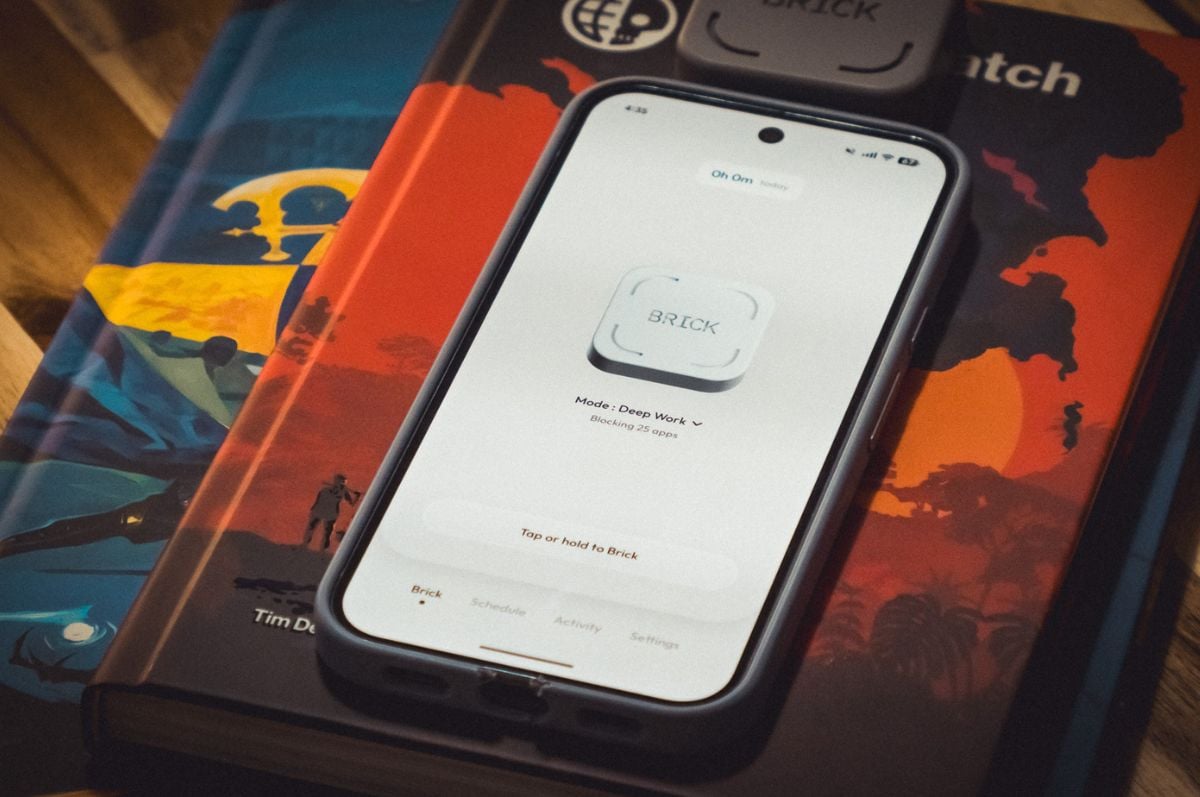
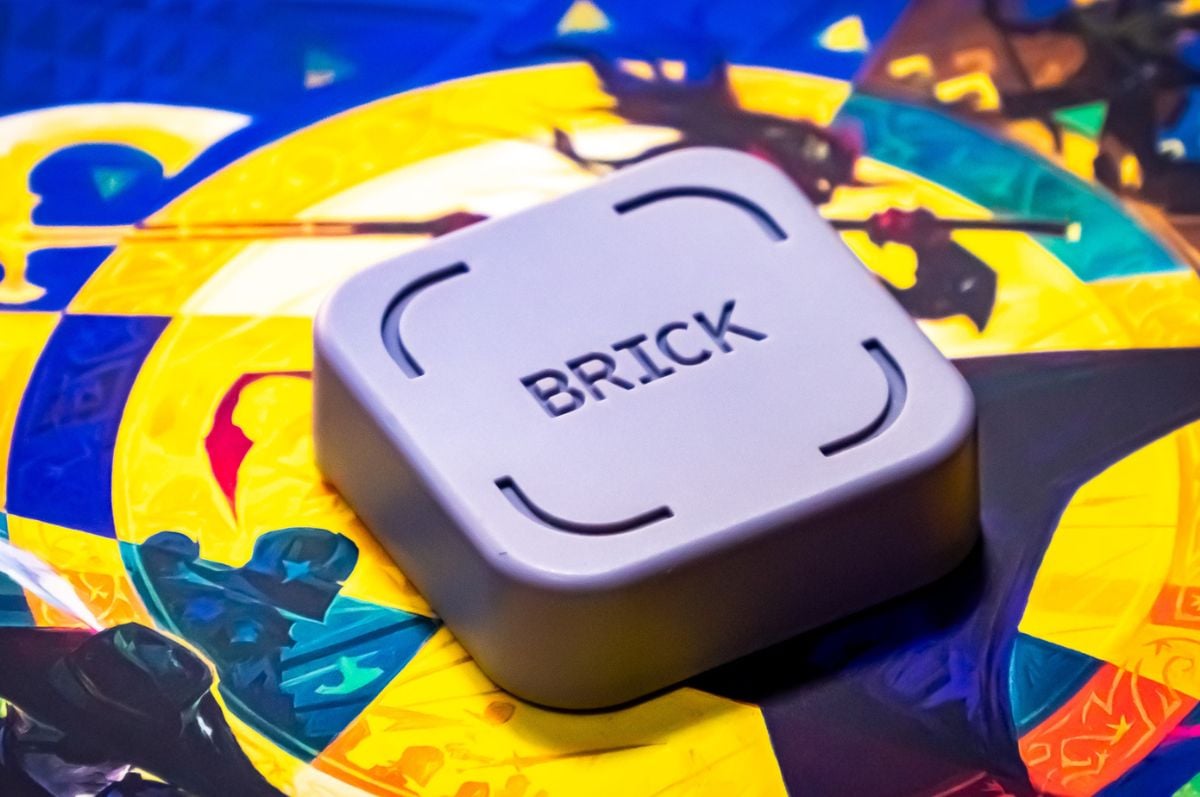
Brick is a mobile app and simple NFC block pair that helps users curb their screen time. The mobile app lets users select which apps they would like to block and set screen time schedules. You unlock your apps again at the time of your choice by tapping back on the NFC block.
We've both been testing the Brick for a while now. Here are our thoughts.
Dylan: I don’t think I’m alone when I say I have a love-hate relationship with my phone. It can be a connection to friends and family, an endless source of joy through memes and mobile games, a gateway to the horrors going on in the world, and my single biggest distraction.
Curbing my screen time to be more productive has been a thankless quest. I’ve tried using built-in solutions like Apple’s Downtime and App Limits and found them completely useless. They’re too easy to bypass, offering “more time” and even an option to ignore the limit for the rest of the day.
Then along came Brick, an NFC “device” and app that does what it says on the tin and turns your phone into a brick. Or really, as much of a brick as you’d like — not quite the full dumb phone experience. To my shock, I found that Brick is actually helpful at getting me away from my phone?
Day by day, brick by brick
Fergus: My relationship with my phone has its ups and downs. One of the unique challenges with finding that balance is that, having grown up using more limited mobile hardware, it’s so hard to look past the fact that modern smartphones contain a legitimately infinite reservoir of distractions. The true terror of doomscrolling on social media is that your feed really could go on forever. Although I don’t know if I can fully trust my memory, it was also probably a lot easier to put my phone down when I just used it for texting and music as opposed to the management of my everyday life.
I could look at the Nokia brick before me and make a quick mental calculation about how much value I’d derive from staring at that particular screen. When we’re talking about the latest iPhone, the math of that trade-off is impossible to comprehend, let alone resolve. I don’t think it’s a huge shock that so many people — including myself — have ended up relying on the force of habit as a compass as a result, and that’s before we even get to the part where the tech and software companies responsible for the experiences your smartphone offers have spent decades of time and millions of dollars taking out all the friction that might stop you from spending time on your small magic rock.
All of this is to say that when I came across the Brick in my Facebook feed, it caught my attention despite the scammer-adjacent vibes that are hard for me to divorce from most ads on social media nowadays. I think it’s hard to get too enthusiastic about paying for something that wouldn’t cost me a cent if I theoretically applied a little bit more discipline.
Even so, there’s something to the straightforward simplicity of this particular approach to tackling the problem that resonates with me. The idea of fighting fire – or in this case, behavioural psychology — with fire doesn’t quite cover it.
As you’ve mentioned, a lot of digital wellness guardrails are often too easy to ignore or disable in practice. Fundamentally, I think this is because the design of the design architecture of both iOS and Android tends towards encouraging engagement via obvious things like notifications as well as more subtle dark patterns. It’s all very complicated, but Brick's solution is drop-dead simple by comparison.
The amount of effort it takes for me to stand up, walk into the other room and tap my phone to unlock might not seem like that much, even when compared to opening a few menus on my phone. In terms of the friction involved, though, my phone might as well be in another galaxy.
Dylan: It’s both wonderful and awful that something like this can work for us. That we as humans have lost the ability to discipline ourselves. I can just imagine there are parents out there trying to manage their kids' screen time at night before they slink off to bed themselves for one last doom scrolls before they hit the hay.
The “scammer-adjacent” vibes are not far off, but I think once seen in action the overall branding that sounds too good to be true is actually meaningful. When you try and open an app that you’ve “bricked”, the messaging is bold and effective.
“Instagram is blocked. Your phone is currently Bricked”, and then a button to back out of the app to your home screen labelled “Back to living”. It’s often a really subtle message, and a reminder to yourself, "oh, that’s right I didn’t actually need anything from my phone right now, I’ve just picked it up as a force of habit and I can in fact get back to what I was doing". Maybe I’ll grab a glass of water or make a cup of tea instead.
It’s night and day to the on-device approach Apple and I’m sure other manufacturers have taken. I can remember once I realised I could just ignore limits on my iPhone when I was trying to be disciplined, I spent more than a week with the settings still turned on in vain, just in case I might see that I’d run out of Instagram time that day and not push past the messaging. Initial embarrassment of having to resort to it at all aside, the Brick genuinely adds enough friction to the process of indulging in your bad screen time habit for it to work.
Of course, one question to ask is what all of that is worth to you?
Decepetively simple
Fergus: I do think that, as someone who spends a lot of my time professionally, thinking about whether or not tech products are worth it, it’s very easy to be hard on the asking price here. $93 is not nothing, particularly given the recent cost-of-living crisis. Furthermore, if you’re looking to commit to multiple units, then the Brick does get expensive quickly.
Having said that, the lack of subscription fees and the fact that the software and hardware involved are so minimalist and polished does a lot to win me over. I don’t know if I can confidently say that the additional productivity was worth $92 (plus shipping) to me.
However, the argument for the peace of mind and the general mood uplift that came with not feeling like I was always spending time gazing into the digital abyss is a much easier one to make. Even if the whole thing is just psychological trickery all the way down, the reality is that spending a non-trivial amount of money on that can sometimes help you make the mental commitment to using the Brick.
I was already on the precipice of buying the Brick when the opportunity to write about it came up, and one of the things I thought about a lot while I’ve been using it is whether or not spending my own money would have helped me make a more serious commitment to getting the most out of it. Did you feel the same tension?
Dylan: Yes, as a self-proclaimed productivity nerd who’s perpetually bouncing from strategy to strategy, the targeted advertising really did a number on me. I think while the price is high, the lack of an ongoing subscription to use it is music to my ears in 2026.
I’m the person who is always looking in the App Store for an app that does the simple thing I want it to do without that awful “In-App Purchases” icon that usually means I’m in for a new overpriced subscription that should just be a one-time purchase, that inevitably becomes a vampire bill — something that sits there taking a hit on my wallet each month without much to show for it. Brick avoids this problem entirely.
You don’t even need to purchase more than one to use as a household; anyone who downloads the app can use it. To my knowledge, there’s no firmware on the Brick itself that would allow for it to become so either. If you compare the price of a dumb phone, something like a Nokia 105 4G costs around $50. But, then you add the logistics of how to get access to apps you do need that aren’t a time sink. For example, my bank of choice is mobile-first. If I don’t have a smartphone, I can’t just log in via the web. Getting to curb my screen time without giving up everything I actually do need for less than a $100 is very appealing.
I think for me, the trick is in the simplicity. I can easily imagine a Brick Pro that functions as a pomodoro timer or some other productivity tool for sickos. But that would needlessly complicate things. One of the things it has going for it is the blandness. It’s honestly quite forgettable, easy to throw into a drawer and not reach for until the end of the day. The only “dopamine” hit as a device that it has was that I was enjoying “clocking-in” and “clocking-out” before I started using the schedule feature. After that, it was curtailed even further. At 9am, my social media apps were bricked just in time for me to sit at my desk and start my day.
Did you find it easy to set and forget? Or have you found yourself tempted to un-tap?
Fergus: I suspect I’m not as diligent as you. My morning routine can vary, so I’ve found it quite hard to get into the habit of tapping on. In contrast, I don’t think I’ve really been tempted to un-tap at all. It feels like you get a pretty generous set of emergency unlocks should something unexpected come up, but I haven’t even come close to needing to use them as of yet.
I think the bigger piece of it — at least for me — is the customisability. At a high-level, things never get more complicated than “bricking” your phone using the app and then tapping it via NFC to reverse that process. However, that blunt force approach to anti-tech tech isn’t necessarily without nuance.
The companion software app for the Brick includes a ton of settings that can be tweaked to make things as simple or complicated as you need them to suit your lifestyle and circumstances. The ability to set schedules and whitelist selected apps does a lot for making it easier to stick things out and not un-tap earlier than intended. There’s even a “strict” setting that prevents you from uninstalling the app.
Brick - Final Thoughts
Fergus: As this exercise has demonstrated, it’s very easy to spend a lot of time in your head thinking about this stuff. Having said that, though, I suspect that the ability to achieve a balance between keeping things simple and meeting people where they are is a big part of what makes Brick work. Human behaviours often follow the path of least resistance, and the hardware design and software experience on offer does a lot to guide you by means that are more straightforward than subversive.
Dylan: It definitely exemplifies the idea that simple is best. Things like the emergency unbrick have accounted for that need without undoing the friction, which is where I think a lot of other products go wrong or maybe are scared to venture into and develop? Obviously, it’s a hard sell for a manufacturer to really, truly lean into the idea that they want us to use our phones less. For now, Brick seems to have cornered the market on that.
Dylan Crismale
Digital Content Editor

Related Articles


