
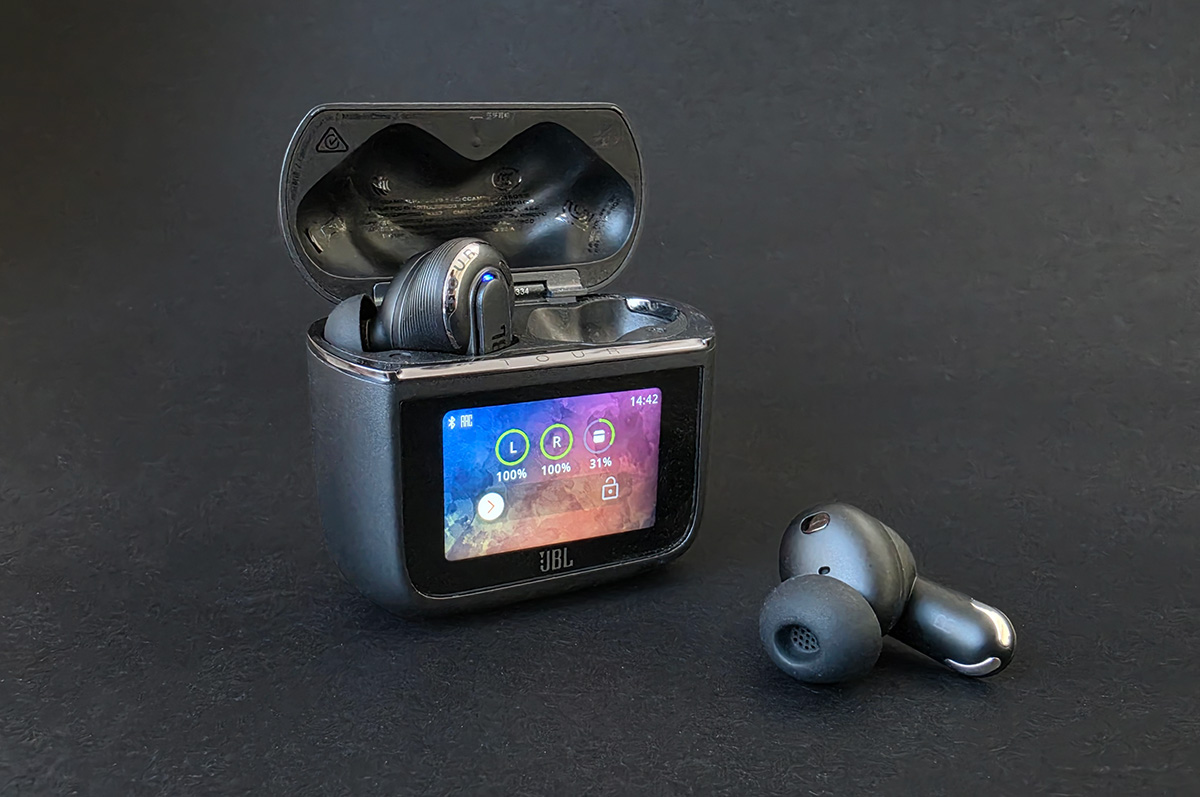
- Can connect to almost anything
- Great ANC and audio
- Solid battery life
- Awkward case
- Awkward buds
- Expensive
The Tour Pro 3 are a step forward for JBL and, in a way, the true wireless earbud industry as a whole. They’re not far-and-away the best performers in every category, but they have some unique features built atop a solid foundation.
At $399, they have some high bars to hit. For example, the Samsung Galaxy Buds Pro 4 ($399) have some of the best noise cancellation and audio quality in the business, though with admittedly mediocre battery life.
The other biggest name – the Apple AirPods Pro 3 ($429) – have even better ANC, decent sound, and are genuinely approved as a clinical-grade, over-the-counter hearing aid in Australia. But they only work properly with Apple products and, while their performance is decent, Samsung's buds are better in the audio department.
So, while it’s true the $399 price tag gives JBL a lot to live up to, it’s also true that even the big-hitters aren’t without fault. Ultimately, it'll come down to which set of buds has the fewest flaws that press your personal buttons.
Design and comfort
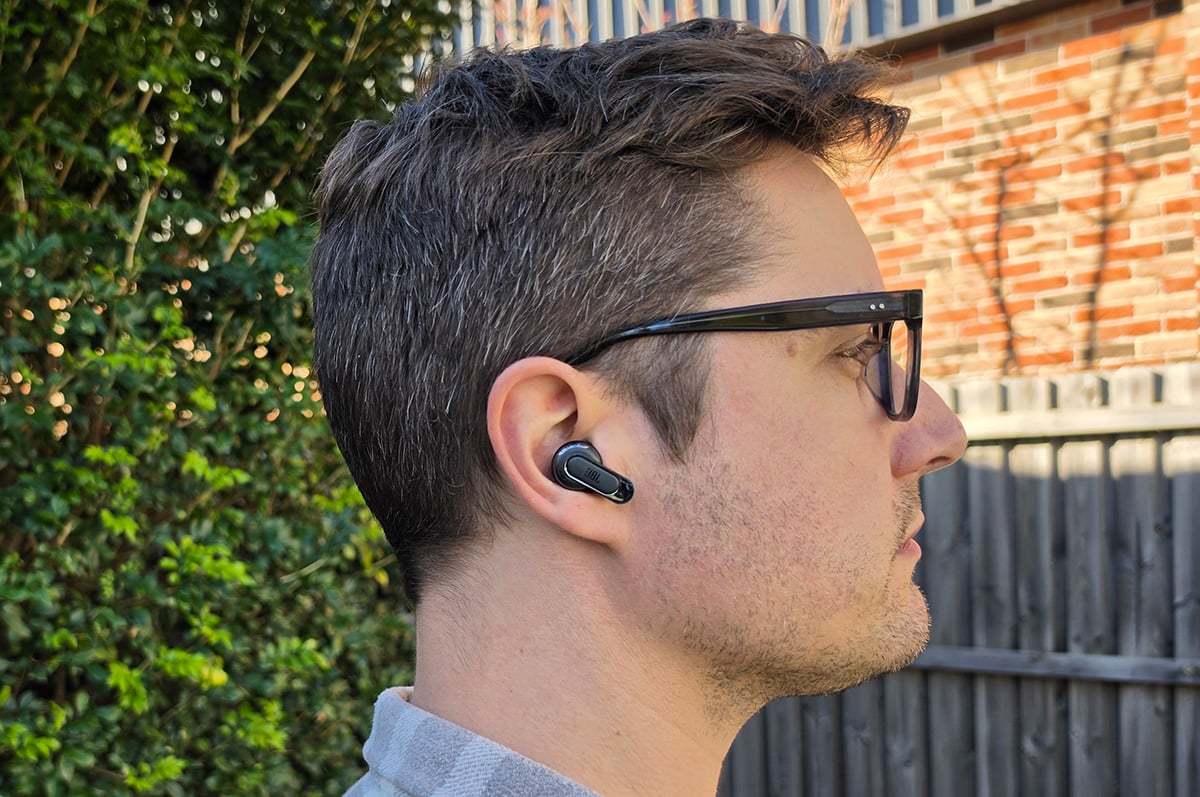
Now that we’ve built them up, let’s start with the Tour Pro 3's biggest problem: dimensions.
The buds themselves aren’t just chonky – their unusual shape makes it difficult to remove them from both the case and your ears. I’d wager I dropped one at least once a day and, assuming both are stowed in the case, I need to take special care to pull the first one out in just one attempt.
Once you’re wearing them, they’re comfortable for long periods of wear. But they also don’t have a super snug fit, so if you’re an avid headbanger you should keep this in mind.

The loose-ish fit also means tapping a bud too firmly or in the wrong place will mean you need to readjust or risk losing it in short order.
The big, thick case is just awkward to carry around. You won’t get by with it in a pocket without someone noticing, even if your fashion sense favours the baggier side of life. And if you wear tight pants, expect comments.
The Smart Charging Case
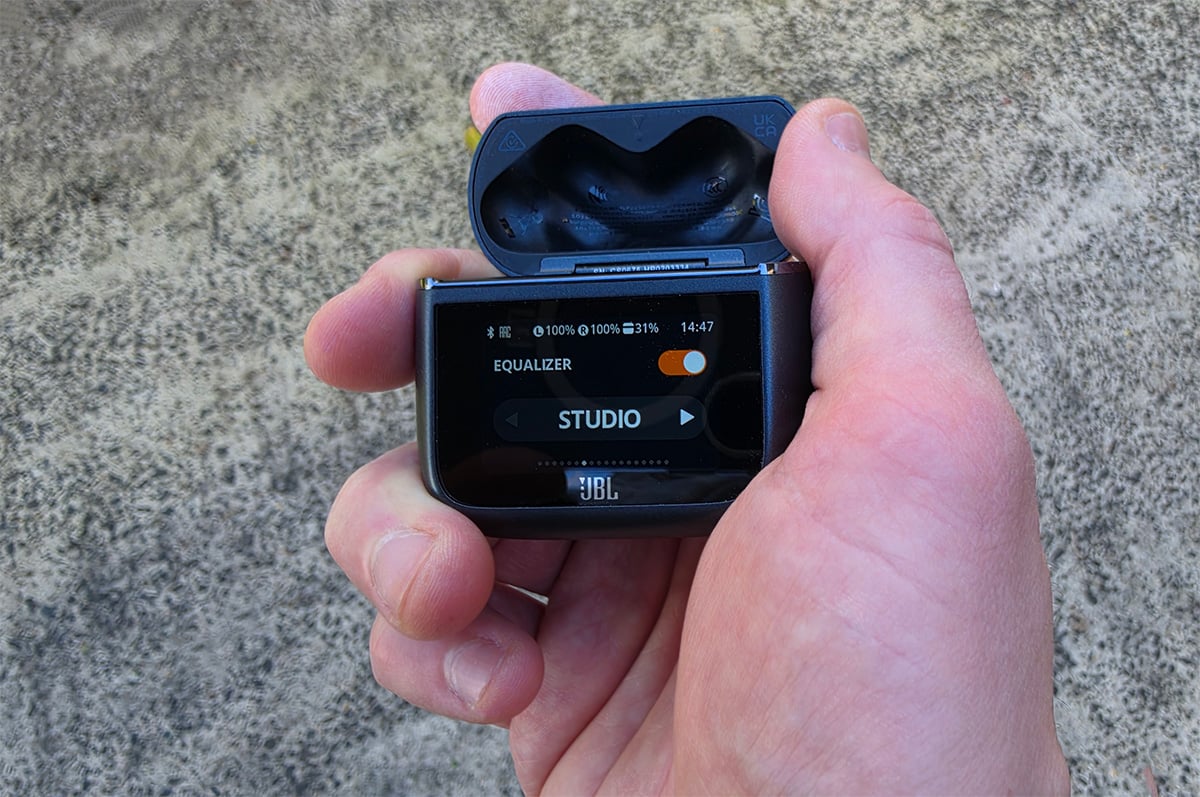
The touchscreen-toting, feature-packed Smart Charging Case is the headline attraction JBL has hung its marketing on. And it's not quite the gimmick a case with a touchscreen might seem like at first glance.
The main appeal is connectivity. The charging case can act as a transmitter, letting you stream to your buds from any audio source, as long as said source has a USB-C port or an AUX 3.5mm headphone jack. The potential usefulness here is as diverse as there are "reasons to listen to more than one device", but I'm sure you can exercise your imagination and decide if this sounds like it might be something you'd benefit from.
The case can also transmit using the new-ish Auracast wireless standard, which acts like a one-way Bluetooth broadcast. Other people with Auracast-supporting headphones can also listen in, assuming they’re within broadcast range.
Aside from expanding your listening horizons, the Smart Charging Case lets you access many of the features from the JBL app, removing the need to pull out your phone... in theory. Given how many screens there are to swipe through, it's a toss of the coin if the case will save you more time than whipping out your phone.
Having access to some of the controls – e.g. volume, ANC settings, Find My Buds, and equaliser presets – can be handy, but JBL went way overboard. A lot of the available screens could have been exclusive to the app or left out entirely, such as lock screen wallpaper, time format, auto play & pause, and a timer.
One fantastic feature I'll single out, however, is the Find My Buds menu. This is a simple screen with two buttons: L and R. Tapping either one will make the corresponding earbud emit a loud, high-pitched noise that's refreshingly easy to track down.
Some earbuds have a similar function built into the phone app, but those that do often limit the volume to safe listening levels. You know, in case the earbud you can't find is in your ear.
JBL seems to have instead trusted its users to not activate a location noise from an earbud they're currently wearing, allowing for a much greater volume. Crazy, I know.
Battery and ANC
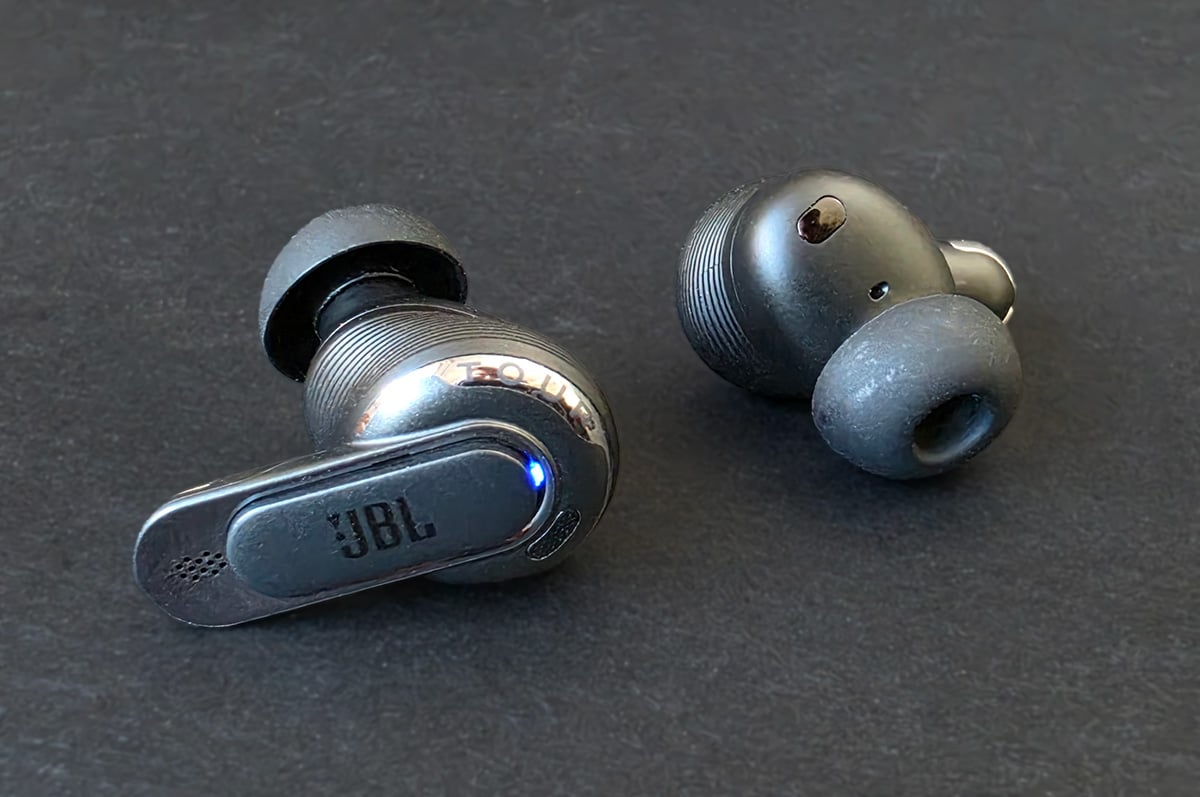
JBL claims each bud can deliver up to eight hours of listening with ANC on and 11 hours with it off, which is pretty much what we experienced. When you include the extra charge in the case, there’s a total listening time of 44 hours with ANC off or roughly 32 hours with it on. All in all, this is great battery life for true wireless earbuds.
With ANC on, this is well ahead of the 6 + 20 hours of the Samsung Galaxy Buds Pro 4, but is on par with the 8 + 24 hours of the slimmer AirPods Pro 3.
As for noise cancellation, the Tour Pro 3 can hang with the best of the best – which also happen to be the two main competitors from Samsung and Apple we’ve been discussing. The Tour Pro 3 are particularly good at blocking mids and higher frequencies, which is where voices and general background white noise tend to sit.
If ANC is important to you, this is one of your best options out there for true wireless earbuds.
Audio and playback controls
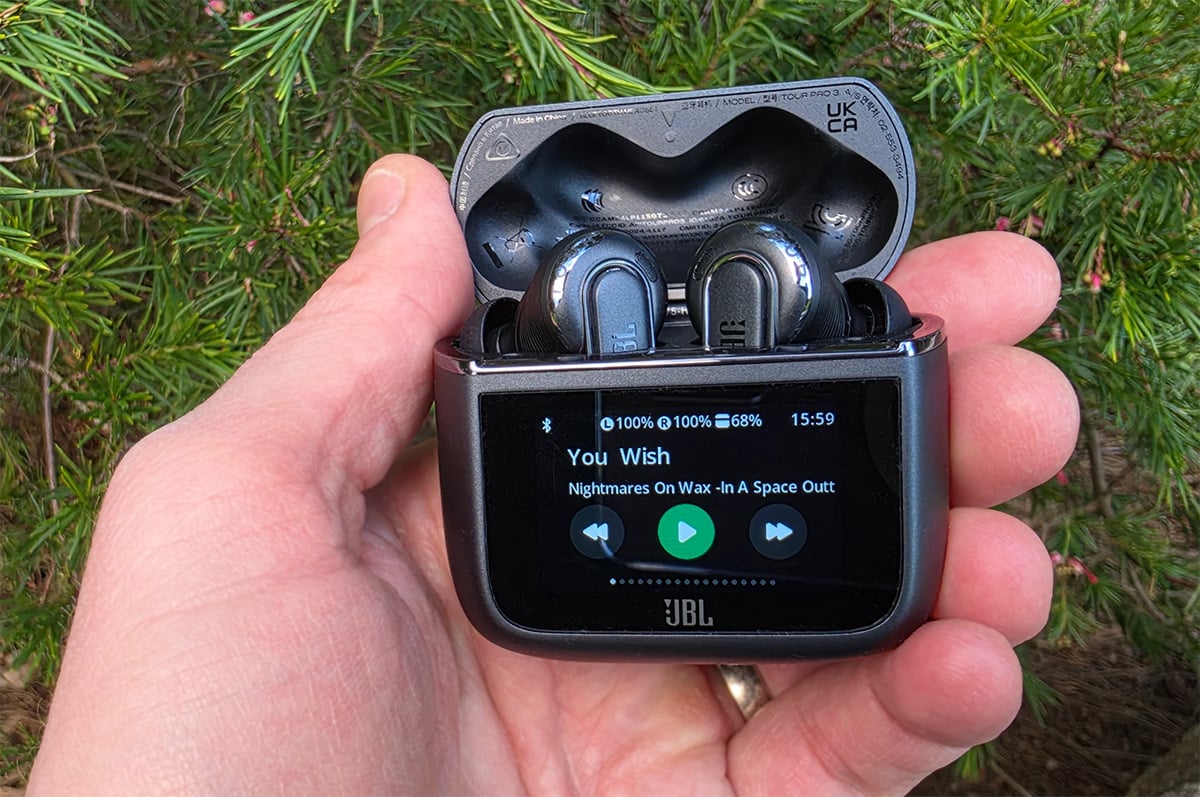
For true wireless earbuds, the sound quality is top-tier. Mids and higher trebles are present without being overblown or tinny. There are no problems from sibilance, and the bass is nice and boomy with some good rumbles from the sub-bass.
Personally, the bass is a tad over-blown for me. But most people would probably prefer it and, anyway, it’s easily addressable in the app via the 10-channel EQ.
It’s rare to find buds that can deliver bass from tracks like Massive Attack’s ‘Teardrop’, rich vocals like those in Nina Simone’s rendition of ‘Feeling Good’, and even handle the bouncy treble of tracks like ‘Eple’ by Röyksopp. And all this while maintaining enough definition to make sense of the mad jumble that is ‘The National Anthem’ by Radiohead. But I’m not surprised JBL is one of the few to manage it.
The built-in playback controls fine, but a bit restrictive. There’s only one customisable gesture per bud, which is the single-tap. Otherwise, there’s skip forward/back (double/triple tap) and native voice assistant activation (tap and hold).
For anything else, you’ll be using the Smart Charging Case or your phone.
JBL Tour Pro 3 – Final Thoughts
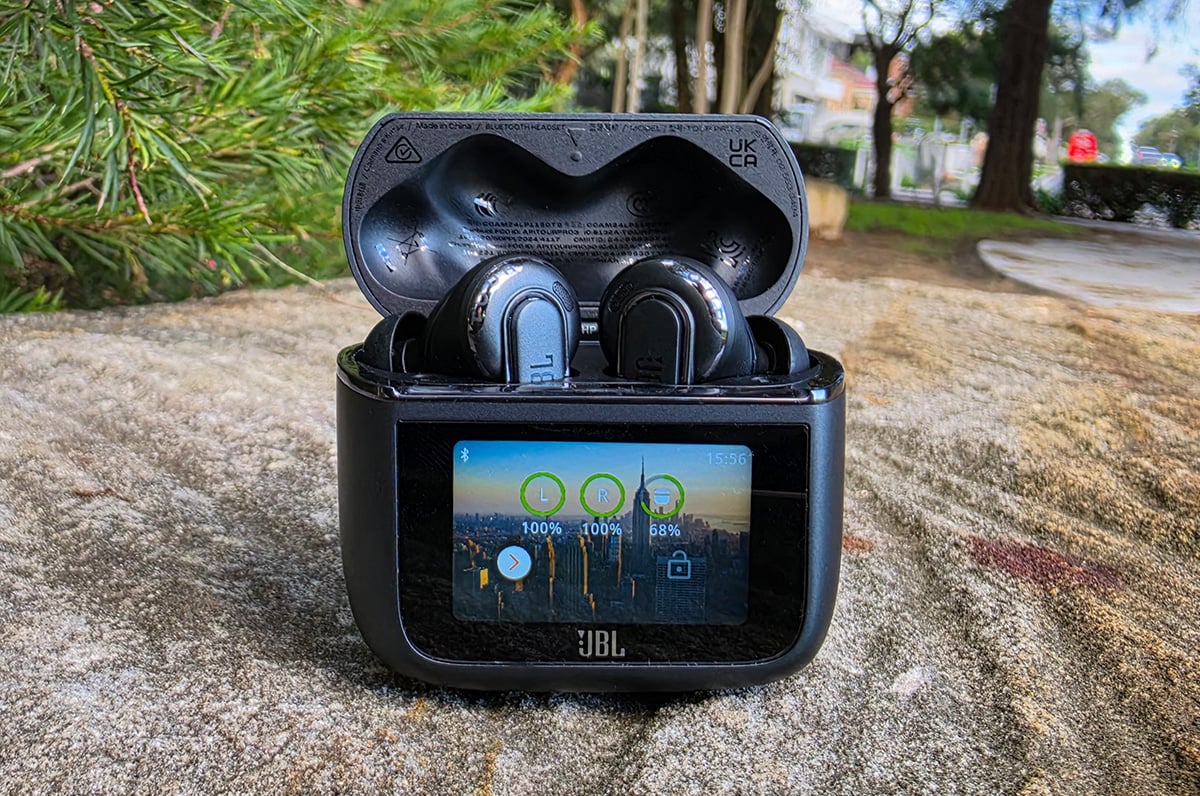
If you don't plan on using the expanded connectivity, not everyone will find the Smart Charging Case worth the trade-off in size. The number of unnecessary features makes the menu arduous to navigate (I just ended up using the app) and its bulky dimensions aren’t particularly comfortable or flattering in a pocket.
The awkward design also makes it finicky to pull the buds out of the case, which sounds like a minor gripe but will get on your nerves in no time if you have old, nailless fingers like me. And all of this is a lot to put up with for $399.
So, who would buy these buds? If you want the best ANC or audio, they’ll certainly deliver. If you're prone to misplacing a bud or two, look no further and just buy these now. If you’re interested in that wide range of connectivity, they’re one of a kind. And, of course, there's that great battery life to sweeten the pot.
Comparing the JBL Tour Pro 3 to the competition, the main reason you'd consider the Samsung Galaxy Buds Pro 4 is the chonkiness factor of the Tour Pro 3. In almost every other respect, JBL comes out on par or ahead.
As for going up against the AirPods Pro 3, Apple's buds offer a whole slew of their own fancy features (as long as you have an iPhone) while also having a slimmer case and the same battery life. But they lack the extra connectivity of the Tour Pro 3 and aren't as impressive in the audio department.
At the end of the day, JBL has added another premium pair of earbuds to the must-consider bucket. But you're the only one who can decide which set is best for you.
Did you like this article? Good! Why not make us a preferred source in Google? Click below, tick the box, and WhistleOut stories will show up more often when you search for related content.
Alex Angove-Plumb
Digital Content Editor

Related Articles


