

Huawei Mate XS Review: The Verdict
The Mate XS is a stunning flex of Huawei's engineering prowess; it's a foldable device that works equally well as a phone and a tablet. However, a sky high price-tag, a lack of Google apps and services, and serious concerns around durability make it impossible to recommend.
What we love
- Thoughtful design
- Excellent performance
- Great camera
What could be improved
- Fragile, easily scratched
- No Google apps or services
- Expensive
The essentials
- Performance: Top tier.
- Battery: Should comfortably last a day.
- Screen: Great, but a little too dim. Can cause visibility issues in darkness.
- Camera: Not Huawei's best, but still takes excellent shots.
40/100
$3,999
As its name quite literally puts it, the Mate XS is an exercise in excess. A $3,999 foldable phone devoid of Google apps and services, rife with durability concerns. It's not a device most of us should consider, even if we're fortunate enough to have the financial means to do so. And even if the app situation somehow doesn't concern you, you're ostensibly paying four grand to beta test a new form-factor. I'm not your real dad, but the Mate XS is not a sensible buy.
Nonetheless, the Mate XS is rather unique - even within the small foldable category. Even if it’s not a device you should buy, it's a fascinating look at Huawei's manufacturing prowess and the potential of this particular form-factor.
One of a kind
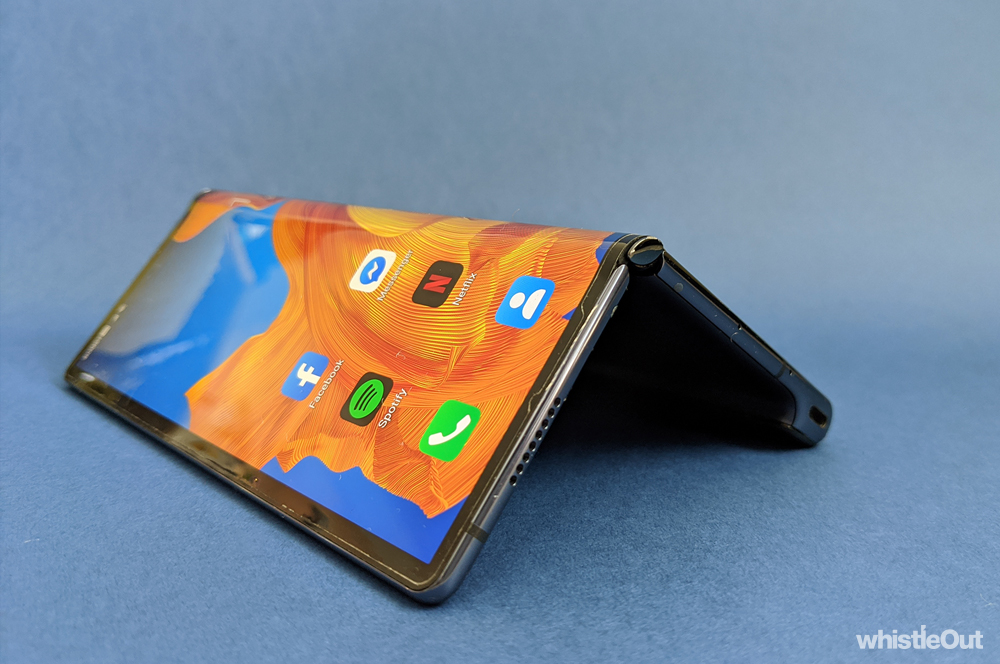
Foldables from Samsung and Motorola all feature a hidden screen that unfolds as you open the device. These phones also have a secondary display that is still visible when the device is shut. On the other hand, the Mate XS has just one display that wraps around the phone. When you fold down the phone, the entire display is still exposed. If we were to think of foldables as books, the Mate XS' screen is the cover, while the Galaxy Fold's screen is the pages inside.
Both approaches have their pros and cons. The Mate XS is a seriously sleek device. When folded down, it looks like any other smartphone. While the Galaxy Fold's external display is a little too small to be comfortable, that's not the case with the Mate XS. It's equally good as a smartphone and as a tablet. You don't have to unfold your phone just to type on a keyboard that's got a decent size to it. Of course, a larger external display is one of the biggest improvements on the upcoming Galaxy Z Fold 2, so it will certainly be interesting to see how that compares.
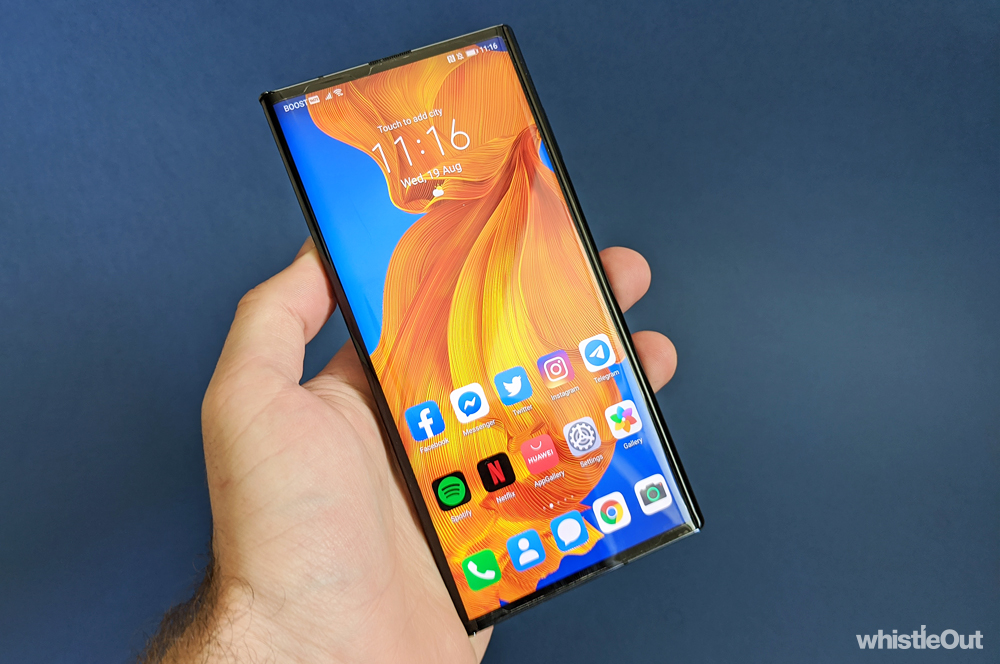
When folded down, the Mate XS presents as a 6.6-inch smartphone. While there are certainly larger phones around - the Galaxy Note 20 Ultra measures in at 6.9-inches - the Mate XS has a lot of heft to it. Weighing in at 300 grams, it's light for a tablet, but very heavy for a phone. For comparison, the Note 20 Ultra weighs 208 grams, and its already on the heavier side of the spectrum. The original Galaxy Fold measures in at 275 grams.
I found the combination of weight and screen-size made the Mate XS a tad tricky to use one-handed. Reaching across the screen to type was uncomfortable at best; it requires all sorts of contortions and instils a slight fear of dropping the phone. Not ideal, especially when it costs $3,999. Whether you're using it folded or unfolded, the Mate XS is a two-handed device.
To unfold the Mate XS, you first need to tap a button on the back that unlatches the screen with a satisfying click. This pops the screen out to a rather acute angle, at which point you're able to snap it flat. Unfolding isn't quite effortless - you need to put a little force into your movement - which has made friends a tad apprehensive when they've had a tinker with the phone. No one wants to be the person who breaks the four grand foldable. (Thankfully no one did.)

Once unfolded, the Mate XS is genuinely all screen. There's no front-facing camera, no notches, and only the slightest amount of bezel. It's a very clean design. You will however notice a rather prominent screen protector (one that can't be removed), which somewhat takes away from the design. It's quite easy to tell whether the screen protector ends and begins, and I noticed fraying and dust accumulating on the edges. The Mate XS genuinely feels like any other tablet when opened up, and tends to be great for typical tablet things like reading, watching videos, playing games, or when you want a bit of extra display for editing photos in Lightroom.
As with all foldable phones, there's a crease in the Mate XS display - a notable bump in the screen in the middle. The Mate XS' crease is a bit more prominent than those found on other foldable devices, which I'd chalk up to the different folding mechanism. It's not ideal, but it's a compromise you make with all foldables.
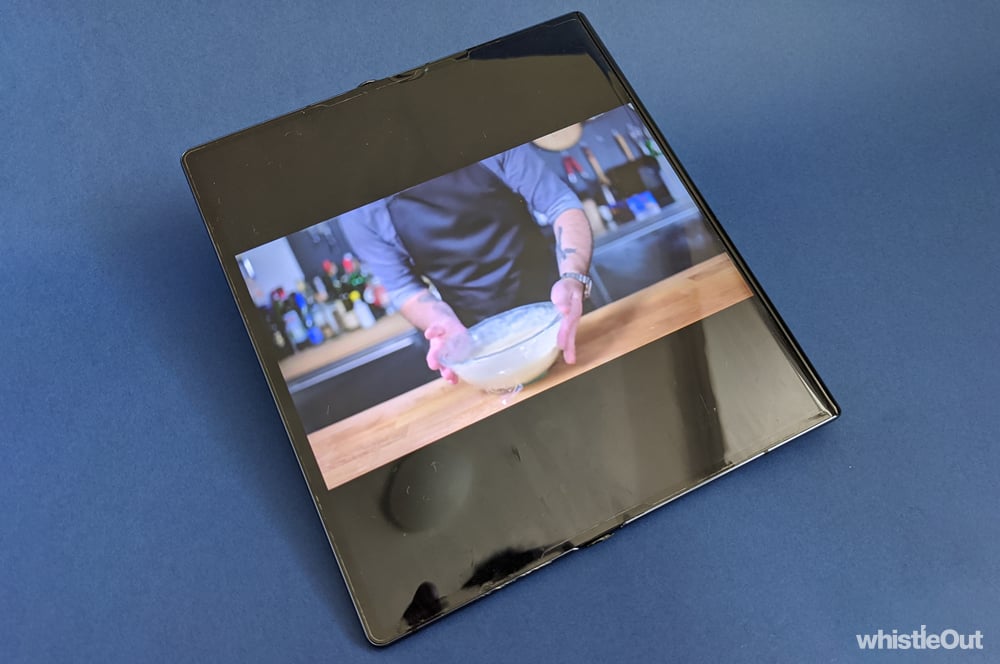
The Mate XS' 8-inch screen has an almost square aspect ratio when unfolded, which is a rather unusual choice. It doesn't really impact use when you're browsing the web or using the phone as an e-reader, but it can be a tad problematic when it comes to video. If you're trying to watch something in its native aspect ratio, you end up with rather chonky black bars surrounding it. You can zoom in on what you're watching in some apps, but not others. I could in the Netflix app, but I couldn't with YouTube on the web, for example. This design decision means you're forced to choose between cropping your video or not using the screen to the fullest. And is there even a point of having a larger display if almost half of it is displaying black bars?
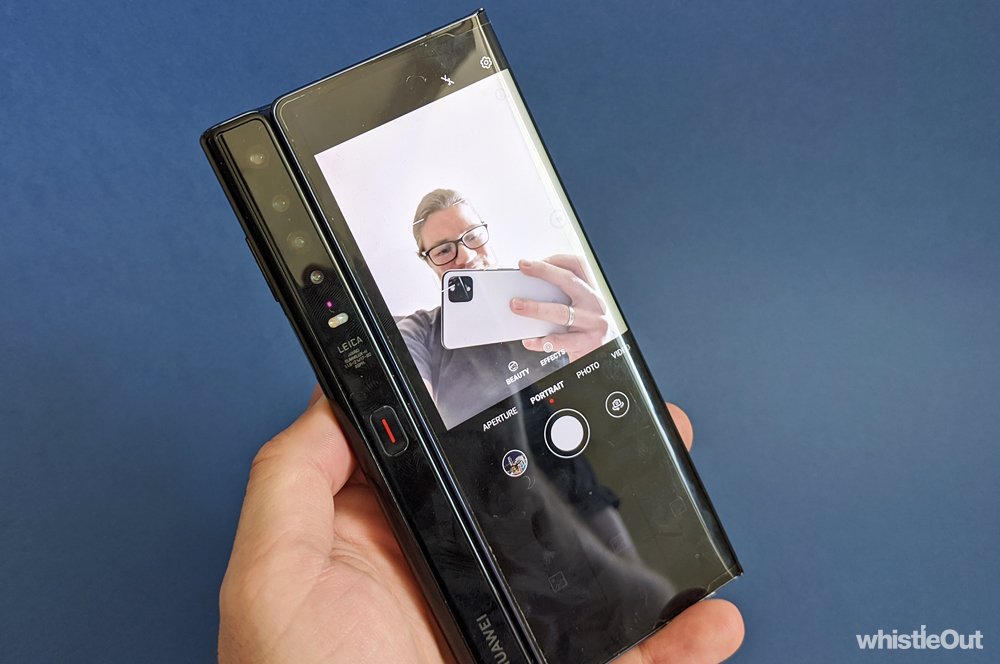
The Mate XS has a few unique design decisions. For one, the phone has no front-facing cameras. If you want to take a selfie, you need to flip the phone around. Since the back of the Mate XS is also screen, it will fire up and act as a viewfinder. You can also switch on the rear-display when taking a photo of someone else - if you want to let them see how they look and your framing. There is however no easy way to take selfies when the Mate XS is unfolded.
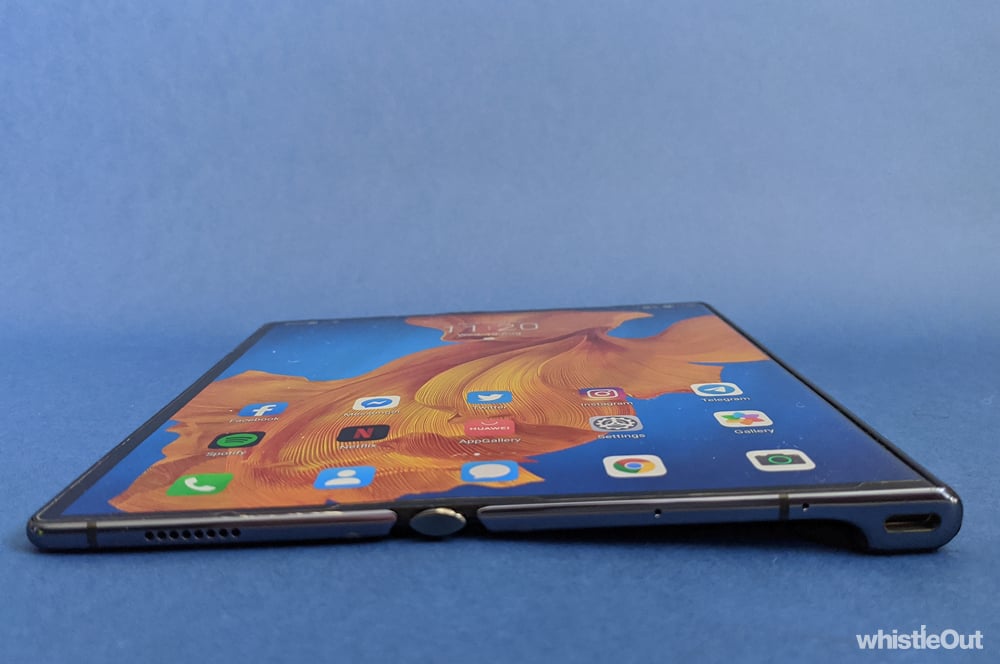
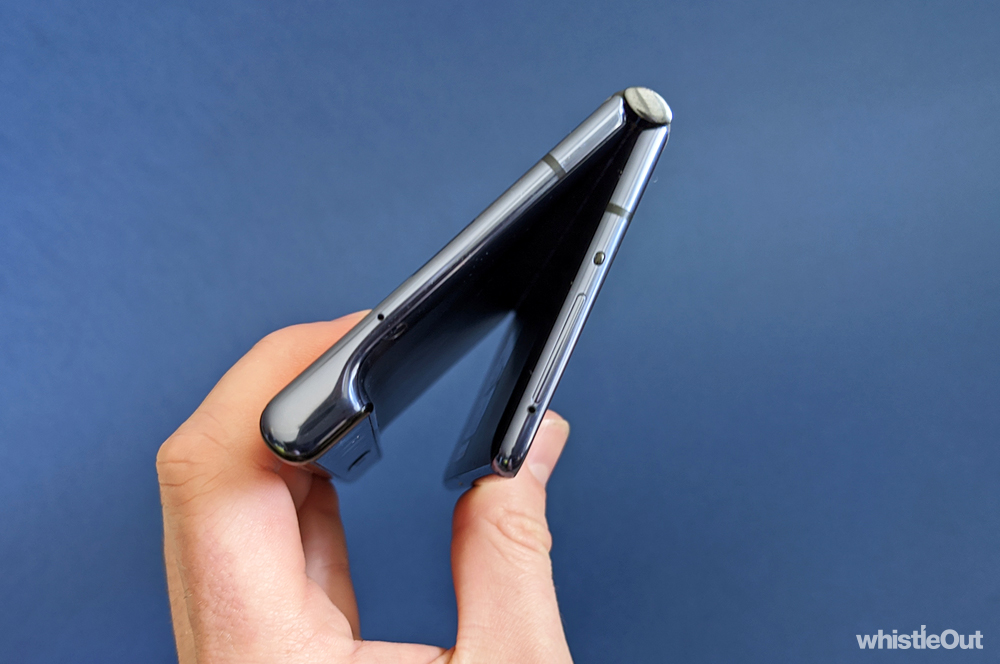
When the Mate XS is unfolded, you'll notice a protruding wedge that's home to the phone's camera and charging port. It's a tad unusual given we're used to tablets being perfectly flat, but the wedge is nice to have as a grip - especially given how thin the rest of the device is unfolded.
Part of the puzzle
Of course, there's more to foldable phones than the hardware. Software is equally important. When it comes to Mate XS, this can be a little hit and miss. If you open or close the phone with an app open, it will resize to fit the new screen size, but it won't do it intelligently. For example, opening Chrome - which I sideloaded onto the device - while the Mate XS is shut will launch it with its mobile interface. The same old Chrome you'd get on any old phone. Chrome will expand to fill the screen when you unfold the Mate XS, but it will retain the mobile interface, rather than changing to the tablet specific experience with better tab visibility. If you want the tablet interface, you'll need to force quit the app and then reopen it. And of course, the same happens when folding the phone shut. Addressing this may only take two or so taps, but it should be automatic.
There are similar issues with the software keyboard; it doesn't automatically adjust to whether you're using the phone folded or unfolded. When unfolded, you'll want to use the split view. This spaces out the left half of the keyboard from the right, so you don't need to reach into the middle to type. However, this view is much too cramped when the device is closed and you'll want to swap to a standard view. Once again, this will only take a few taps to change, but it just adds friction to the experience.
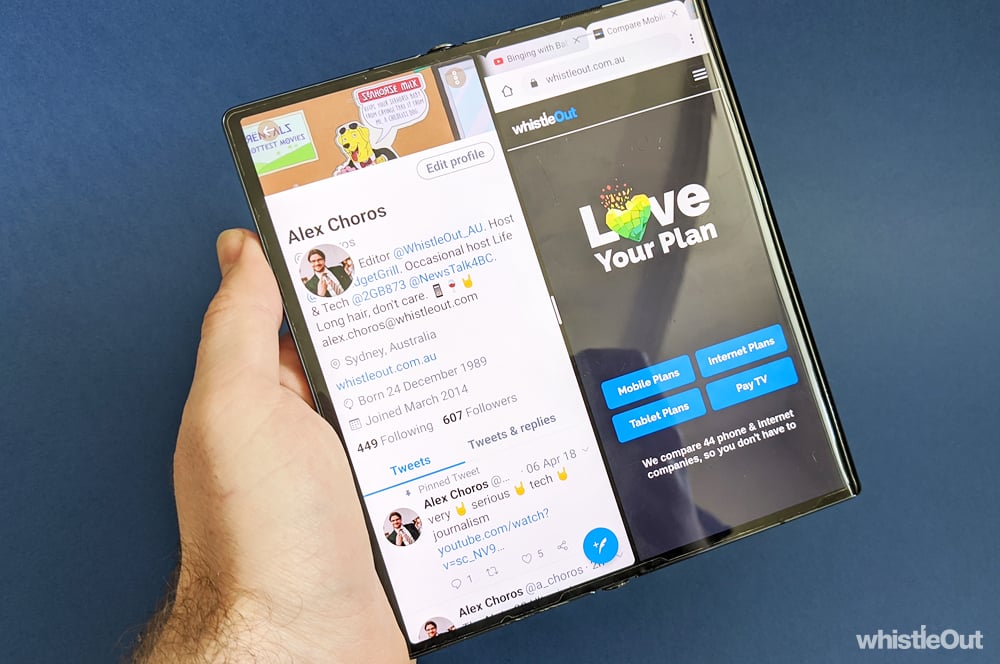
As with the Fold, the Mate XS can run two apps side-by-side when you've got it unfolded. This functionality works pretty well for the most part - you simply drag in from the right hand side of the screen and pick the app you want to open. Your second app initially floats on top of your primary app, but dragging it to the top of the screen makes it sit alongside your primary app. If you try to type in either app, the keyboard will still cover the entire width of the screen so you don't encounter any awkwardness on that front. Not all apps support side-by-side, however. Instagram refuses to open as a secondary app, for example.
Scratch that
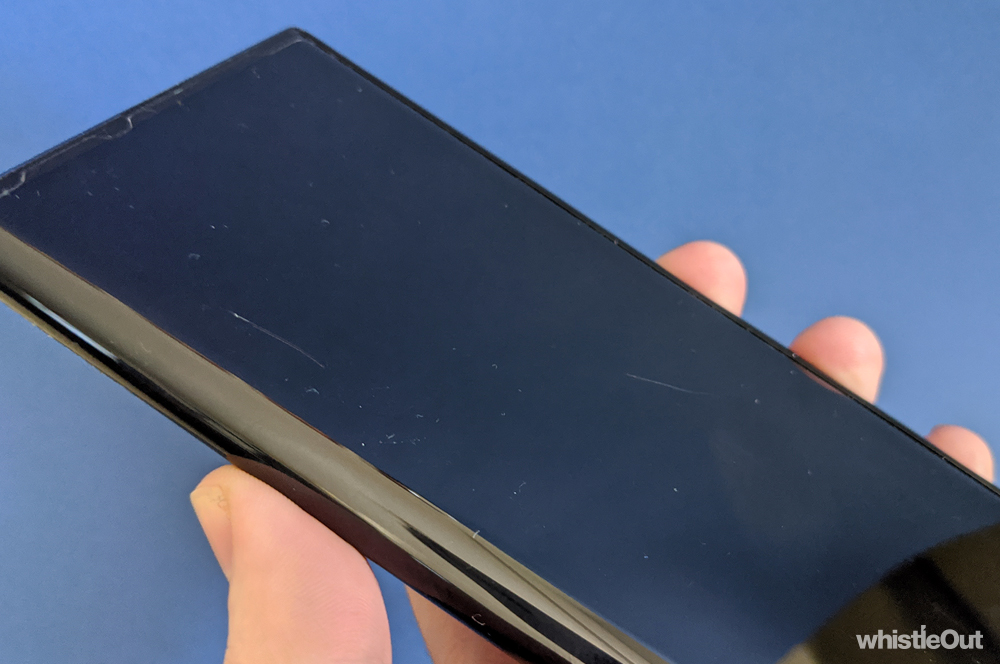
As striking as the Mate XS, the design has a major trade-off: the display is constantly exposed. This is doubly concerning given the Mate XS screen is made from plastic. Plastic is a lot less durable than glass, and my review unit had some serious scars right out of the box. I obviously can't speak as to how other writers treated the phone, most try to do their best not to damage a phone. The sheer number of scratches was very troubling, as was the depth of a few. It's not what you want from a $3,999 phone.

I'm not sure if my time with the Mate XS added any scratches given the existing amount, but it's certainly possible that just carrying it around in my pockets imparted a few extra abrasions. Once again, this isn't something you shouldn't have to worry about. Especially with a phone that costs this much.
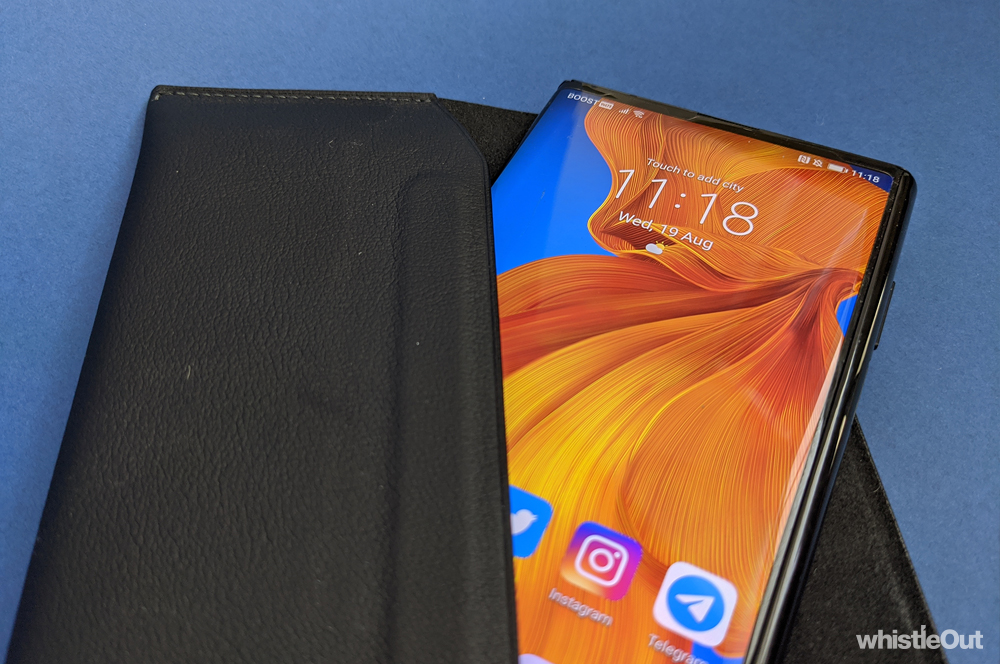
Huawei sells a leather envelope accessory for the Mate XS, but this isn't a proper solution to the problem. No one wants to remove their phone from a case every time they want to use it.
There are of course broader durability concerns around Mate XS, as with any foldable. Quite simply, foldable phones just aren't as resilient as a typical phone. While I certainly wasn't going to attempt my own drop tests, there are countless YouTube showcasing Mate XSes with busted hinges and damaged screens. It’s hard to tell exactly what kind of punishment they were put through, but it's clearly a phone that needs more care than the average device. Especially considering a screen replacement will set you back $1,909 locally - enough cash to buy an iPhone 11 Pro Max. Unless you're seriously unlucky, most phones should survive a minor drop these days. It's hard to have that kind of confidence in the Mate XS.
Everything else
Looking beyond its foldable functionality, the Mate XS is an excellent piece of hardware for the most part. It's rocking a lightning fast processor, the battery should comfortably last a day, and it has great cameras. You're not getting quite the same picture quality as you would from the P40 Pro, but it doesn't feel like Huawei compromised on the essentials here. One potential issue is the Mate XS' screen isn't bright enough, and can struggle in direct sunlight. The single speaker is trash, and you only get crappy USB-C buds in the box. It's a shame Huawei didn't bother to include better headphones in the box, as we've seen with Samsung bundling Galaxy Buds with the Fold. The Mate XS is a $3,999 phone, after all.
And of course, there is the app situation. The TLDR is Huawei has effectively been cut off from Google thanks to a US government executive order. The Mate XS still runs Android, but an open source version known as AOSP. AOSP, however, doesn’t feature Google's apps or services. These include the Google Play Store, Google Maps, YouTube, Gmail, and more. In order to ship a phone with Google apps, a manufacturer needs to license these from Google, which Huawei is not able to do at present.
The lack of a Play Store leaves you without a simple way to install apps, and Huawei's App Gallery is somewhat bleak. There are alternative options for installing apps, but this doesn't mean you can just run any app on the Mate XS. It's important to understand that this impacts apps outside of Google's due to the lack of Google services. Apps like Uber, Binge, Disney+, Bumble, eBay and more simply won't work on the Mate XS. You can read more about what apps run on Huawei smartphones here.
Huawei Mate XS - Final Thoughts
The Mate XS is genuinely a fascinating piece of tech, especially from a design perspective. It's easily the foldable that comes closest to the ideal of being a device that could replace a phone and tablet without compromising on the design of either. It makes very few trade-offs in terms of hardware, even if the software could use more refinement. The lack of Google apps and services is obviously a major problem, and for most, a deal-breaker.
However, I'd say durability is an even larger concern. With a bit of willpower, it's possible to make the Mate XS more like a regular Android phone. I don't recommend it, but it's certainly possible. But no matter what you do, you can't make the Mate XS more durable. You can't prevent its plastic screen from scratching. You can't stop the display from malfunctioning if you happen to drop it. You're always going to need to handle the Mate XS with kid gloves. There's an uneasiness in knowing that one false move could wreck your $3,999 phone. No matter how carefully you treat your phone, mistakes happen sometimes.
If Huawei continues to experiment with foldables - which I hope it does - it needs to focus on durability. I'm not quite sure how it can achieve that with a foldable display that's constantly exposed, but if Huawei wants to genuinely sell a phone for $3,999, that's what it needs to figure out.
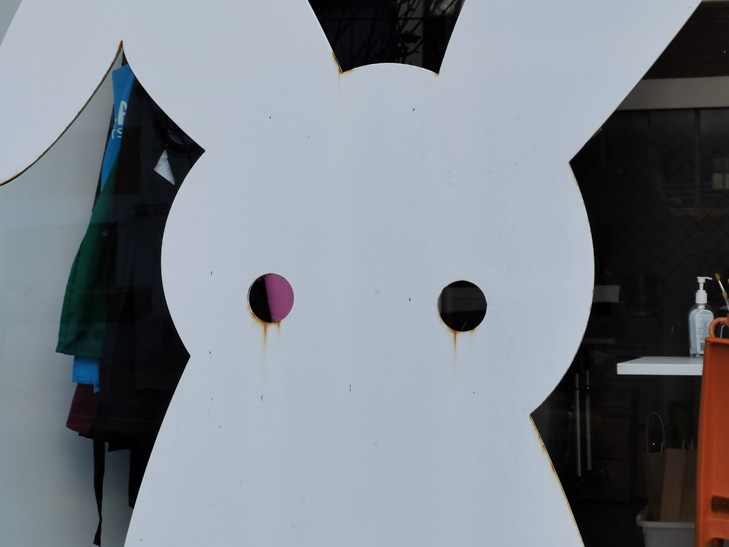
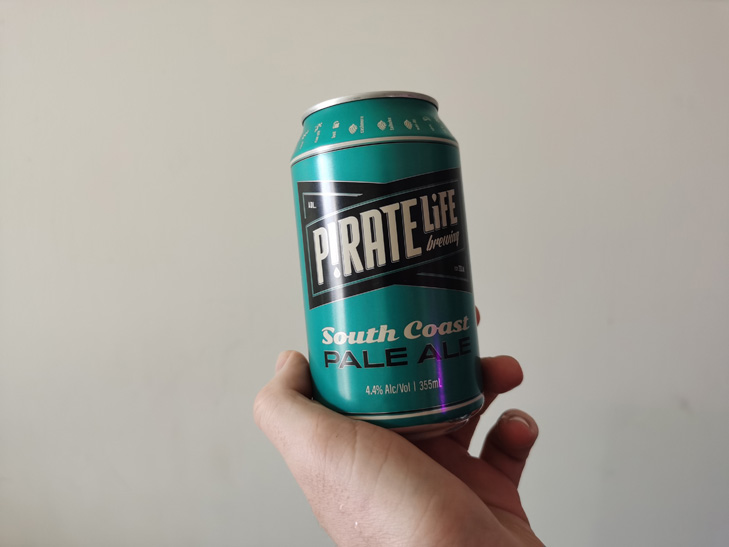
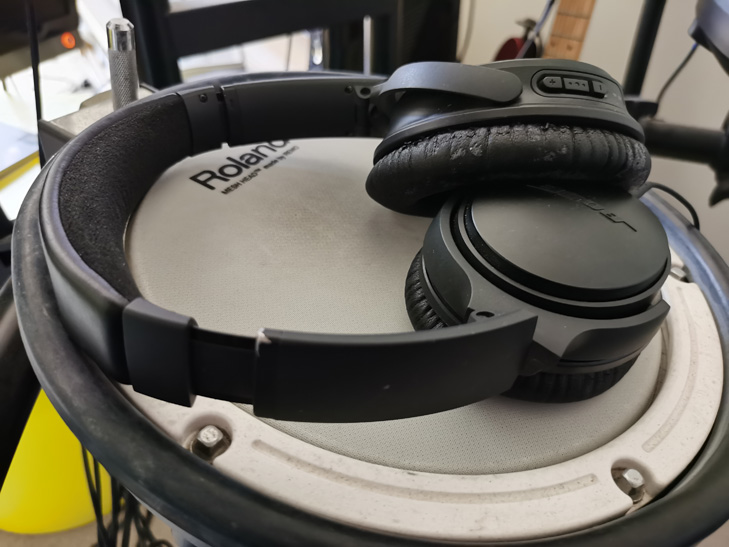
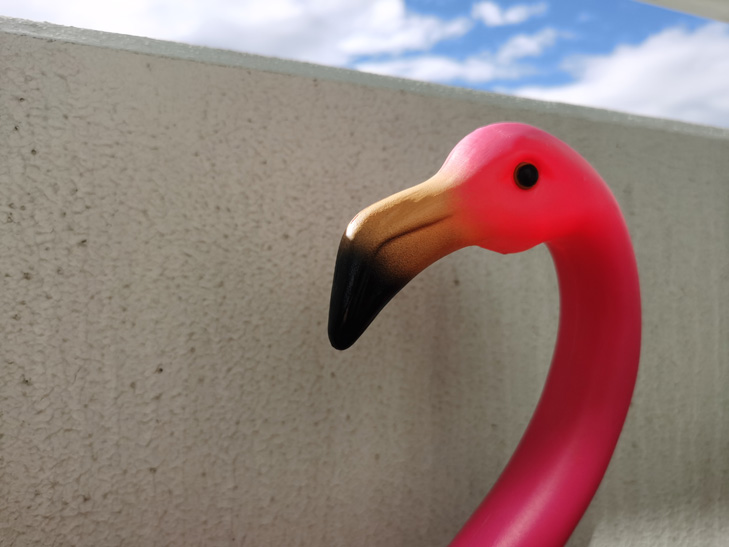
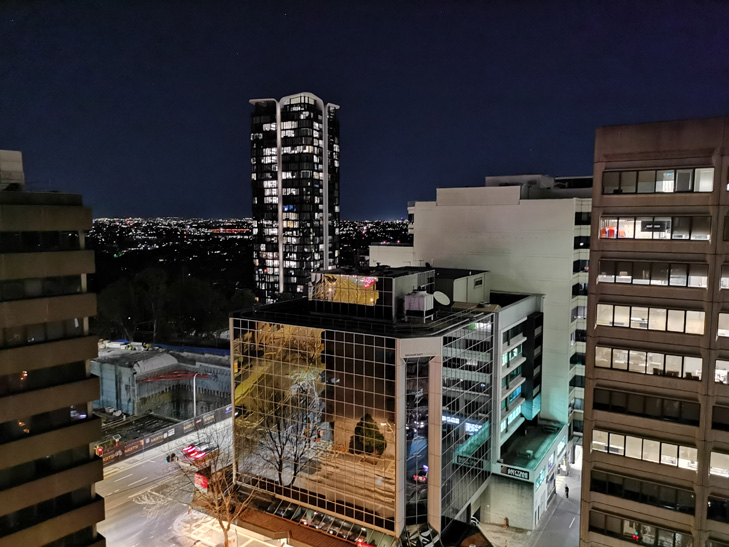
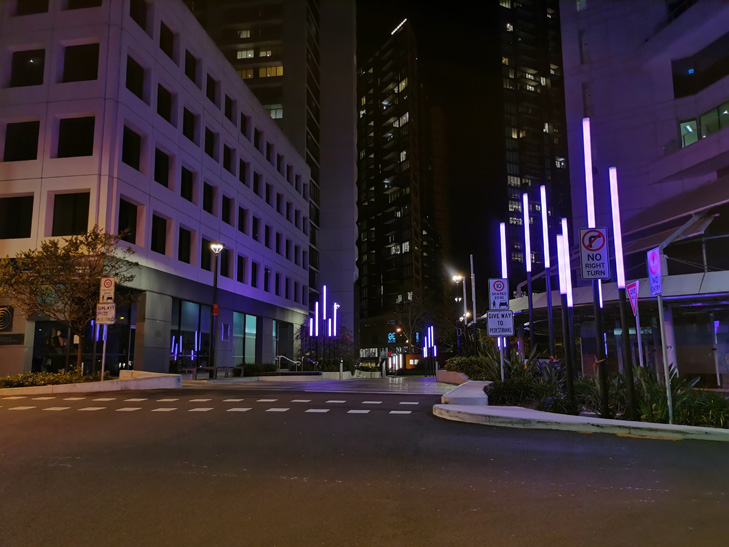
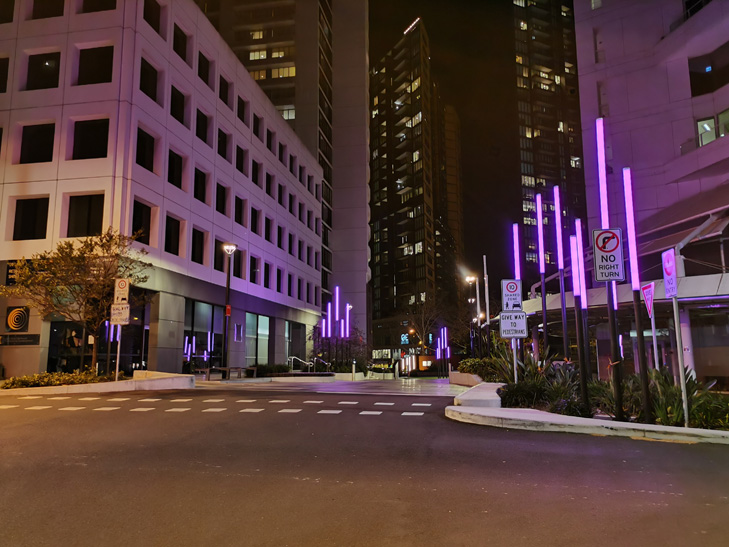
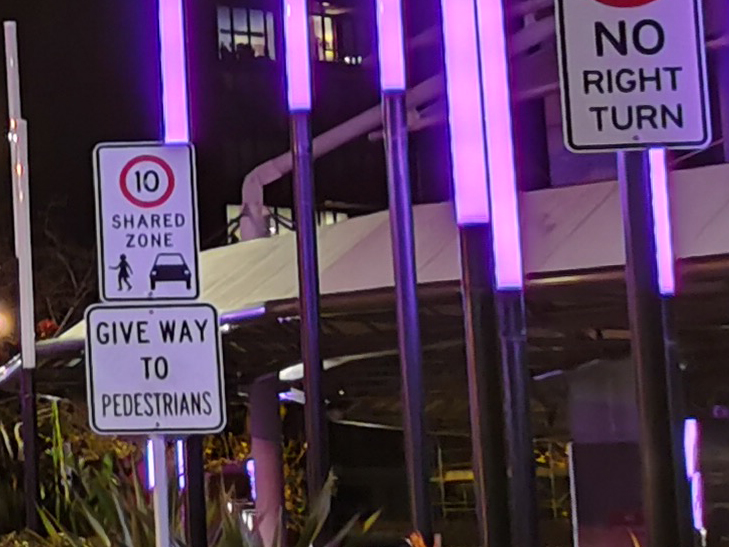
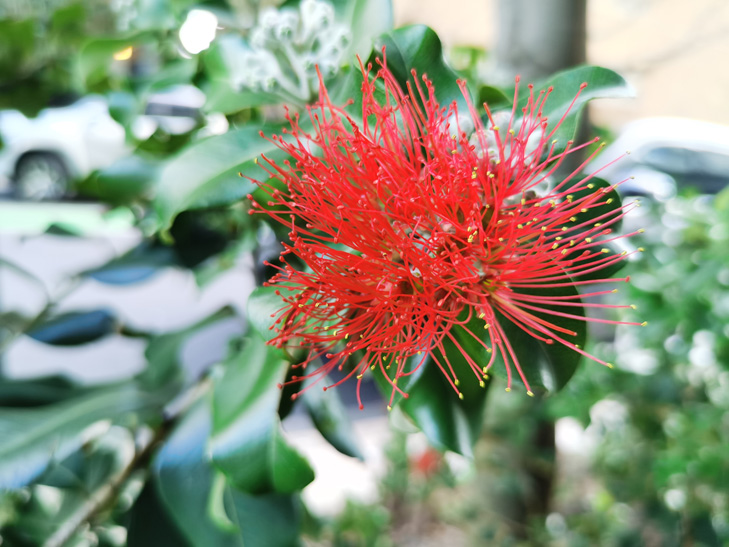
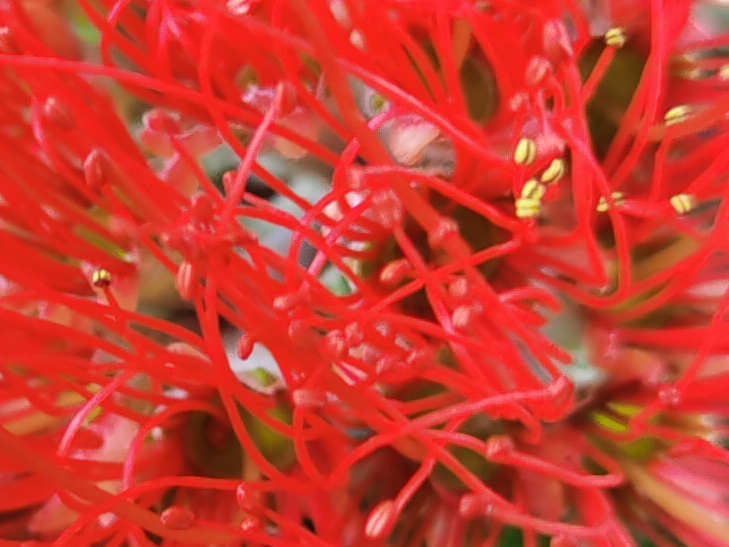
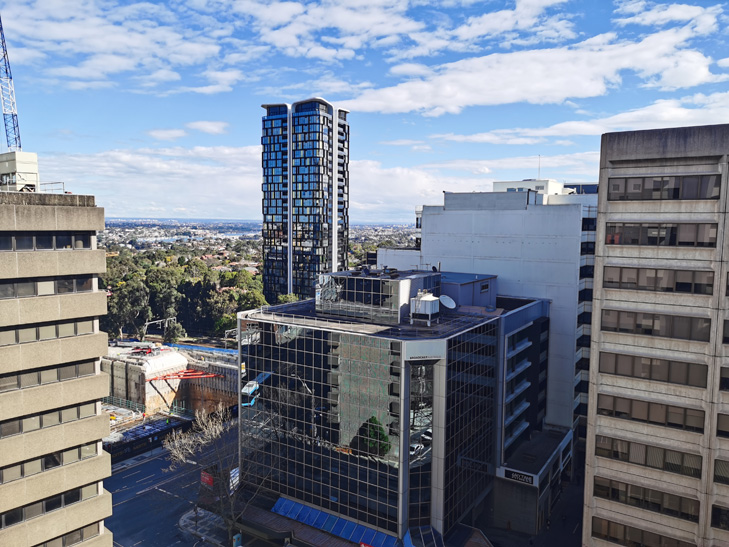
Huawei Mate XS camera samples


Alex Choros

Related Articles


