
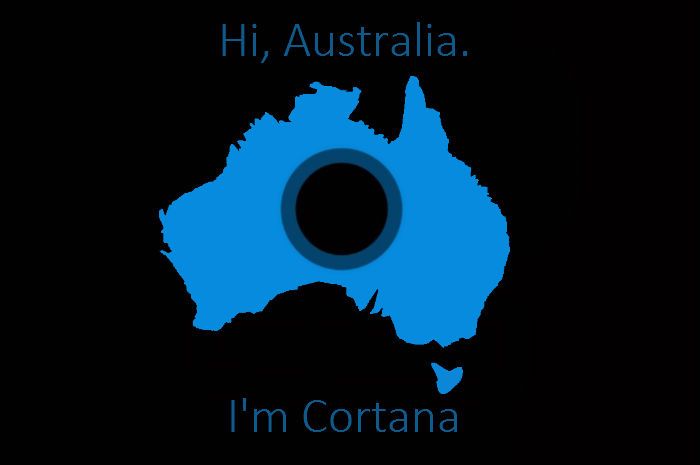
Cortana, the Windows Phone answer to Google Now voice and Siri, will soon be hitting Australian shores in the form of an alpha version. That of course means it’s still in the very early testing stages, but with any luck it suggests Aussies won’t have to deal with a service that can’t understand our charming accent, such as was the case with Siri and Xbox Kinect when they were both first released.
The news is slightly surprising. Australia isn’t often granted access to early-release products like this, probably because our market base isn’t high enough. It’s nice to see us getting in on the ground floor for once. After all, Australians are often referred to by tech gurus as early-adopters and avid gadget-owners. Recognition is sweet when it's deserved.
The update has already begun roll out. Try popping in to Settings > Phone Update and tapping search. If nothing comes up don’t worry. Roll outs like this tend to be gradual. With any luck your phone should be added to the list within a week or two, so long as it’s compatible with the Windows Phone 8.1 update.
About Cortana

Cortana, named for the character from the Halo franchise and voiced by the same actress, is similar to Siri and Google Now voice. You can set reminders, send messages, make calls, perform searches, check the weather and all that goodness. It’s also a native-speech app, so you should be able to talk to it in a fairly relaxed manner.
Of course, it’s still not even in beta release yet, so more than a few of the commands will be restricted in the phrasing you can use. Still, preliminary tests by US bloggers have been positive, especially seeing as many were performed months ago and it’s sure to have come a ways since then.
Probably our favourite piece of Cortana functionality is Quiet Hours. You can set your phone to disable notifications automatically at certain times during the day. This is similar to Apple’s Do Not Disturb mode, but without the need to manually activate and deactivate it.
Also like DND, you can set certain contacts to be exempt from the Quiet Hours restrictions, so that their attempts to contact you always get through. You can also make it so that anyone who calls twice within 3 minutes will also be able to contact you, as it may be an emergency.
Overall Cortana looks like it’s going to be a well-made voice-activated personal assistant. In terms of where it will live on your Windows Phone the answer is simple: the search screen. Hitting your search button will launch the Cortana app, from where you can either talk to her or type in the regular search field.
You can also set it up as a Live Tile, the purpose of which is very similar to Google Now. You can set up your preferred news feeds, whether you’d like to see weather updates etc, all of which will crop up on the tile as well as within the app itself.
Alex Angove-Plumb
Digital Content Editor

Related Articles


